Access Control (cont’d) 55
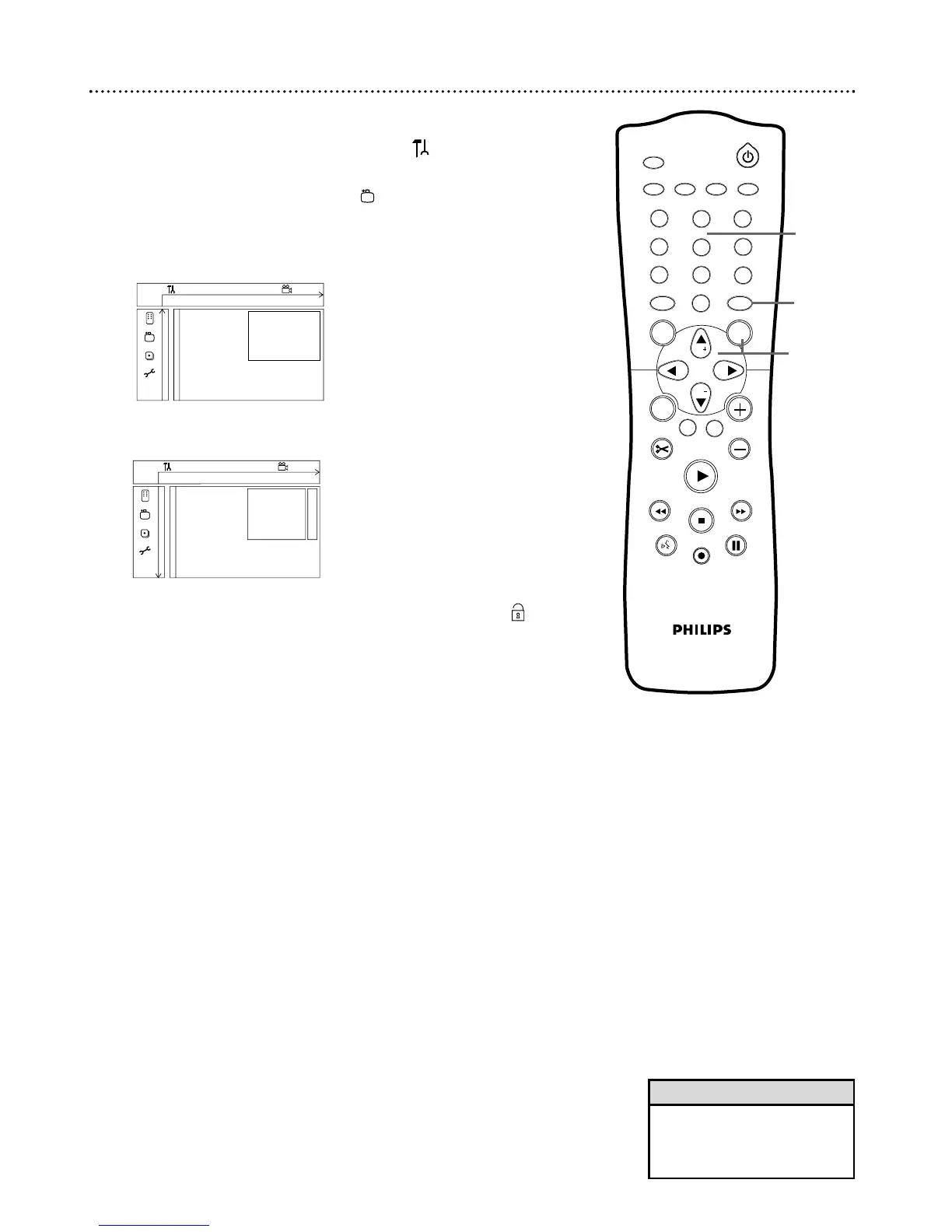
Child Lock
1
Press SYSTEM MENU. Press ; to select in the top left
corner of the menu bar at the top of the TV screen.
2
Press CH-9 repeatedly to select in the second screen,
then press :. Access control will be highlighted.
3
Press : again, then press the Number buttons to enter
your four-digit code. See page 54.
4
Child lock will be highlighted. Press :.
5
Press CH+8 or CH-9 to select Locked
Ç
or Unlocked ,
then press OK. If you chose Locked, unauthorized or Locked Discs
will not play unless you enter your four-digit code.
6
Press SYSTEM MENU to remove the menus.
1
2
3
4
5
6
7
8
0
9
I
I
MONITOR
TV / DVD
T / C PLAY MODE REC. MODE
SELECT
OK
DISC
SYSTEM
MENU
CH
CH
TIMER
FSS
RETURN
CLEAR
TV VOLUME
PLAY
STOP
AUDIO
PAUSE
REC/OTR
STANDBY
W X Y Z a
1 2 1en off no off
s Child lock
L
B
@
Access control Parental level
Auto resume Change country
Finalize disc Change code @
~
• Finalize disc will appear in this
menu only when a non-finalized
DVD+R is in the Recorder. See
page 52.
Helpful Hint















 To Next Page