44 Erasing Timer Recordings
1
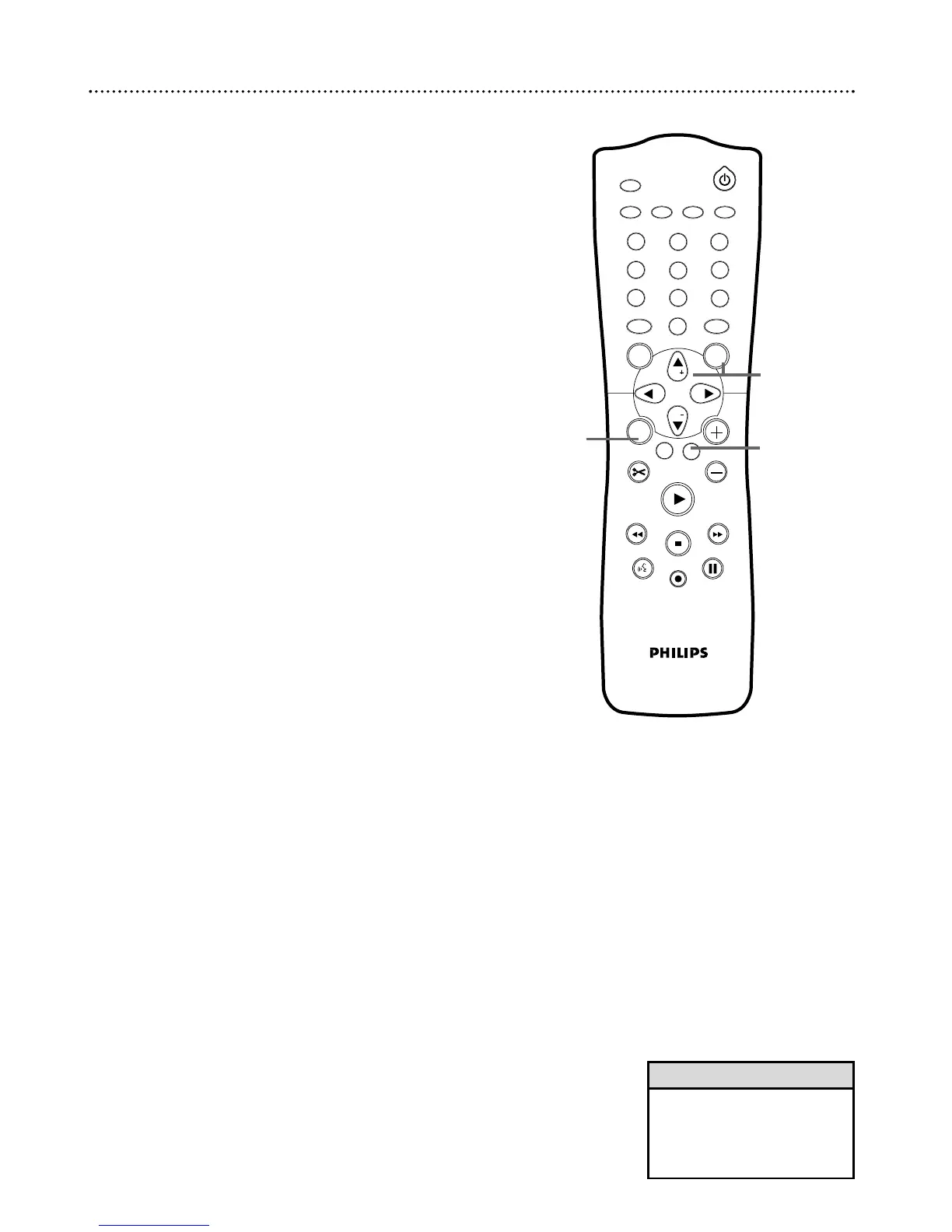
Press TIMER.
2
Press CH-9 to choose Timer list, then press :.
3
Press CH+8 or CH-9 to highlight the timer recording you
want to erase.
4
Press CLEAR.The recording you selected will appear alone on the
screen beneath “Clear Timer.”
5
Press OK to erase the timer recording. “Timer Cleared” will
appear at the bottom of the screen briefly, then the Timer List will
reappear. (If you decide not to erase the timer recording, press the
TIMER button.The Timer List will reappear.)
6
Press TIMER repeatedly to remove the menus.















 To Next Page