46 Record One Channel/Watch Another
1
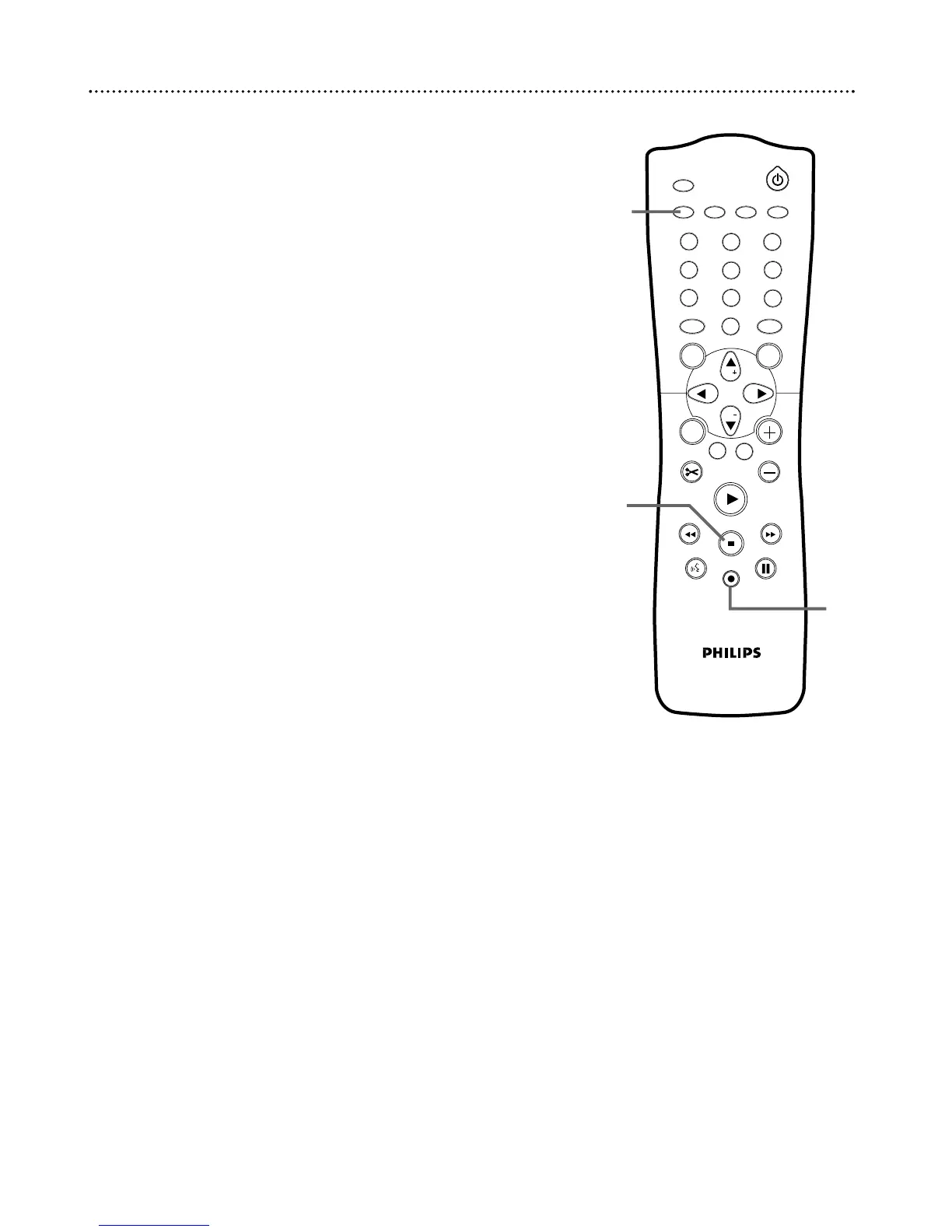
Press REC/OTR I to record the current TV channel. A red
light will encircle the Record I button on the front of the Recorder
to indicate recording is in progress. See page 21.
2
Press TV/DVD on the remote to put the Recorder in TV
position. TV will appear briefly on the Recorder’s display panel.
3
Use the TV remote control to select the channel you want
to watch at the TV. (If you have a Philips TV, you may be able to
hold down the DVD/TV button on the side of the remote and use
the CH+8 and CH-9 buttons to change channels at the TV. See
page 23.)
4
To return to the recording, use the TV remote control to
reselect the TV channel at which you usually view the DVD
Recorder. This may be a Video In channel or channel 3 or 4,
depending on how you connected the DVD Recorder to the TV.
The channel being recorded will appear on the TV screen.
5
Press TV/DVD on the Recorder’s remote control to return
the Recorder to DVD position. DVD will appear briefly on the
Recorder’s display panel.
6
To stop recording, press the STOP C button.















 To Next Page