4
Preparation
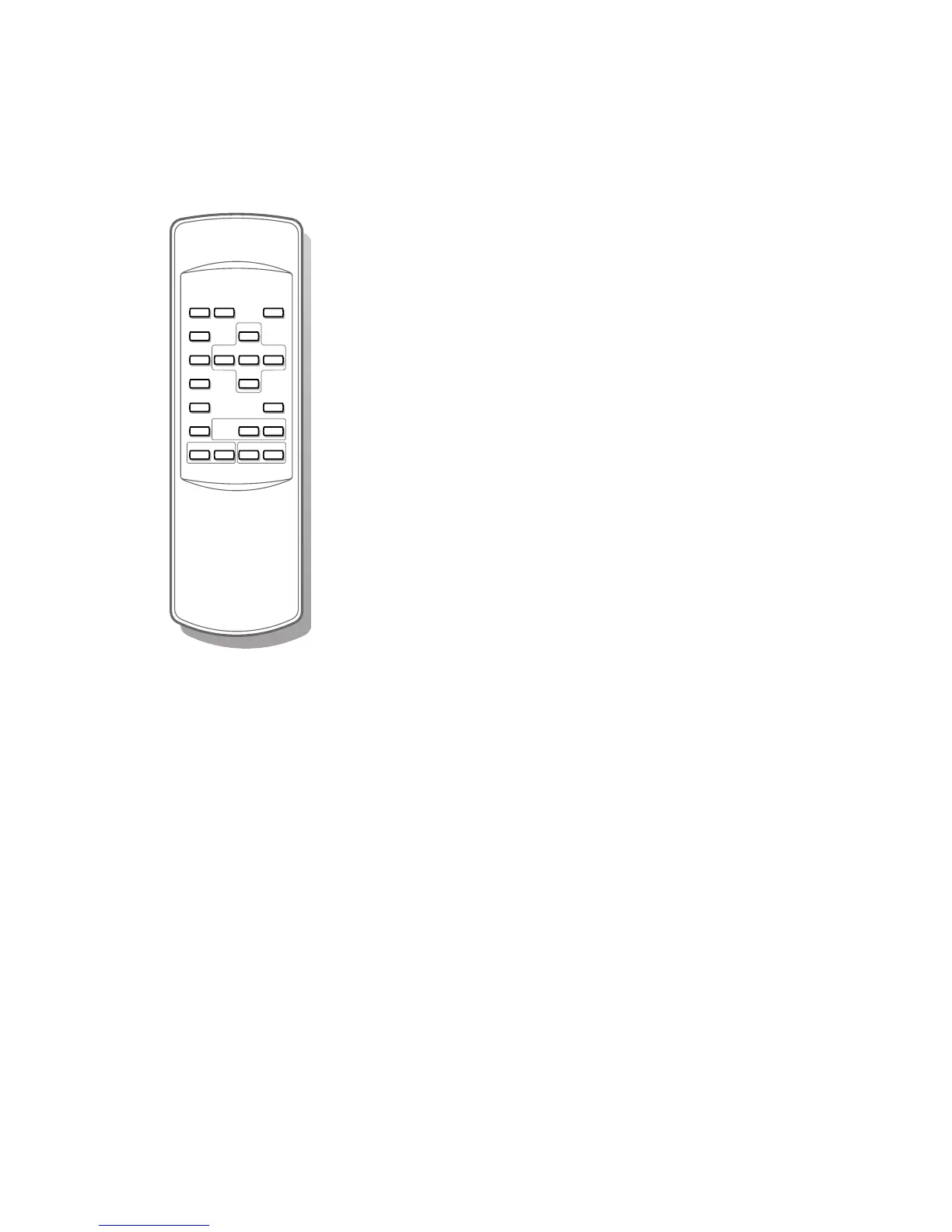
With the simplified remote control supplied with the monitor you can:
• switch menu on or off with the
MENU key
• select a menu or menu item with the cursor keys
• activate the selection you made with the OK key
• switch your flat colour television to standby or on again with the B key
• mute the sound with the ¬ key
• select predefined picture and sound settings with the
SMART CONTROLS
PICTURE and SOUND keys
(not with a monitor in a stand alone situation)
• select the desired programme number with the -
CH/P +
(not with a monitor in a stand alone situation)
• adjust the volume with the - V + keys
• select one of the connected externals.












 To Next Page