EasyManua.ls Logo

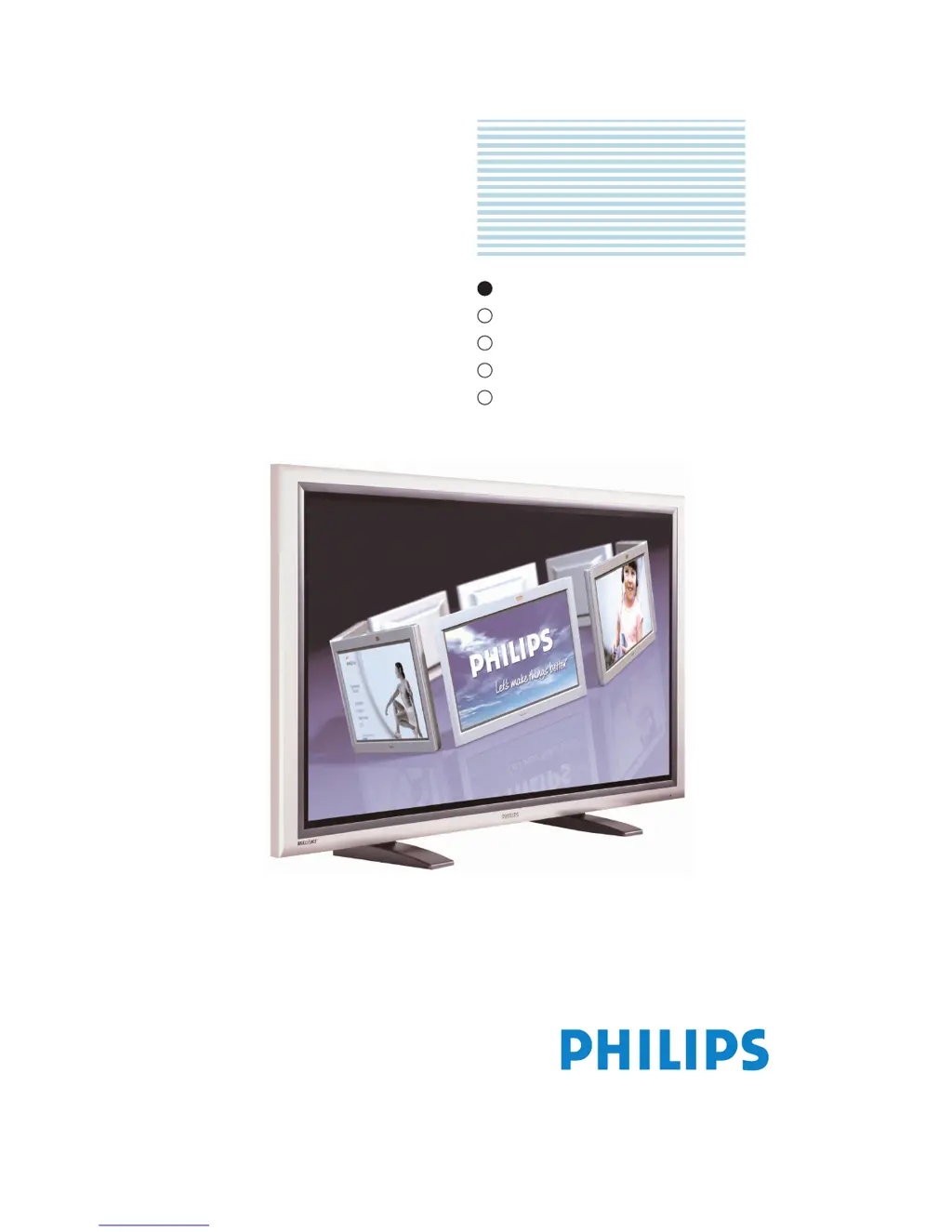
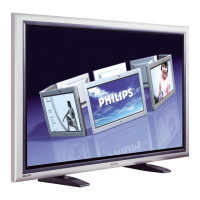
Philips HDTV - User Manual

Philips HDTV
59 pages
Print Icon
To Next Page IconTo Next Page
Loading...
E
User Manual
Benützersanleitung
Guida Utente
Manual de uso
Manuel de l’utilisateur
TYPE NR. BDH5011
Philips
Business
Solutions
G
I
S
F
E

Questions and Answers

Summary

Important Safety Instructions

Safety Warnings and Precautions

Covers electric shock risks, servicing safety, and general precautions to prevent damage.

Avoiding Permanent Image Retention

Product Features

Package Contents

Understanding Your Display

6.3 Remote Control

Connecting the Display

7.1 Connecting a DVD Player

Instructions for connecting a DVD player using Component, S-Video, and Composite inputs.

7.2 Connecting a HDTV Decoder Set-Top Box

Guides on connecting an HDTV decoder using Component and RGB inputs.

7.5 Connecting a PC Using RGB or DVI Video Input

Instructions for connecting a PC via RGB or DVI interfaces, including audio.

Using Your Display - Basics

8.1 Powering ON; OFF

Describes how to power the display on/off using the front panel, remote, or discrete buttons.

8.2 Selecting Signal Source

Explains how to select input sources using the INPUT button or direct selection keys.

Using with HDTV

Advanced Functions

10.1 Picture-In-Picture (PIP); Side-by-Side Picture (POP)

Guides on enabling and managing PIP/POP modes, including position changes.

Picture Adjustment

11.1 For AV;Component Video (480 i signal)

Explains picture settings like Contrast, Brightness, Color, and Tint for AV/Component inputs.

11.2 For Component Video (480 p, 720 p and 1080 i signal)

Details picture settings for Component inputs (480p, 720p, 1080i) like Contrast, Brightness, Color, Tint.

11.3 For RGB; DVI

Explains picture settings for RGB/DVI inputs like Contrast, Brightness, Color Temperature.

Troubleshooting

Troubleshoot Common Conditions

Provides a checklist for common display anomalies and their solutions.

Limited Warranty

Warranty Coverage Details

Explains what is covered, for how long, and proof of purchase requirements.

Philips HDTV Specifications

General IconGeneral
BrandPhilips
ModelHDTV
CategoryFlat Panel TV
LanguageEnglish

Related product manuals