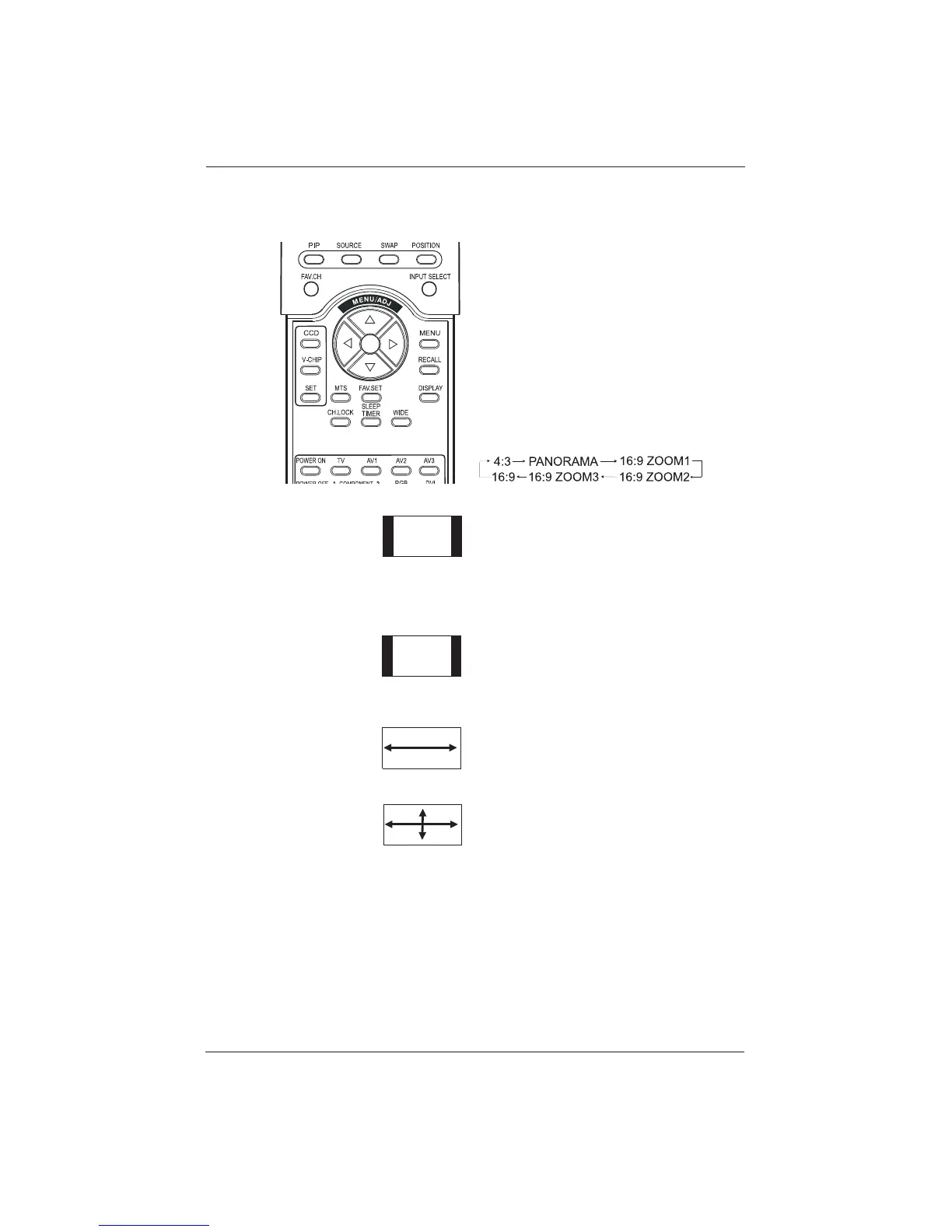
10.2 Widescreen (16:9 Aspect
Ratio) Viewing Modes
Understanding Widescreen Modes
This plasma display is capable of displaying a
widescreen image on the native 16:9 aspect ratio
screen. However, not all available broadcast or
video content fits perfectly in a widescreen
(16:9) format, resulting in unused screen space.
Use the following guidelines to determine an
avaible and suitable widescreen viewing mode
that best supports the type of broadcast / video
content you wish to display. All widescreen
viewing modes are available by pressing the
WIDE button. Pressing the WIDE button will
repeatedly cycle through:
For 4:3 Aspect Ratio (Square) Content
Content from VCR and some DVD’s are format-
ted using a quare 4:3 format.
We recommend the following three
viewing options:
4:3 (NORMAL)
In 4:3 mode, the original 4:3 image is preserved
but black bars are added to fill the remaining
space on the left and right.
16:9 (FULL)
The original 4:3 image is proportionally
stretched to fill the entire screen.
PANORAMA
The original 4:3 image is expanded in both the
horizontal and vertical directions.The center of
the picture is almost normal while the edges are
considerably expanded.
31
User Manual BDH5011










 To Next Page