2
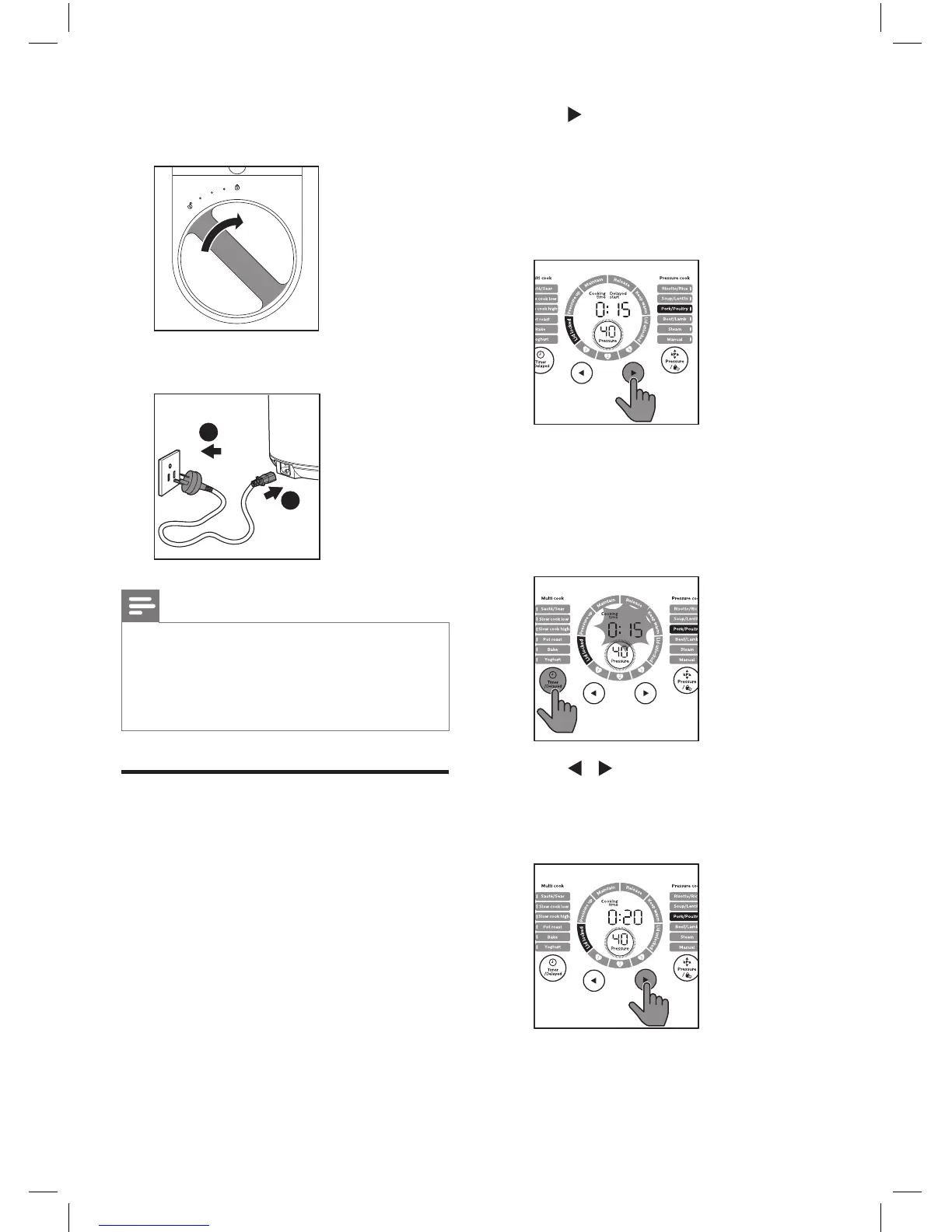
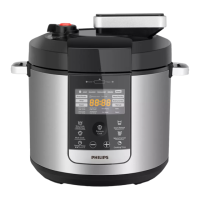
Tap to choose one of the
pressure cooking functions.
»
The chosen cooking function
lights up, the default pressure
keeping time and pressure are
displayed on the screen.
3
To set a dierent pressure keeping
time, tap Timer/Delayed, Cooking
time lights up.
»
The pressure keeping time
blinks.
4
Tap / to set the cooking time.
For the cooking time adjustable
range, refer to Chapter ‘Cooking
time regulating range‘.
5
Turn the handle clockwise to lock
the top lid.
6
Put the plug into the power socket.
2
1
Note
•
Make sure the outside of the inner pot
is dry and clean, and that there is no
foreign residue on the heating element.
•
Make sure the inner pot is in proper
contact with the heating element.
Pressure cooking
Risotto/Rice, Soup/Lentils, Pork/
Poultry, Beep/Lamb, Steam and Manual
are pressure cooking functions. About
the information of the pressure cooking
time and pressure regulating range,
refer to Chapter ‘Functions Overview‘.
1
Follow the steps in “Preparations
before cooking”.


 To Next Page