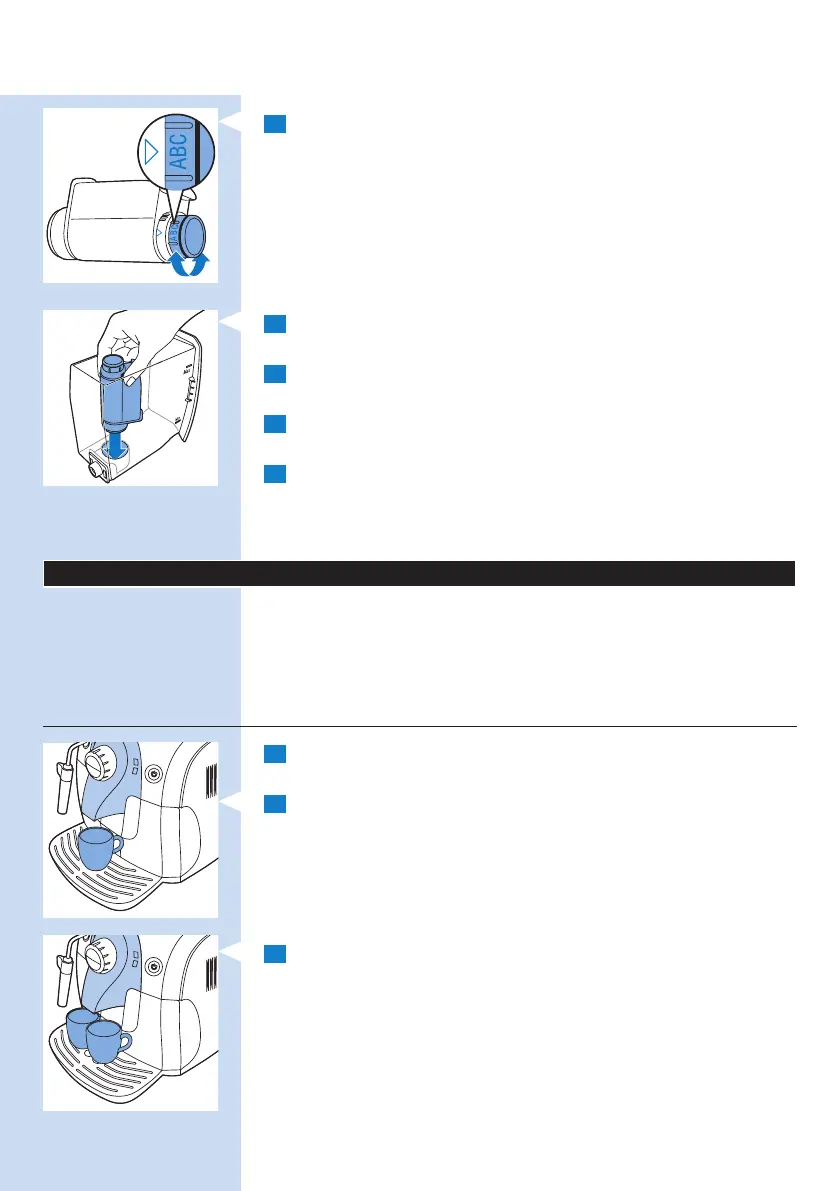
3 Turn the knob of the lter to the setting that corresponds to the
water hardness of the area you live in.
A Soft water
B Hard water (default)
C Very hard water
Note: You can test the water hardness with a water hardness test strip.
4 Place the lter in the empty water tank. Press it down until it cannot
move any further.
5 Fill the water tank with fresh water up to the MAX indication and
slide it into the machine.
6 Let the machine brew hot water until the water tank is empty
(see chapter ‘Using the machine’, section ‘Hot water’).
7 Rell the water tank with fresh water up to the MAX indication and
slide it back into the machine.
, The on/off button lights up continuously.
The machine is ready for use.
Using the machine
To guarantee perfect espresso, the machine regularly rinses its inner circuit
with water. This automatic rinsing cycle takes place 15 minutes after the
appliance switches to standby mode or switches off. During the automatic
rinsing cycle, some of the water ows through the inner circuit directly into
the drip tray. Empty the drip tray regularly.
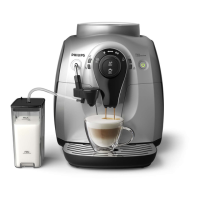
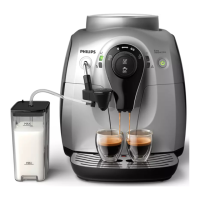
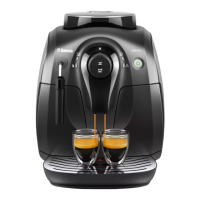
Brewing 1 or 2 cups of espresso or regular coffee
1 Make sure the on/off button lights up green continuously and
the control dial points to the coffee bean icon.
2 Place 1 or 2 cups on the drip tray cover.
3 Press the espresso button or regular coffee button.
Note: You can interrupt the brewing cycle at any time. To do this, press the
same button (for espresso or regular coffee) that you pressed to start brewing
coffee.
ENGLISH 13



 To Next Page
 Loading...