EasyManua.ls Logo

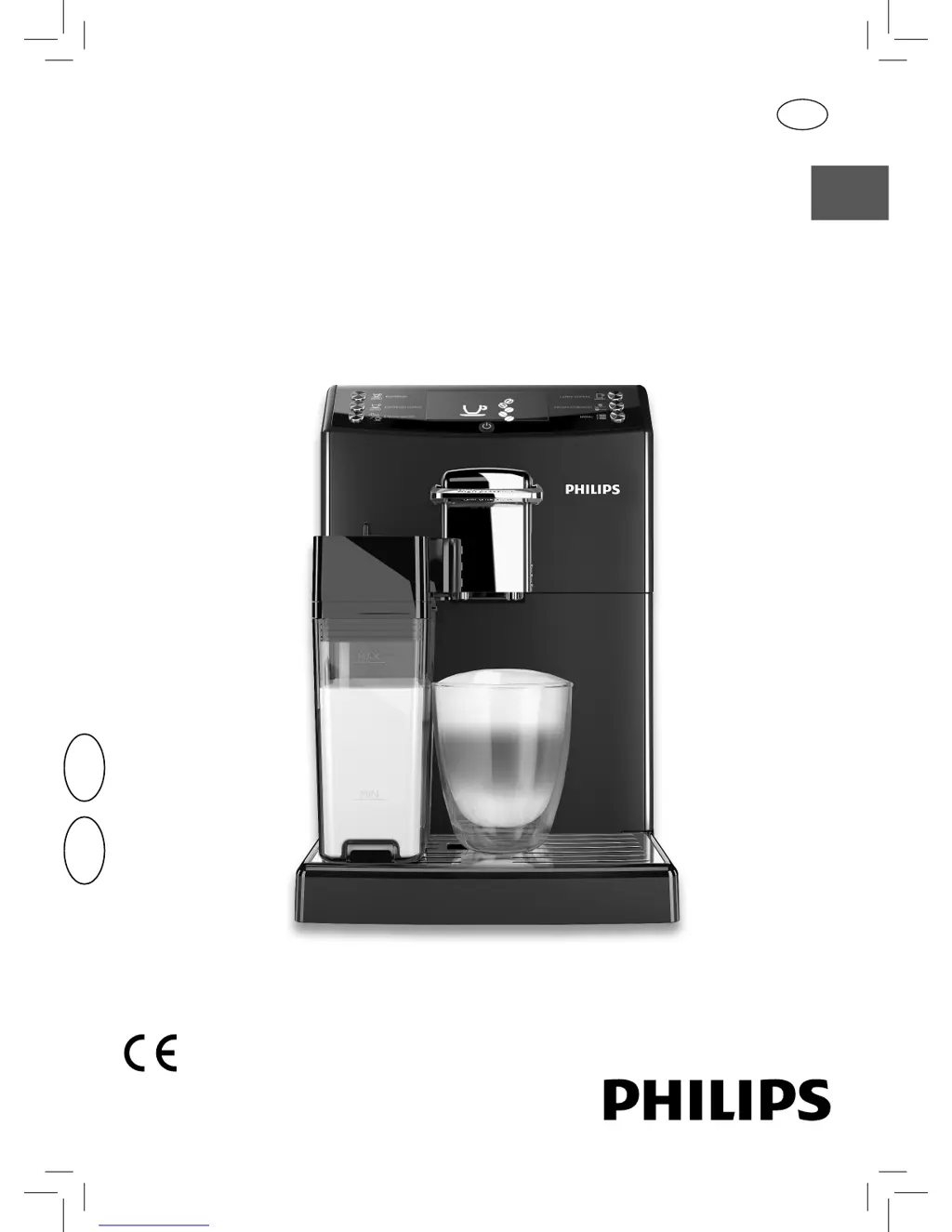
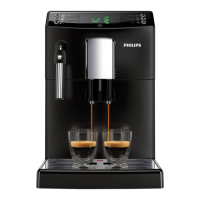
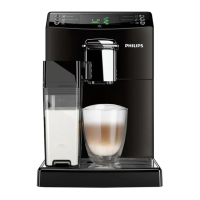
Philips HD8847 - User Manual

Philips HD8847
100 pages
Print Icon
To Next Page IconTo Next Page
Loading...
English
Register your product and get support at
www.philips.com/welcome
USER MANUAL
Read carefully before using the machine.
Super automatic espresso co ee machine
4000 series
HD8847
HD8848
EN
02
02

Table of Contents

Other manuals for Philips HD8847

Questions and Answers

  • L
    Leah WatkinsAug 19, 2025
    What to do if my Philips HD8847 Coffee Maker is not brewing coffee?
    • C
      Carl Pena Jr.Sep 12, 2025
      If no coffee is brewing, or it's brewing very slowly or drop by drop in your Philips Coffee Maker, it could be due to several reasons. The coffee grind might be too fine, or the circuit may not be primed. Also, the brew group or dispensing spout might be dirty, or the machine circuit could be clogged by limescale. Descale the machine, clean the dispensing spout and its holes, clean the brew group, or prime the circuit.
  • S
    Shelly StanleyAug 21, 2025
    What to do if the brew group cannot be removed from Philips HD8847 Coffee Maker?
    • E
      Elizabeth HansenAug 21, 2025
      If the brew group cannot be removed from your Philips Coffee Maker, it might be out of place or the coffee grounds drawer is inserted. Turn on the machine, close the service door, and let the brew group automatically return to its initial position. Also, remove the coffee grounds drawer before attempting to remove the brew group.
  • T
    Todd OlsenAug 23, 2025
    What to do if the brew group cannot be inserted in Philips HD8847?
    • M
      Michael SummersAug 25, 2025
      If the brew group cannot be inserted into your Philips Coffee Maker, it might not be in the off position, or the gearmotor might not be in the correct position. Ensure the brew group is in the off position. If that doesn't work, insert the drip tray and coffee grounds drawer, close the service door, and turn on the machine without the brew group. This will move the gearmotor to the correct position. Then, turn off the machine and reinsert the brew group.
  • K
    Keith BallardAug 26, 2025
    Why is no hot water dispensed from my Philips Coffee Maker?
    • A
      ariveraAug 26, 2025
      If no hot water is dispensed from your Philips Coffee Maker, the circuit is likely not primed, or the machine circuit is clogged by limescale. Descale the machine or prime the circuit.
  • M
    Michele HeathAug 27, 2025
    Why the milk does not come out of my Philips Coffee Maker?
    • A
      Amy PerezAug 27, 2025
      If the milk does not come out of your Philips Coffee Maker, it could be due to several reasons. The milk carafe dispenser might not have been removed correctly, the milk carafe may not be fully assembled, or the type of milk you're using might not be suitable for frothing. Check that the milk dispensing spout has been removed correctly, make sure all components of the milk carafe are correctly assembled, and use a type of milk that is suitable for frothing.
  • M
    Margaret KellyAug 30, 2025
    Why is coffee too weak from my Philips Coffee Maker?
    • G
      Gregory SandersAug 30, 2025
      If the coffee is too weak when brewed by your Philips Coffee Maker, it might be because the machine is automatically adjusting the dose. Brew a few cups of coffee to allow the machine to adjust.
  • A
    Austin CameronSep 1, 2025
    Why doesn't coffee from my Philips HD8847 Coffee Maker have enough crema?
    • K
      Kimberly ThomasSep 1, 2025
      If the coffee from your Philips Coffee Maker does not have enough crema, the blend may be unsuitable, the coffee might not be freshly roasted, or the grind could be too coarse. Change the coffee blend or adjust the grind setting.
  • T
    Tamara FreemanSep 3, 2025
    What to do if the descaling cycle cannot be completed on Philips HD8847?
    • S
      Scott GrantSep 3, 2025
      If the descaling cycle cannot be completed on your Philips Coffee Maker, it may be because the water dispensed for the rinse cycle is not enough. Press the on/off button and follow the instructions described in the "Interruption of the Descaling Cycle" section.
  • S
    Shirley EsparzaSep 5, 2025
    How to fix Error Code 3-4 in Philips Coffee Maker?
    • S
      simpsonmichaelSep 5, 2025
      If the brew group is blocked and cannot be pulled out of your Philips Coffee Maker, it's likely out of place. Close the service door, then turn the machine off and back on. The brew group should automatically return to its initial position.
  • B
    Bryan SantosSep 7, 2025
    How to fix Error Code 5 on Philips HD8847?
    • J
      Justin AcostaSep 8, 2025
      If Error Code 5 appears on your Philips Coffee Maker, it indicates a water circuit error. This can be due to air in the water circuit. To resolve this, remove and reinsert the water tank a few times, ensuring it's properly placed. Also, check that the water tank compartment is clean. If you have an Intenza+ filter installed, remove it, turn the machine off and on, and then reinsert the filter when the machine is ready.

Summary

Important Safeguards

Safety Instructions and Warnings

Key safety precautions, warnings, and cautions for safe appliance operation.

Installation Guide

Product Overview and Description

Identifies and describes the main components and parts of the coffee machine.

First-Time Machine Operation

Circuit Priming Procedure

Steps to prime the machine's internal circuits with water before first use.

Water Hardness Setup

Measuring Water Hardness

How to test and determine the water hardness using a test strip.

Adjustments

CoffeeSwitch Lever Operation

How to use the lever to select between espresso and classic coffee brewing.

Brewing Espresso and Long Espresso

Brewing a Cappuccino

Preparing and Brewing Cappuccino

Step-by-step guide to prepare and brew a cappuccino using the milk carafe.

Frothing Milk

Preparing and Frothing Milk

Instructions for frothing milk using the milk carafe for various beverages.

Dispensing Hot Water

Cleaning and Maintenance

Daily Machine Cleaning

Routine cleaning procedures for the coffee grounds drawer, drip tray, and machine exterior.

Milk Carafe Cleaning Procedures

Steps for daily and weekly cleaning of the milk carafe and its components.

Brew Group Maintenance

Weekly Brew Group Cleaning

Instructions for weekly cleaning and maintenance of the brew group.

Descaling Process

Descaling Preparation Phase

Steps to prepare the machine and accessories before starting the descaling cycle.

Descaling and Rinse Phases

Detailed process for descaling the machine and rinsing it afterward.

Machine Programming

Display Icon Meanings

Warning Signals (Red Icons)

Explains red icons that signify errors, required actions, or machine faults.

Troubleshooting Guide

Common Problems and Solutions

Lists frequent issues like error codes, machine not turning on, and their resolutions.

Brew Group and Water Issues

Addresses problems related to brew group insertion, removal, and water dispensing.

Coffee Quality and Dispensing Issues

Solutions for issues like weak coffee, lack of crema, or slow dispensing.

Ordering Maintenance Products

Philips HD8847 Specifications

General IconGeneral
TypeEspresso Machine
Water Tank Capacity1.8 liters
Pump Pressure15 bar
Dimensions215 x 330 x 429 mm
Weight7.2 kg
ModelHD8847/01
ColorBlack
Power1850 W
Voltage230 V
Used Coffee Container Capacity15 servings
Coffee Bean Capacity250 grams
Special FeaturesAroma Seal

Related product manuals