22
ENGLISH
YellowYellow
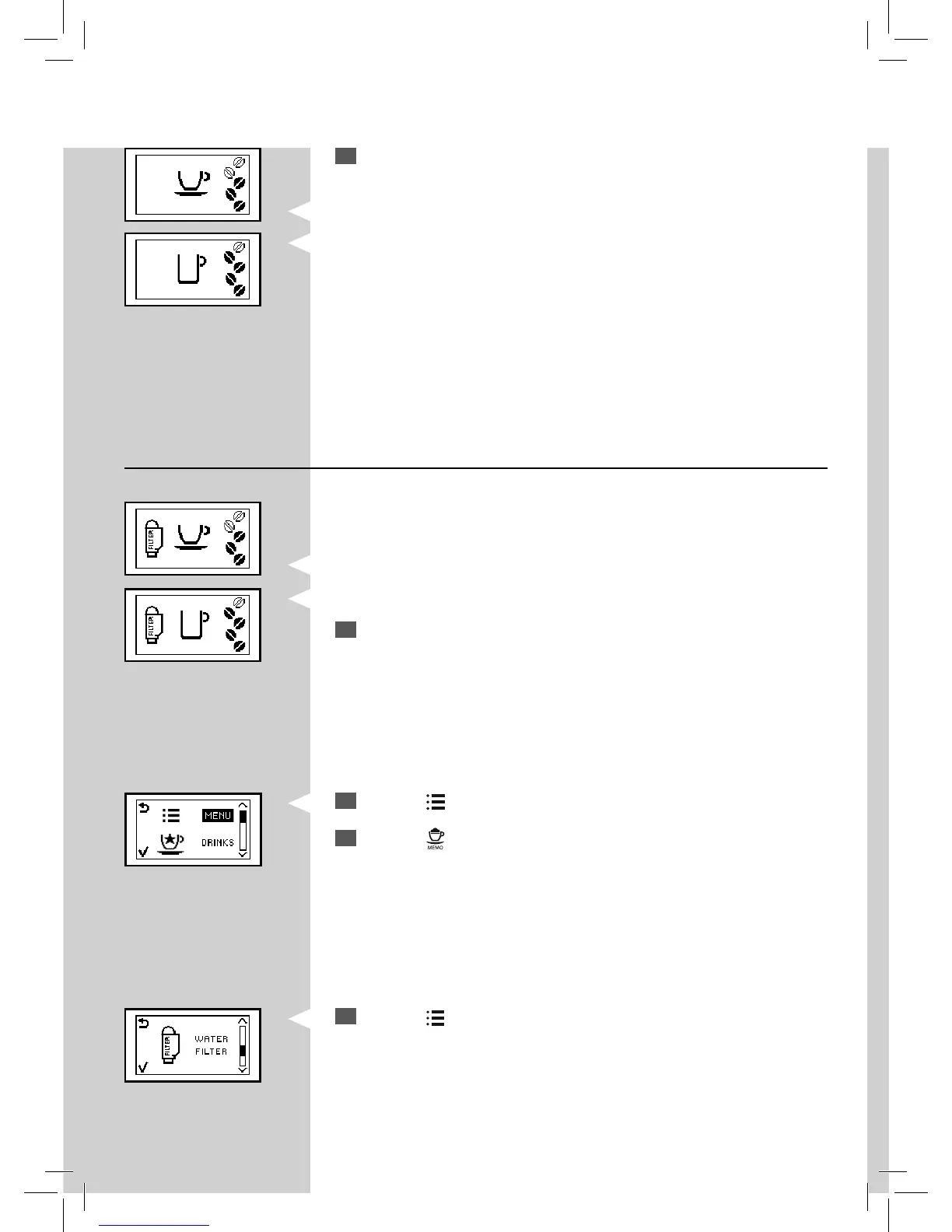
Replacing the “INTENZA+” Water Filter
4
Press the “ ” button to scroll the functions until this icon appears.
14
The machine shows this display and is ready to brew.
The machine has now been programmed to inform the user of the need to
replace the “INTENZA+” water lter.
Green
2
Press the “ ” button. The machine shows this display.
3
Press the “ ” button to access the function.
Yellow GreenGreen
When the “INTENZA+” water lter needs to be replaced with a new one,
this icon is displayed.
1
Replace the “INTENZA+” water lter as described in the previous chap-
ter.



 To Next Page