45
User Manual BDH5011
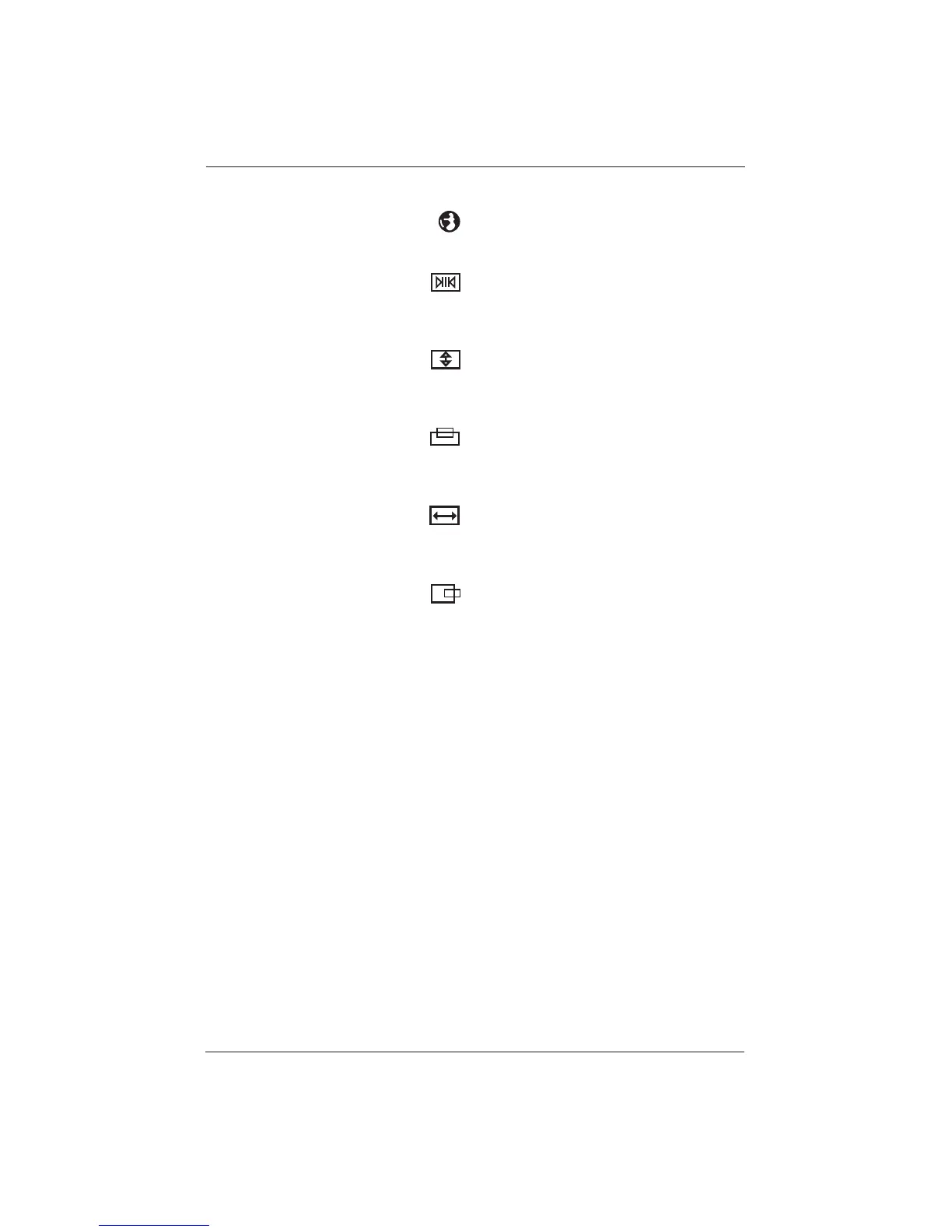
CLOCK PHASE
Use clock phase to fine-tune the display to
perfectly synchronize the video’s signal source.
SCREEN WIDTH
Use to change the screen width mode.There are
two selections available: 16:9 and 4:3.
See Chapter 10..2 for more information.
V-SIZE
Adjusts the vertical size of the picture. Increase
to enlarge the vertical picture size.
Decrease to reduce the vertical picture size.
V-CENTER
Adjusts the vertical position of the picture.
Increase to shift the picture up. Decrease to shift
the picture down.
H-WIDTH
Adjusts the horizontal size of the picture.
Increase to enlarge the horizontal picture.
Decrease to reduce the horizontal picture size.
H-POSITION
Adjusts the horizontal position of the picture.
Increase to shift the picture to the right.
Decrease to shift the picture to the left.











 To Next Page