1
Connect
A
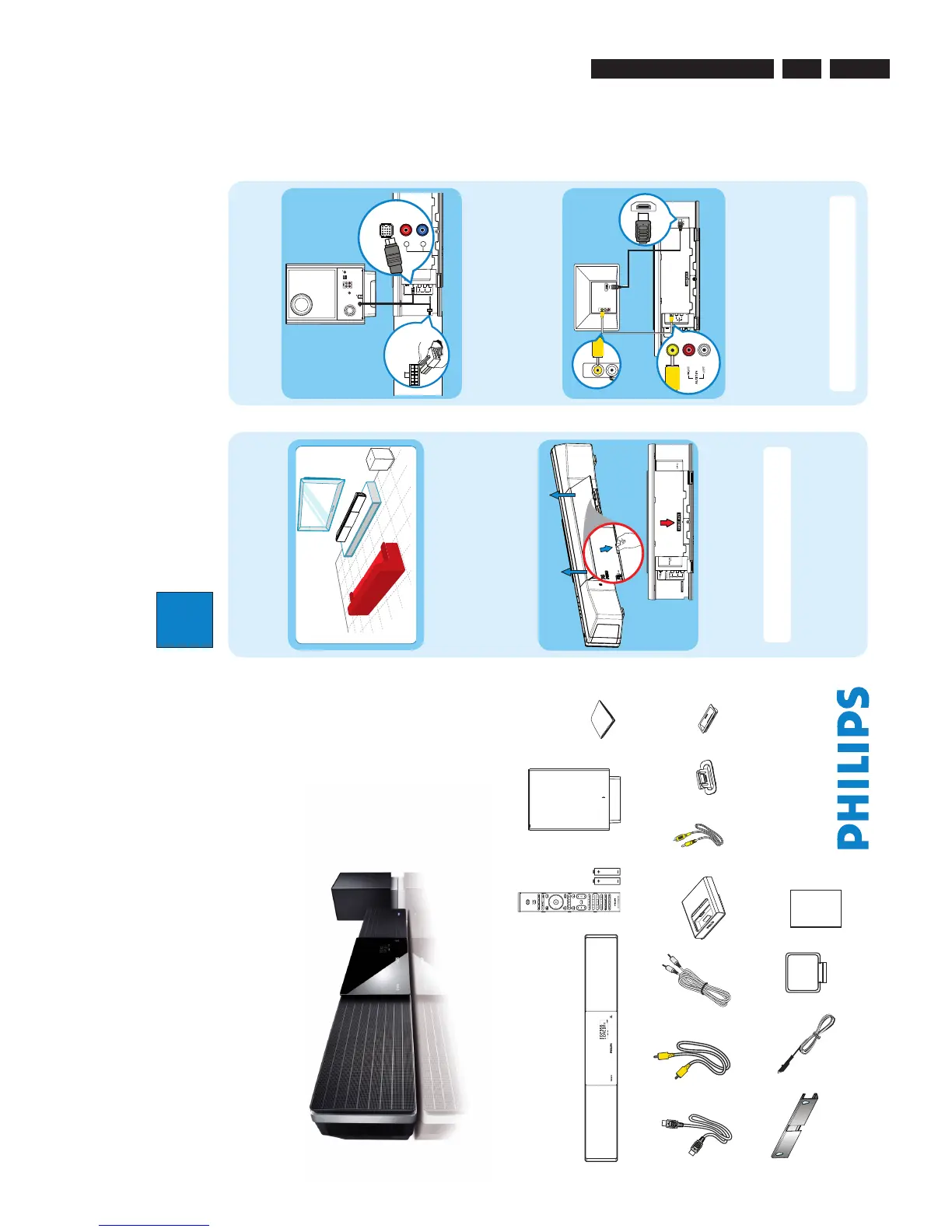
Placement
Proper speakers system placement is important to
ensure optimum sound performance.
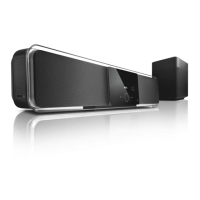
A Place the Sound Bar system at the normal listening
ear-level, or at least above the knee-level. Face it
straight ahead towards the listening area.
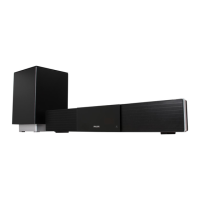
B Place the subwoofer on the floor, at least one meter
away from the TV.
B
Preparing for rear connections
A Push up the catches to lift up the rear cover.
B Connect the required cables and direct all the cables
to the CABLE OUT point (see the following sections
for details.)
Note All the cables must be placed properly inside
the rear panel in order for the rear cover to close.
C
Connect the Sound Bar system and
subwoofer
z
Connect the TO MAIN UNIT cable from the
subwoofer to the rear of the main unit. One end
connect to TO SUBWOOFER jack and another end
connect to LOUDSPEAKERS jack.
D
Connect the main unit to TV
VIDEO IN
(CVBS)
HDMI OUT
z
Connect a composite video cable (supplied) from the
VIDEO OUT jack on main unit to the VIDEO IN jack
on your TV.
OR
z
If your TV supports HDMI, connect the HDMI cable
(supplied) from the HDMI OUT to the HDMI IN
jack on your TV.
Note It is important to connect the main unit
directly to your TV.
Television ( rear)
Subwoofer (rear)
Main unit (rear)
Main unit (rear)
3.2. Directions For Use /37/59
The following except of the Quick Use Guide serves as an introduction to the set.
The Complete Direction for the Use can be downloaded in different languages from the internet site of Philips Customer care Center:
www.p4c.philips.com
Directions for Use
3.





 To Next Page