30
English
Disc operations (continued)
Selecting various repeat/
shuf e functions
While playing a disc, press REPEAT on
the remote control repeatedly to choose
a repeat play mode.
DVD
RPT ONE (repeat chapter)
RPT TT (repeat title)
SHUFFLE (random play)
RPT SHF (repeat random play)
RPT OFF (exit repeat mode)
VCD/SVCD/CD
RPT ONE (repeat track)
RPT ALL (repeat disc)
SHUFFLE (random play)
RPT SHF (repeat random play)
RPT OFF (exit repeat mode)
MP3/SACD/DivX/Windows Media™
Audio
RPT ONE (repeat track)
RPT ALL/FLD (repeat folder)
SHUFFLE (random play)
RPT OFF (exit repeat mode)
Helpful Hint:
– Repeat playback is not possible on VCDs
when the PBC mode is switched on.
Other playback features
for video discs (DVD/VCD/
SVCD)
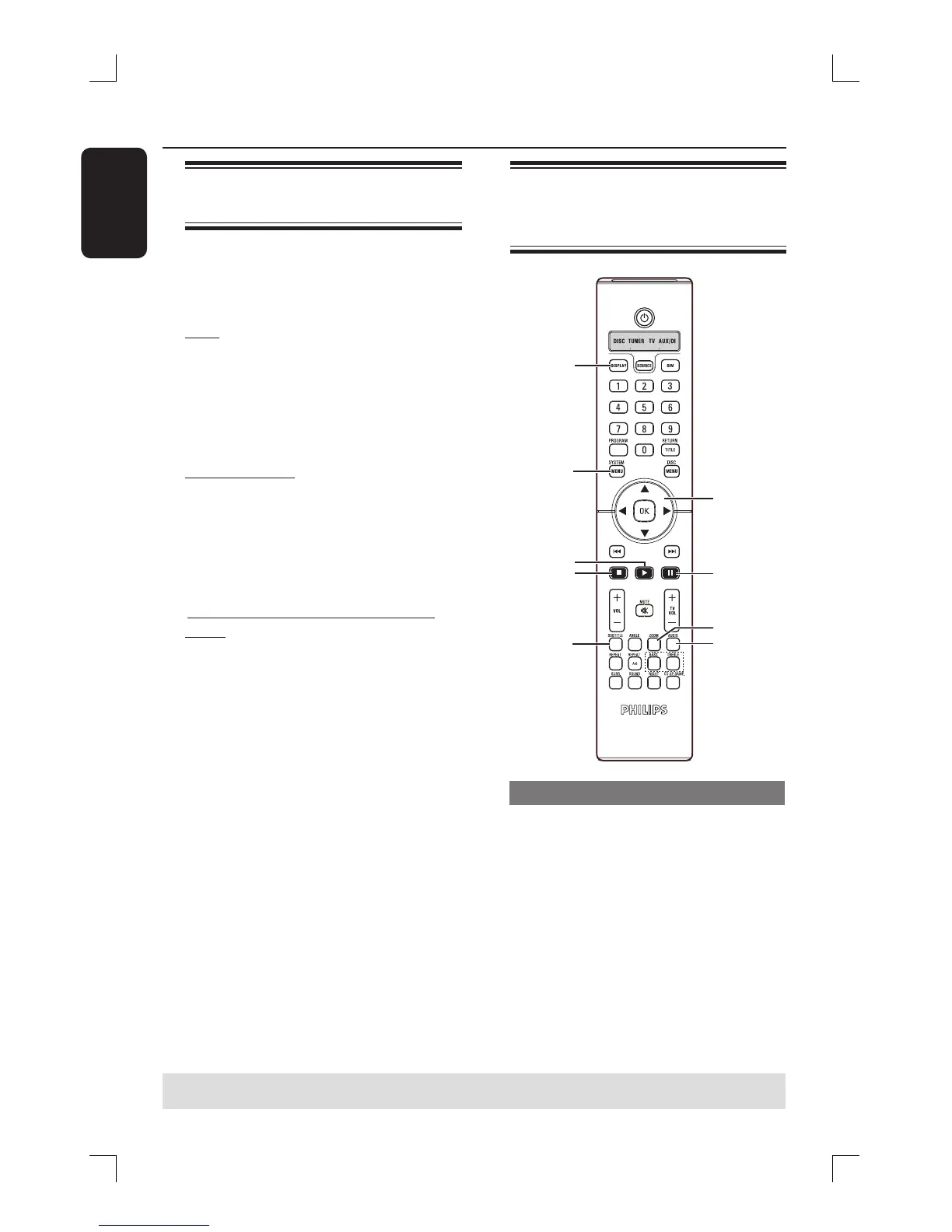
É
Å
WXST
OK
Ç
SUBTITLE
ZOOM
AUDIO
DISPLAY
SYSTEM
MENU
ON
STANDBY
Using the Disc Menu
Depending on the disc format, a menu
may appear on the TV screen once you
load in the disc.
To select a playback feature or item
Use WXST keys or numeric keypad
(0-9) on the remote, then press OK to
start playback.
To access or remove the menu
Press DISC MENU on the remote
control.
TIPS: The operating features described here might not be possible for certain discs.
Always refer to the instructions supplied with the discs.







 To Next Page