79
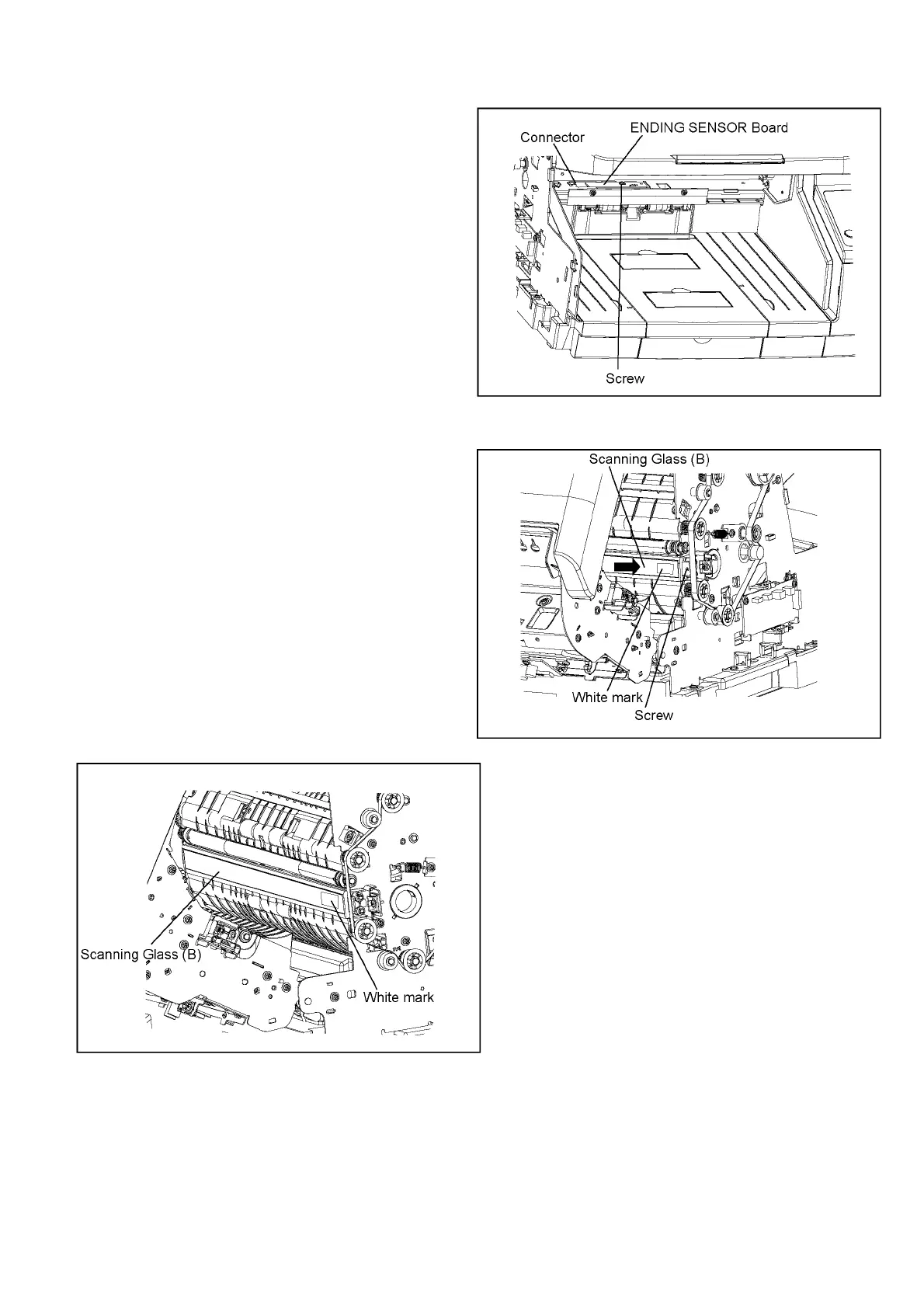
8.5.22. ENDING SENSOR Board
8.5.23. Scanning Glass (B)
1. Remove the Optical Unit Back. (See 8.5.21.)
2. Remove the screw, and then disconnect the connector.
1. Remove the Left Cover. (See 8.5.9.)
2. Remove the Right Cover. (See 8.5.1.)
3. Remove the Rear Cover. (See 8.3.2.)
4. Remove the screw.
5. Slide the Scanning Glass (B) in the direction of the
arrow to remove the glass.
Reassembling Note:
Note the direction and facing of the glass before
removing it, and reassemble it in the same way.



 To Next Page