80
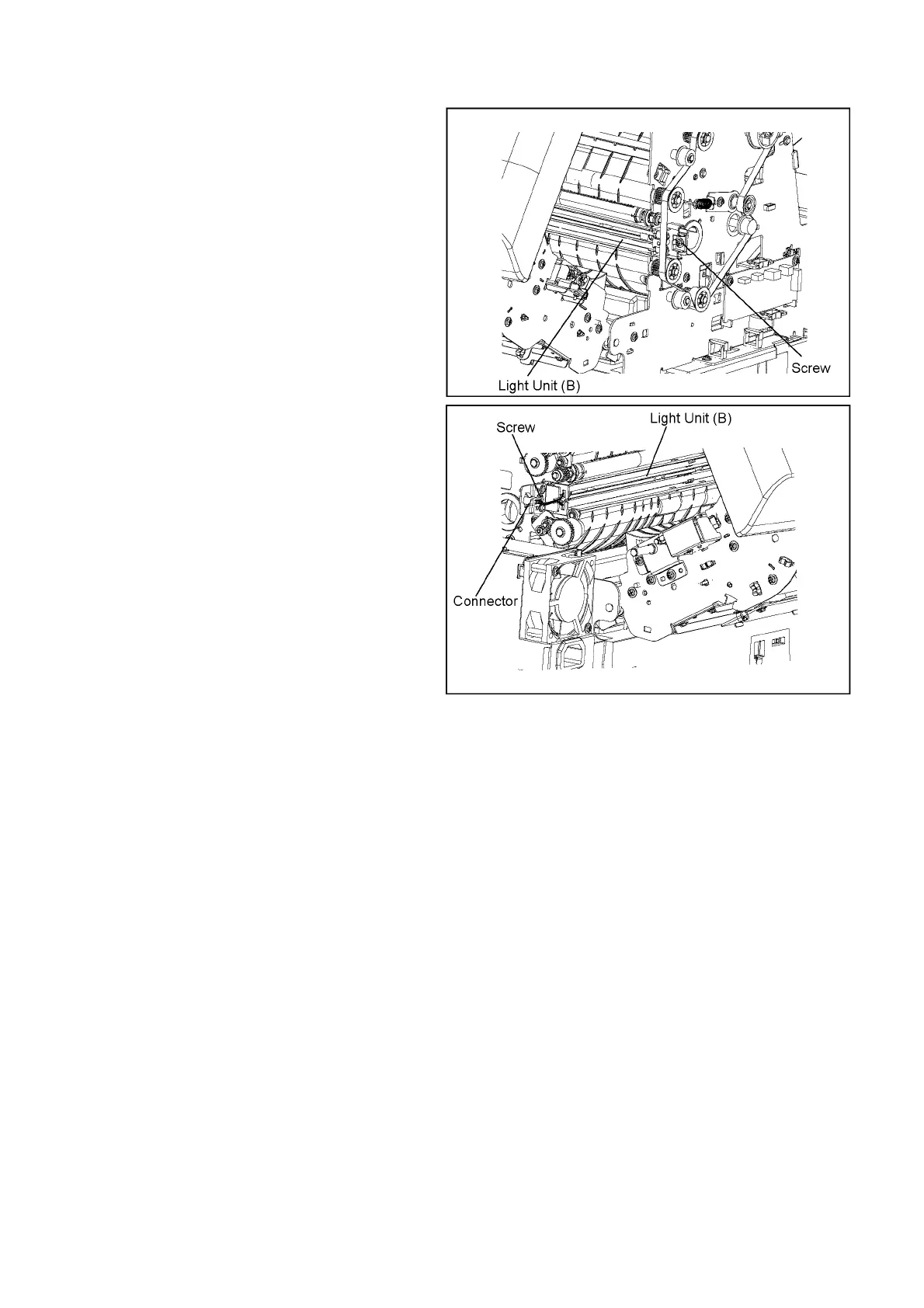
8.5.24. Light Unit (B)
1. Remove the Scanning Glass (B). (See 8.5.23.)
2. Remove the screw on the right, as seen from the back.
3. Remove the screw and disconnect the connector on the left,
as seen from the back.
4. Remove the Light Unit (B).
Reassembling Note:
When reassembling the Light Unit (B) and the Optical
Unit (B), be sure to reassemble the Optical Unit (B) first.
Otherwise, the scanning position may shift.



 To Next Page