English
41
3139 115 23271
Volume control
● Adjust VOLUME control (or press
VOL +/- on the remote) to increase
or decrease the volume level.
➜ "VOL MIN" is the minimum volume
level and “VOL MAX” is the maximum
volume level.
To turn off the volume temporarily
● Press MUTE on the remote.
➜ Playback will continue without sound
and "MUTE" appears.
➜ To restore the volume, press MUTE
again or increase the volume level.
Switching on/off
Switching to active mode
● Press the SOURCE control to select :
DISC ™ TUNER FM ™ TUNER MW
™ TV ™ AUX ™ DIGI IN ™ DISC ....
Switching to Eco Power standby
mode
● Press STANDBY ON (B).
➜ The display screen will go blank.
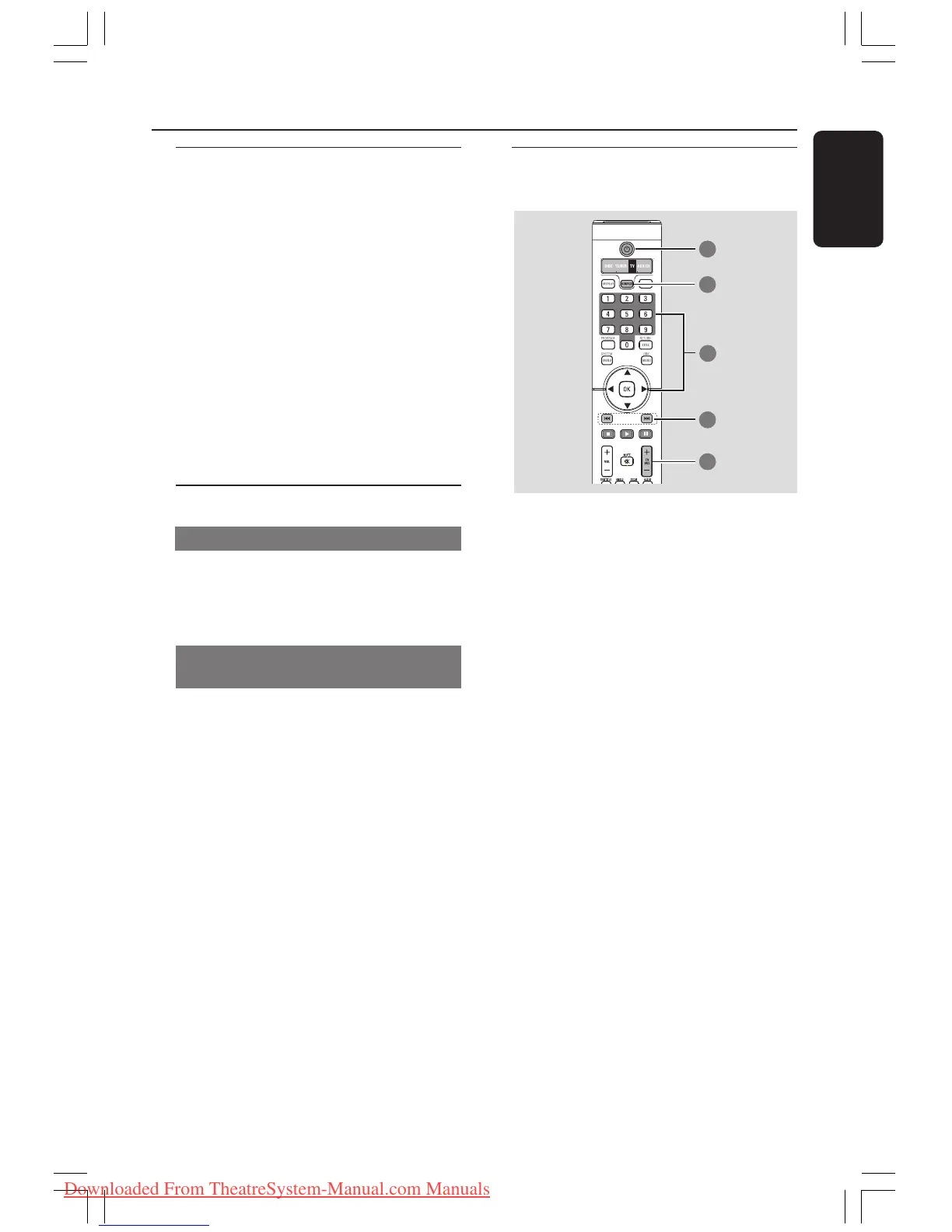
Using the remote to operate
your ‘Philips’ television
1 Press SOURCE control until “TV”
appears on the display panel.
2 Press ¡1 / 2™ or use the numeric
keypad (0-9) to select the TV’s channel.
3 Press TV VOL +/- to adjust the TV’s
volume level.
4 Press and hold B to turn off your TV.
Helpful Hint:
– When listening to TV or AUX/DI
programmes, press the respective TV or
AUX/DI button on the remote in order for
the sound to be heard.
Volume Control and Other Functions
001-047-LX83-22-Eng 6/9/04, 2:03 PM41
Downloaded From TheatreSystem-Manual.com Manuals



 To Next Page