12
EN
Select a preset FM radio station
1 In FM mode, press [ PRESET].
2 Press the navigation buttons to select a
number, then press [SELECT] to conrm.
Use menu in FM mode
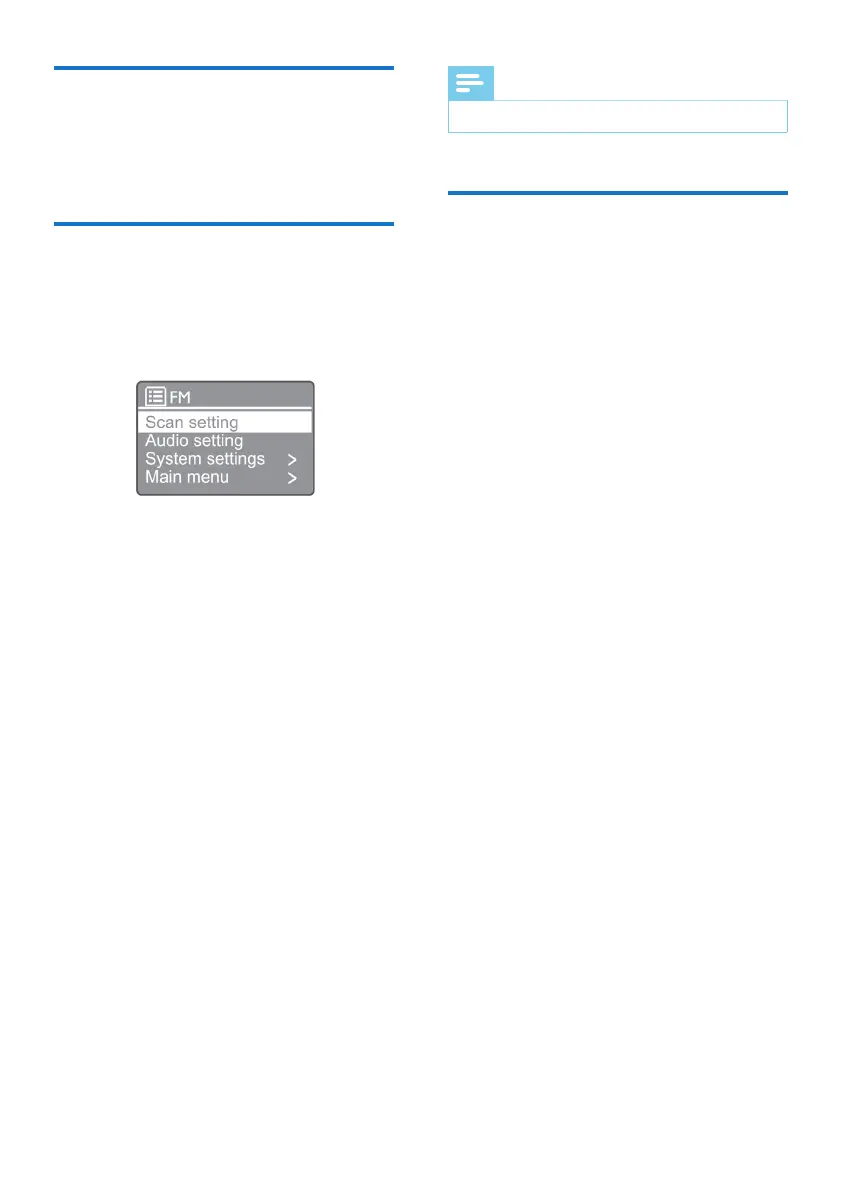
1 In FM mode, press [MENU] to access the
FM menu.
2 Press the navigation buttons to scroll
through the menu options:
[Scan setting]
[Audio setting]
[System settings]: Adjust system settings (see the
Chapter “Use system settings menu”).
[Main menu]: Access main menu (see the Chapter
“Use main menu”).
3 To select an option, press [SELECT].
4 Repeat steps 2-3 if any sub-option is
available under one option.
• To return to the previous menu, press
[MENU].
[Scan setting]
[Strong stations only?]
» [YES]: Scan FM radio stations with strong
signals only.
» [NO]: Scan all the available FM radio stations.
[Audio setting]
[Listen in Mono only?]
» [YES]: Select mono broadcast
» [NO]: Select stereo broadcast
Note
• If no button is pressed within 15 seconds, the menu will exit.
Display RDS information
RDS (Radio Data System) is a service
that allows FM stations to show additional
information. If you listen to an FM station with
RDS signal, an RDS icon and the station name
will be displayed.
1 Tune to an RDS station.
2 Press [MENU] / [INFO] repeatedly
to display various RDS information (if
available):
• Station name
• Radio text messages
• Program type
• Frequency
• Date


 To Next Page