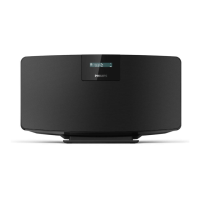
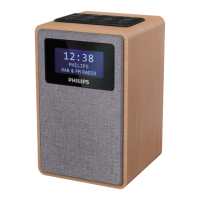
4
EN
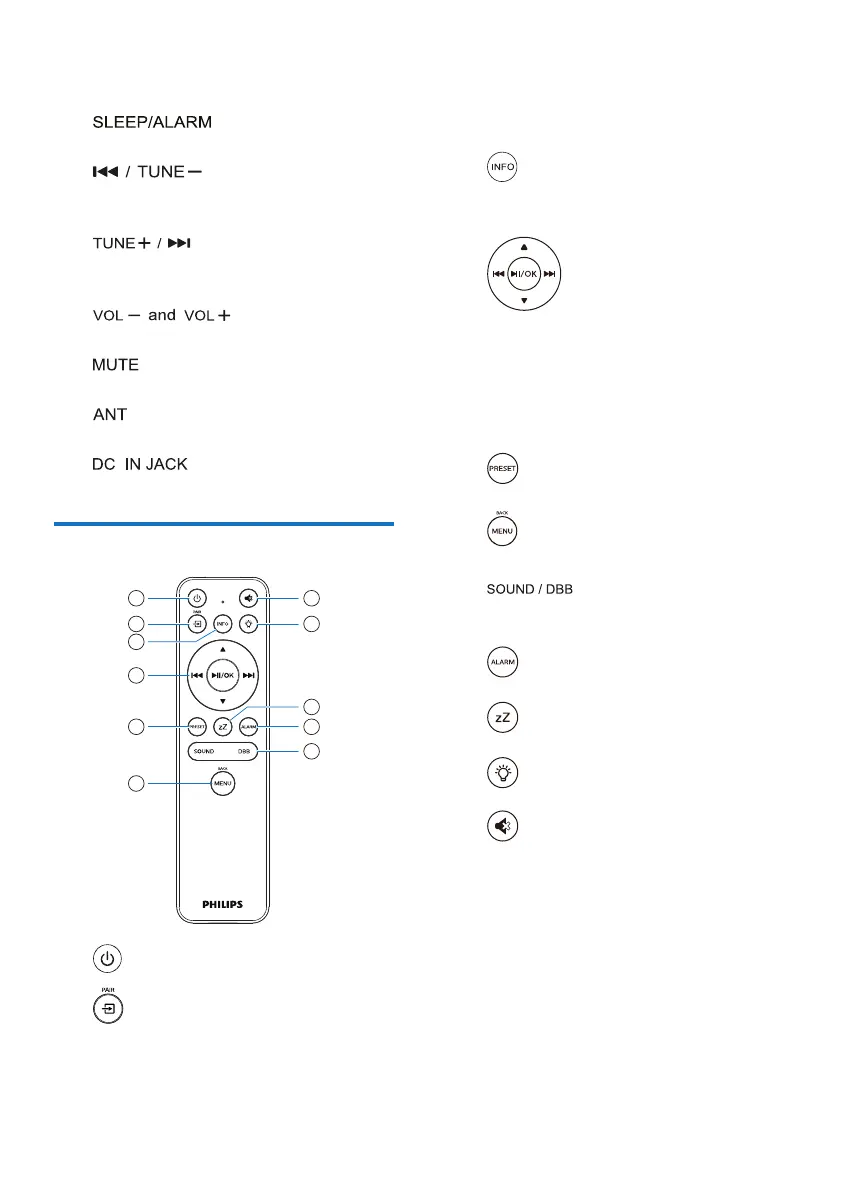
• Show information.
• Adjust backlight brightness.
l.
• Set alarm and sleep options.
m.
• Skip to previous track;
• Tune to the previous radio station.
n.
• Skip to next track;
• Tune to the next radio station.
o.
• Adjust volume.
p.
• Mute volume.
q.
• Connect to the supplied radio antenna.
r.
• Connect to the supplied power adaptor.
Overview of the remote control
a.
• Switch on or to standby.
b.
• Press to go to Graphical Main Menu;
• Internet Radio, Spotify, DAB radio, FM
radio, BT mode, AUX IN mode.
• Press and hold to switch to BT mode.
c.
• Display playback information or radio
service information.
d.
• Select an FM station.
• Select a DAB+ station.
• Program radio stations.
• Auto store radio stations.
• Adjust volume.
• Select AUDIO IN source.
e.
• Select a preset radio station.
f.
• Back to the previous menu.
g.
• Select a preset sound effect.
• Turn DBB on or off.
h.
• Set an alarm timer.
i.
• Set a sleep timer.
j.
• Adjust backlight brightness.
k.
• Mute or restore volume.


 To Next Page