26
English
Disc Operations
IMPORTANT!
–You have to turn on your TV and set to
the correct Video In channel. (See
"Setting up the TV".)
Playing MP3/WMA disc
General operation
1 Load an MP3/WMA disc.
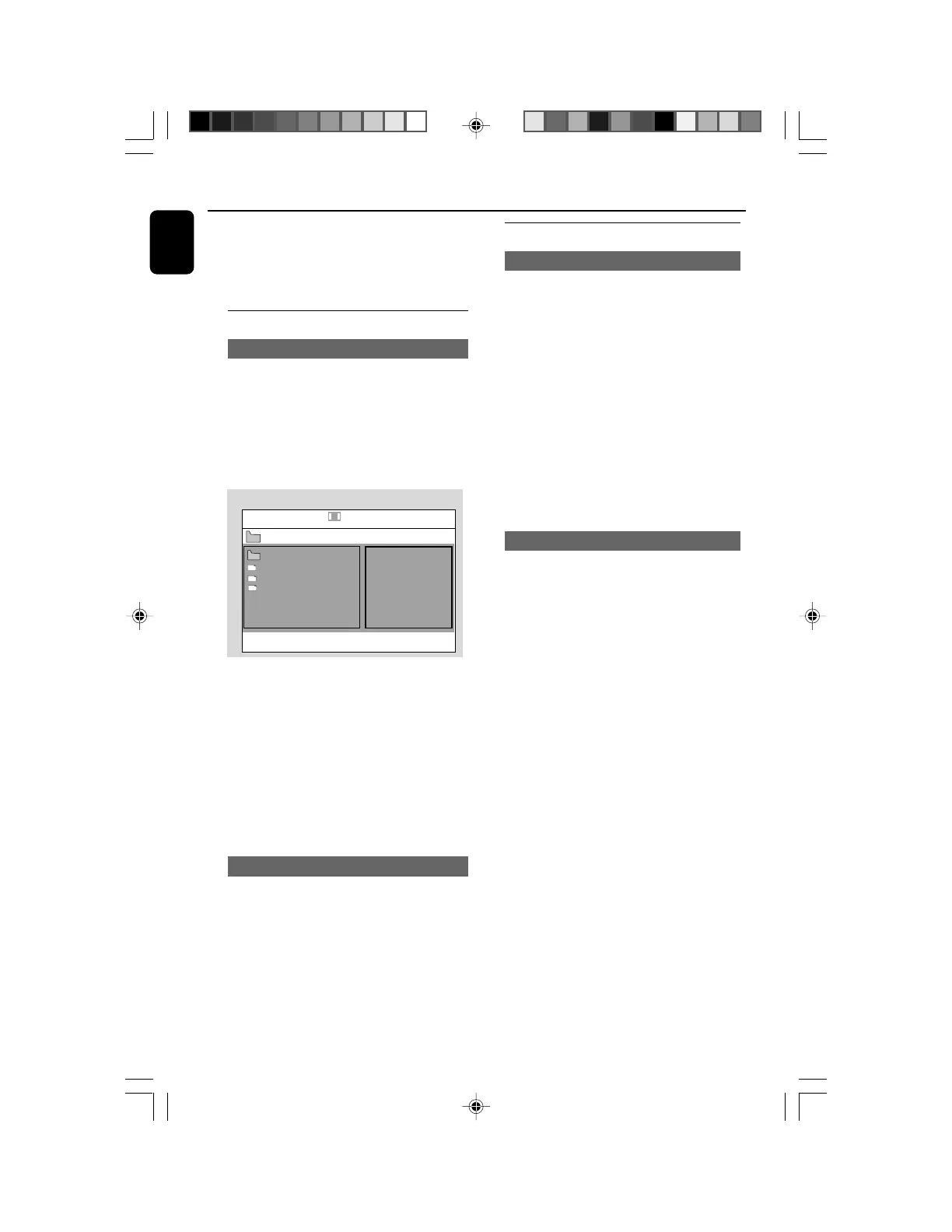
➜ A data disc menu appears on the TV screen
and playback starts automatically from the first
track.
2 Press à to move to the album column on the
left of the TV screen, then use 5/4 to select an
album and press OK to open it.
---
MP3
??
MP3
??
MP3
??
102A-F
102A-L
102A-G
\MP3\Sample\102A\
00:00 00:00
001/005
PHILIPS
3 Press á to move to the track column on the
right of the TV screen and then use 5/4 to
highlight a track; or directly use the Numeric
Keypad (0-9) to input a track number.
4 Press OK to confirm.
➜ The playback will start from the selected
track to the end of the album.
Note:
The disc reading time may exceed 10 seconds due
to large number of songs compiled onto the disc.
Playback selection
During playback, you can:
● Press í/ë to select another track in the
current album.
● Press 2; repeatedly to pause/resume playback.
Playing JPEG Picture CD
General operation
1 Load a JPEG Picture CD.
➜ A data disc menu appears on the TV screen
and playback starts automatically from the first
file.
2 Press à to move to the folder column on the
left of the TV screen, then use 5/4 to select a
folder and press OK to open it.
3 Press á to move to the file column on the
right of the TV screen and then use 5/4 to
highlight a file; or directly use the Numeric
Keypad (0-9) to input a file number.
4 Press OK to confirm.
➜ The playback will start from the selected
picture to the end of the folder.
Playback selection
During playback, you can:
● Press í/ë to select another file in the current
folder.
● Use à/á/5/4 on the remote to rotate/flip
the picture files.
● Press 2; repeatedly to pause/resume playback.
● Press 9 to stop playback and return to the disc
content menu.
pg021-pg044_MCD299-98-Eng-B 2007.9.27, 13:0426















 To Next Page