English
29
System Menu Options
Dolby Digital Setup
The options included in the Dolby Digital Setup
page is: “Dynamic”.
– – Audio Setup Page – –
NIGHT MODE
DIGITAL Output
Dolby Digital Setup
Dynamic
Optimises the dynamic sound output. High
volume outputs are softened, enabling you to
watch your favourite movie without disturbing
others.
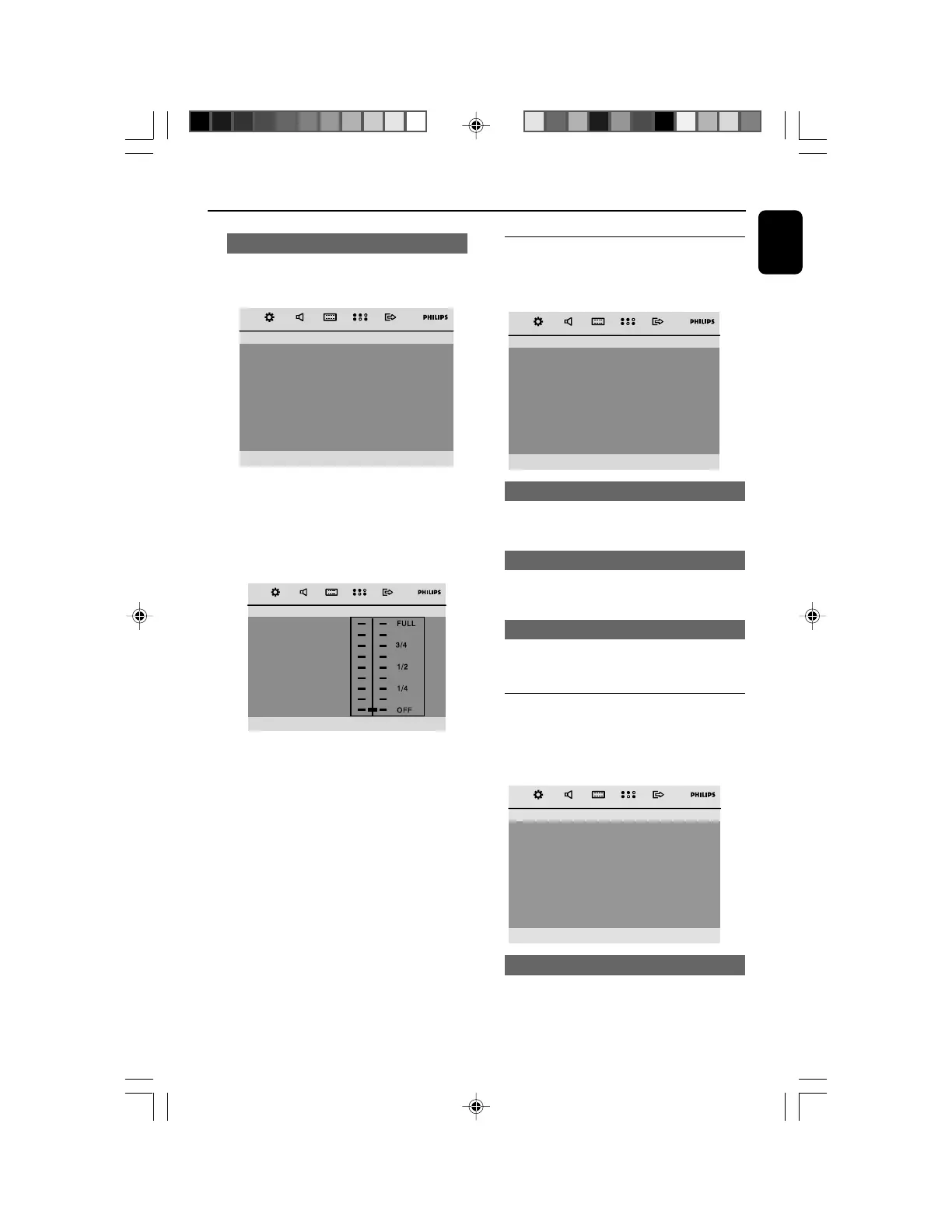
– – Dolby Digital Page – –
Dynamic
➜ The levels for dynamic selection: FULL, 3/4, 1/
2, 1/4 and OFF.
Note:
– DTS surround audio output is not available in
this DVD player.
Video Setup Page
The options included in Video Setup Page are:
"TV Display", "Progress" and "TV Type".
– – Video Setup Page – –
TV Display
PROGRESS
TV Type
TV Display
See "Preparations-Step 3: Setting video
preference" for details.
Progress
See "Preparations-Step 3: Setting video
preference" for details.
TV Type
See "Preparations-Step 3: Setting video
preference" for details.
Preference Page
The options included in Preference Page are:
"Audio", "Subtitle", “Disc Menu”, “Parental”,
“Password” and "Default".
– – Preference Page – –
Audio
Subtile
Disc Menu
Parental
Password
Default
Audio
See "Preparations-Step 4: Setting language
preference" for details.
pg021-pg044_MCD299-98-Eng-B 2007.9.27, 13:0429















 To Next Page