English
31
System Menu Options
To change password
1 Move to "Password" and press á or OK to
enter its submenu.
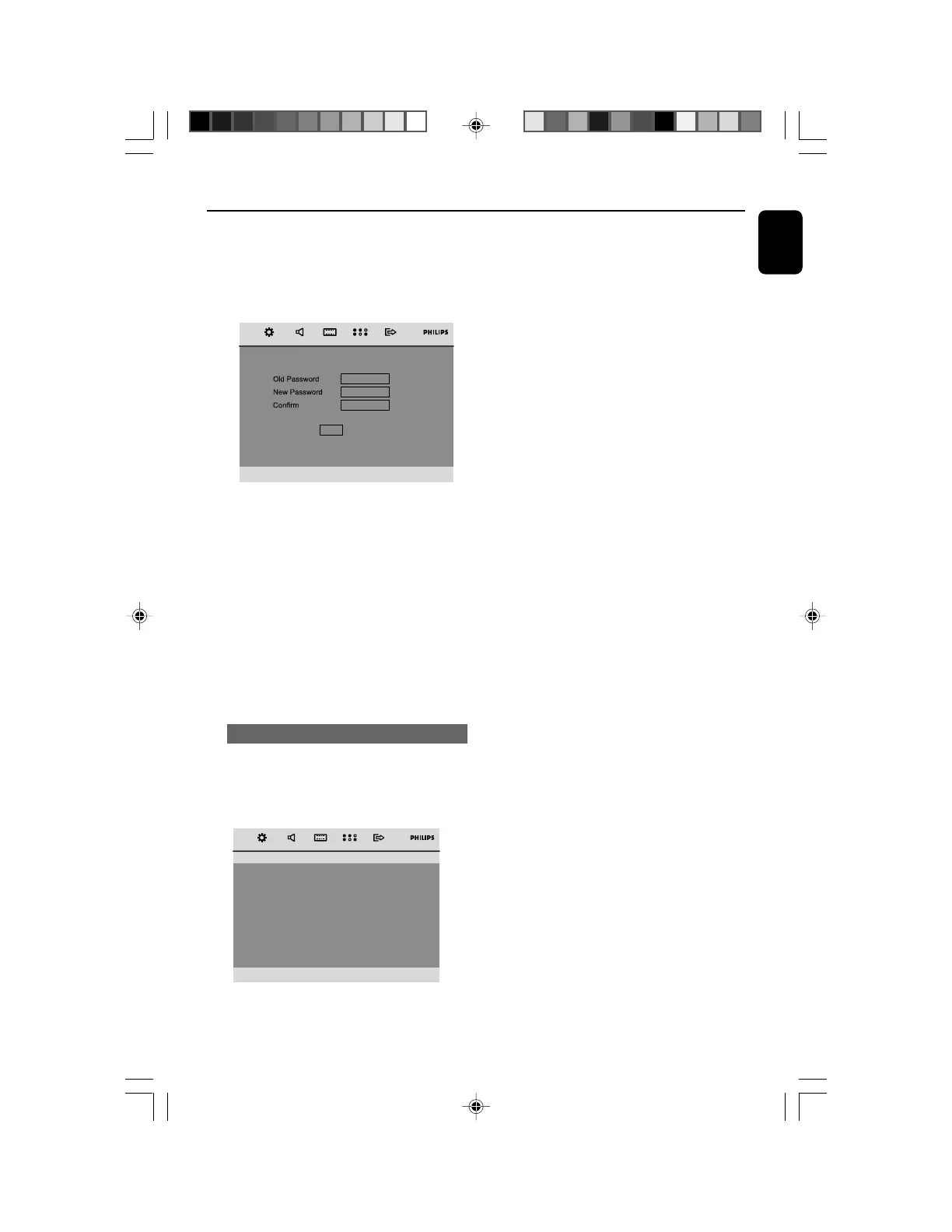
2 Press OK to enter the menu below.
PWD
OK
3 Use the Numeric Keypad (0-9) to enter your
four-digit code.
➜ The password supplied by default is 1234.
4 Enter your new four-digit password using
Numeric Keypad (0-9).
4 Enter the new password again for confirmation.
4 Press OK to confirm and the new password
takes effect.
Note:
– The default password (1234) is always active
even if the password has been changed.
Default
Setting the “Default” function will reset all
options and your personal settings to the factory
defaults and all your personal settings will be
erased.
– – Preference Page – –
Audio
Subtitle
Disc Menu
Parental
Password
Default
Reset
1 Press 5/4 to highlight “Default”.
2 Highlight “Reset” by pressing á.
3 Press OK to confirm selection.
Caution!
– When this function is activated, all
settings will be reset to factory defaults.
pg021-pg044_MCD299-98-Eng-B 2007.9.27, 13:0531















 To Next Page