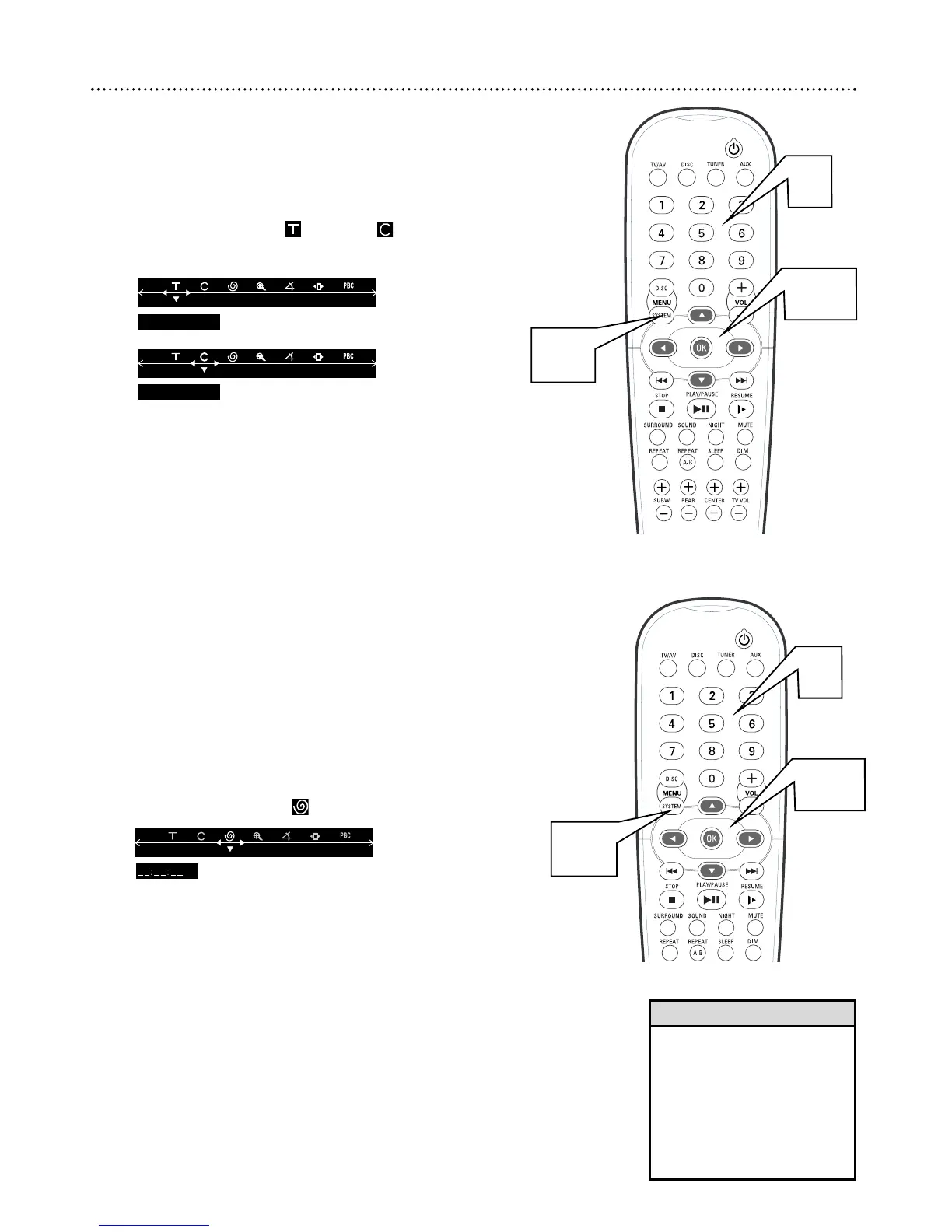
Title/Chapter Selection
DVDs may contain multiple Titles or Chapters. To start playing a specific
Chapter or Title directly, follow these steps.
1
Press SYSTEM MENU.
2
Press ; or : to select (Title) or (Chapter).
3
Press 9 to activate the menu input.
4
Use the Number buttons (0-9) to select a Title or Chapter
number, then press OK. The Title or Chapter you selected will
start playing automatically.
5
Press SYSTEM MENU to remove the Menu Bar.
Time Search
This allows you to start Disc playback at a specific elapsed playing time.
1
Press SYSTEM MENU.
2
Press ; or : to select .
3
Press 9 to activate the menu input.
4
Press the Number buttons (0-9) to enter hours, minutes and
seconds (from left to right) in the time edit box. As each number is
entered, the next item will be highlighted.
5
Press OK to start playback at the time you specified.
6
Press SYSTEM MENU to remove the Menu Bar.
Title/Chapter Selection, Time Search 21
2-3
1,5
• Some DVDs may not allow you
to choose a Title or Chapter in
the DVD Receiver’s Menu Bar.
Choose the Chapter or Title you
want in the DVD’s Disc Menu
instead.
• Time Search of a Video CD is
not possible if Playback Control
is active.
Helpful Hints
4
2,4
1,6
4



 To Next Page