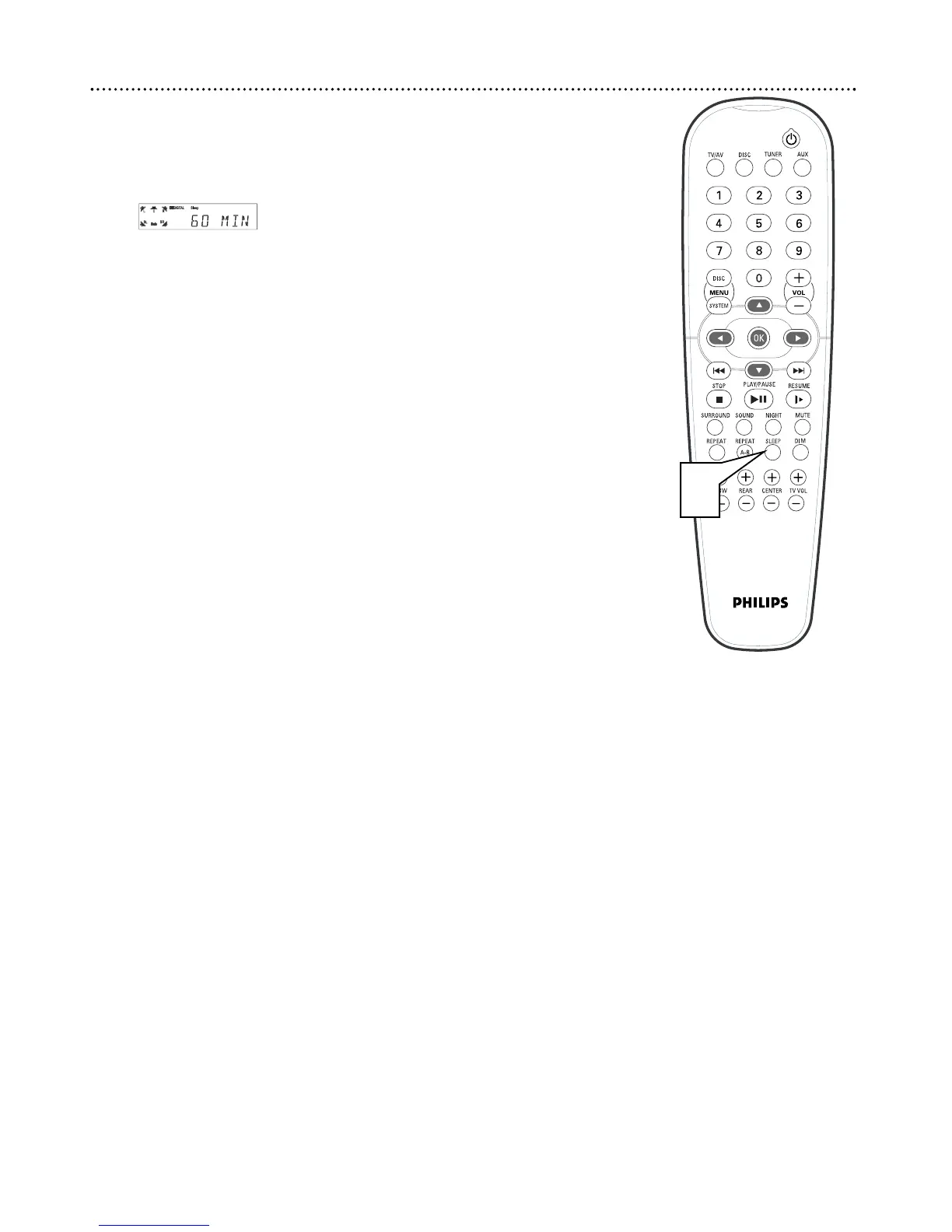
38 Sleep Timer
The Sleep Timer turns the DVD Home Cinema System to Standby mode
(off) at a preselected time.
1
Press SLEEP repeatedly to select the amount of time after which
you want the DVD Receiver to turn off. You may choose (in min-
utes): 30, 45, 60, 90, 120, or OFF.
● To check the time remaining for the Sleep Timer (after you
have set it), press SLEEP once.
● To change the Sleep Timer, press SLEEP again while the Sleep
Timer minutes appear. The next Sleep Timer option will appear
on the display panel.
● To cancel the Sleep Timer, press SLEEP repeatedly to choose
OFF. Or, press STANDBY-ON
yy
to turn off the DVD Receiver.
1



 To Next Page