Repeat, Repeat A-B 25
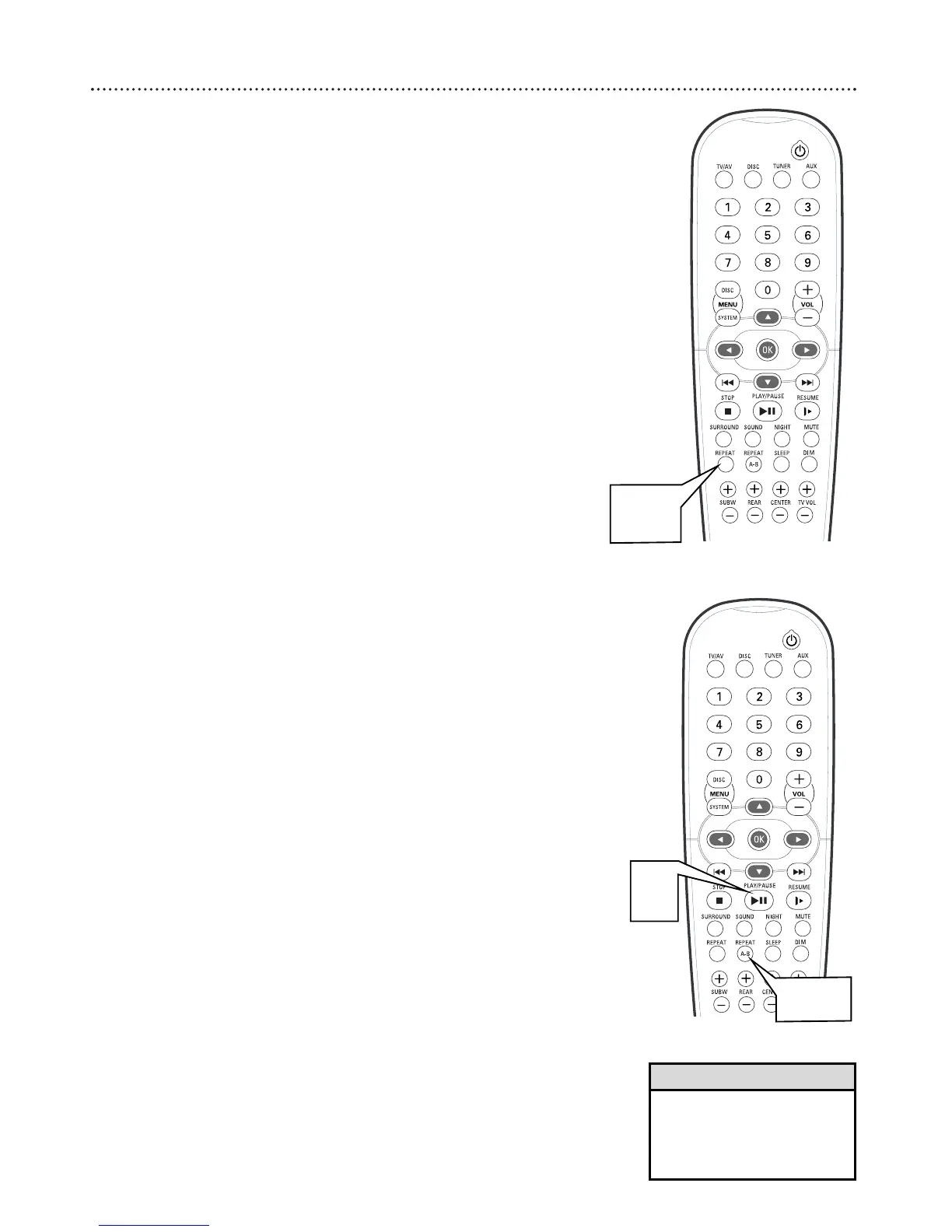
Repeat
1
During DVD playback, press REPEAT on the remote to play a
Title or Chapter repeatedly. Press REPEAT to select:
● CHAPTER REPEAT ON to repeat the current Chapter.
● TITLE REPEAT ON to repeat the current Title.
● REPEAT OFF to cancel repeat playback and resume normal play
back.
2
During Video CD, Audio CD, or MP3 playback, press
REPEAT to play a Track or Disc repeatedly. Press REPEAT to
select:
● “RPT ONE/R-1 PLAY” to repeat the current Track.
● “RPT-ALL/R-A PLAY” to repeat the entire Disc.
Repeat A-B
You may set the DVD Receiver to play only a specific portion of a Chapter
or Track repeatedly.
1
Press PLAY/PAUSE Bk to start Disc playback.
2
When the Disc reaches the point at which you want repeat-
ed playback to begin, press REPEAT A-B.
3
When the Disc reaches the point at which you want to end
the segment, press REPEAT A-B again. The segment will begin
playing repeatedly.
● On a DVD, make sure the entire A-B segment is within a single
Chapter. On a Video CD or Audio CD, the A-B segment should
be within a single Track.
4
To resume regular playback, press REPEAT A-B again.
Regular playback will resume from the current point.
• Repeat play is not possible dur-
ing Video CD playback if
Playback Control is active.
• Repeat play is not available with
all Discs.
Helpful Hints
1,2
2-4
1



 To Next Page