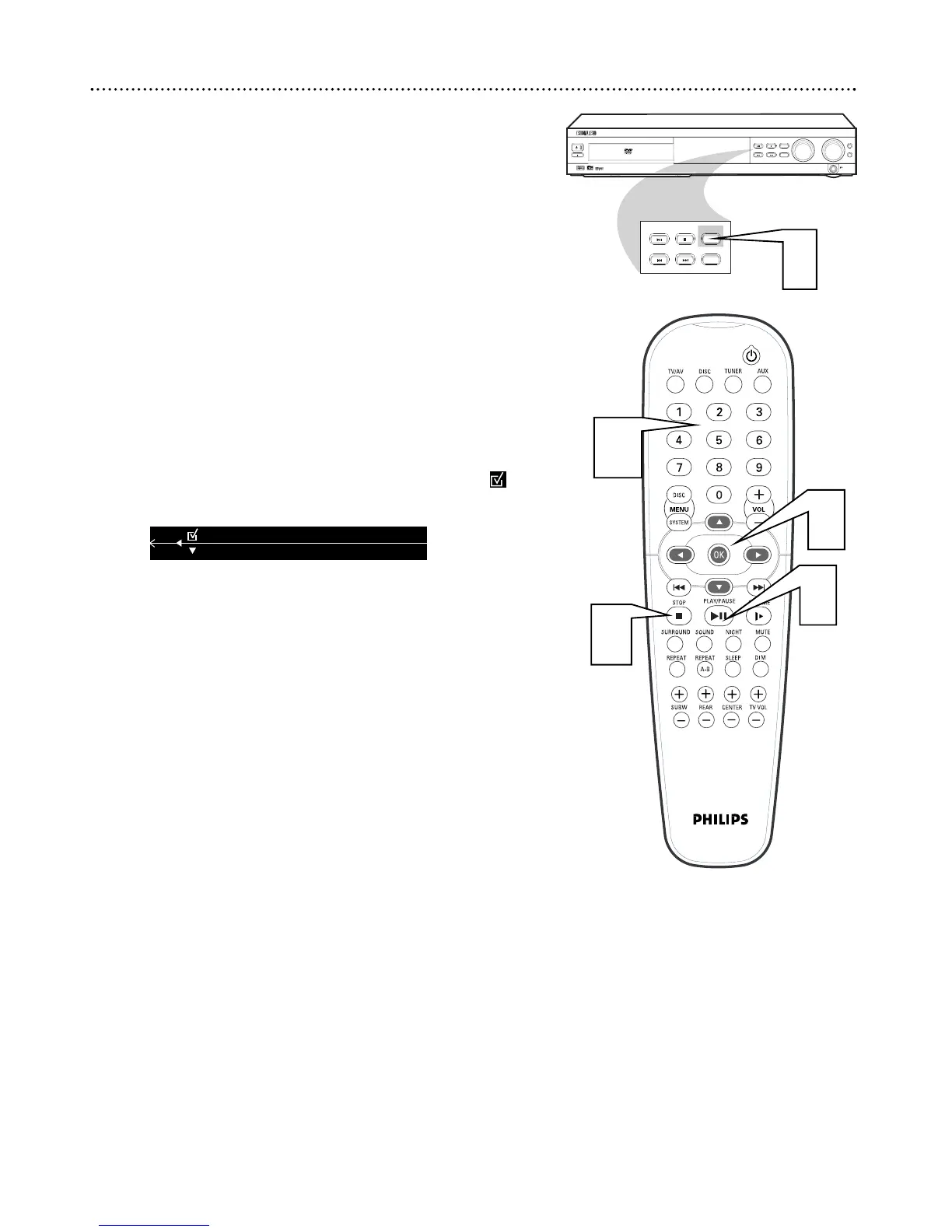
You can play Audio CD Tracks in an order you specify, with up to 99
Tracks in a Program.
1
While playback is stopped, press PROGRAM on the DVD
Receiver. “P 00:00” will appear on the DVD Receiver’s display panel.
2
Press the Number buttons (0-9) to enter the Track number you
want to play. If you try to program more than 99 tracks, "FULL" will
show in the display panel.
3
Press OK to store the Track.
4
Repeat steps two and three until you program all the Tracks
you want.
5
Press PLAY/PAUSE Bk to play the Program.
6
Press STOP C once to stop playback. Press STOP C again to can-
cel the Program.
● You can access the Program in the Menu Bar as well.
Press SYSTEM MENU, then press
::
repeatedly to select .
Press
99
, then use the Number buttons to enter the Tracks as
described in step 2.
26 Favorite Track Selection
3



 To Next Page