14 EN
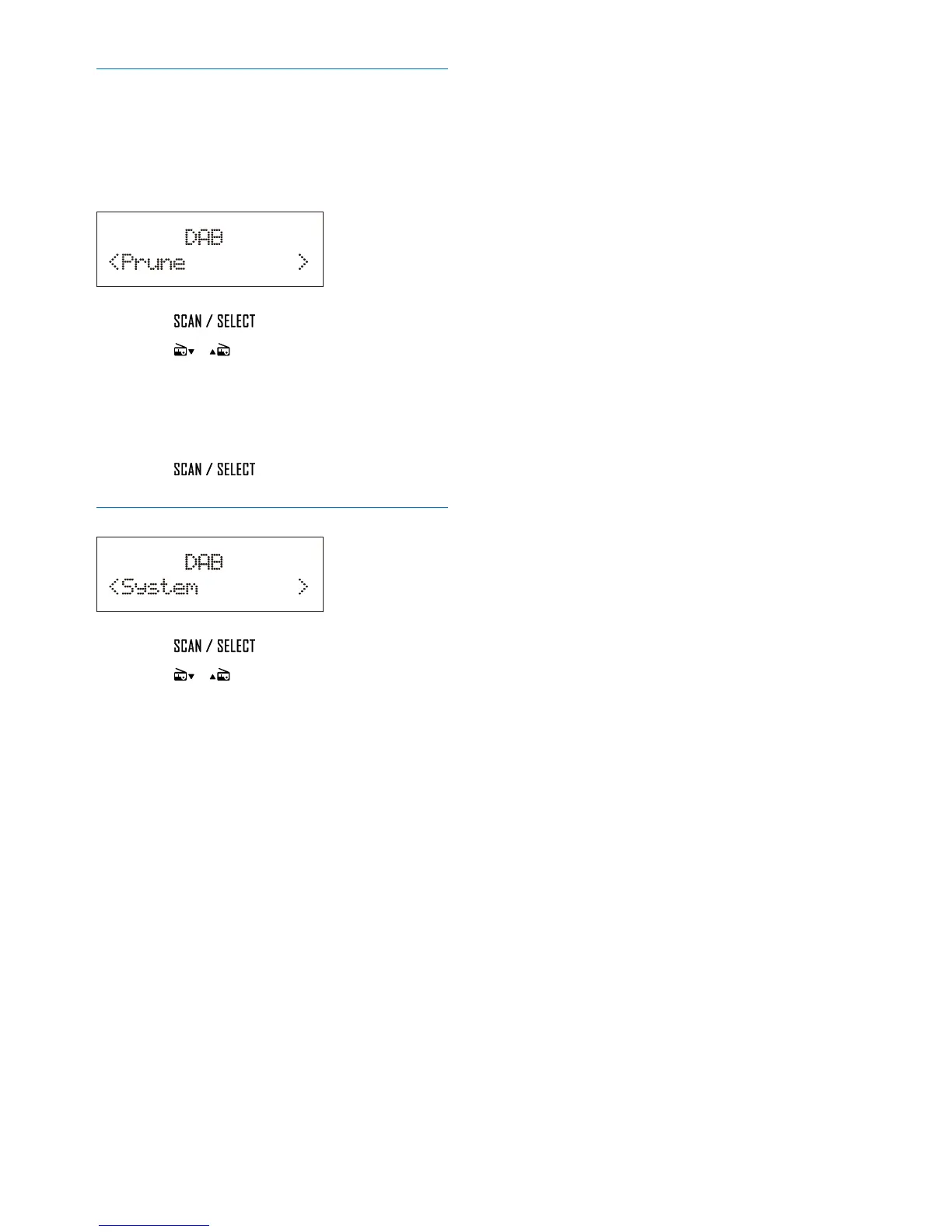
Remove invalid stations
Some stations in the list have no service when
you travel to another area. In front of the
station name of an invalid station, a question
mark (?) is displayed.
1 Press to access the sub-menus.
2 Press / repeatedly to select an
option.
• [No]: Return to the previous menu.
• [Yes]: Remove invalid stations from the
station list.
3 Press to conrm the option.
System menus
1 Press to access system menus.
2 Press / repeatedly to select a sub-
menu.
• For details, refer to the section 'Use
system menus'.


 To Next Page