22 EN
14 Use system
menus
Use the system menus to
• check the version of current software of
this product,
• upgrade the software, and
• reset the product to factory default status.
Check the current software
version
Press to display the version of
current software.
Upgrade the software
1 Go to www.philips.com/support.
2 Search for support information about
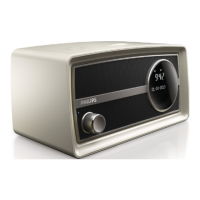
this product with "ORT2300C/10" as the
keyword.
» When an upgrade packet is available,
the link of "Installation instructions"
under "Software & drivers" is
accessible. The exact wording of link
names may vary in different languages.
3 Click the link of "Installation instructions".
4 Read and understand the instructions on
software upgrade.
5 Follow the instructions to complete the
upgrade.
Reset the product
1 Press to display the options.
2 Press / repeatedly to select an
option.
• [No]: Return to the previous menu.
• [Yes]: Reset the product to factory
default status.
3 Press to conrm the option.


 To Next Page