20 EN
12 Use the
countdown
timer
You can set a time period after which the
product buzzes.
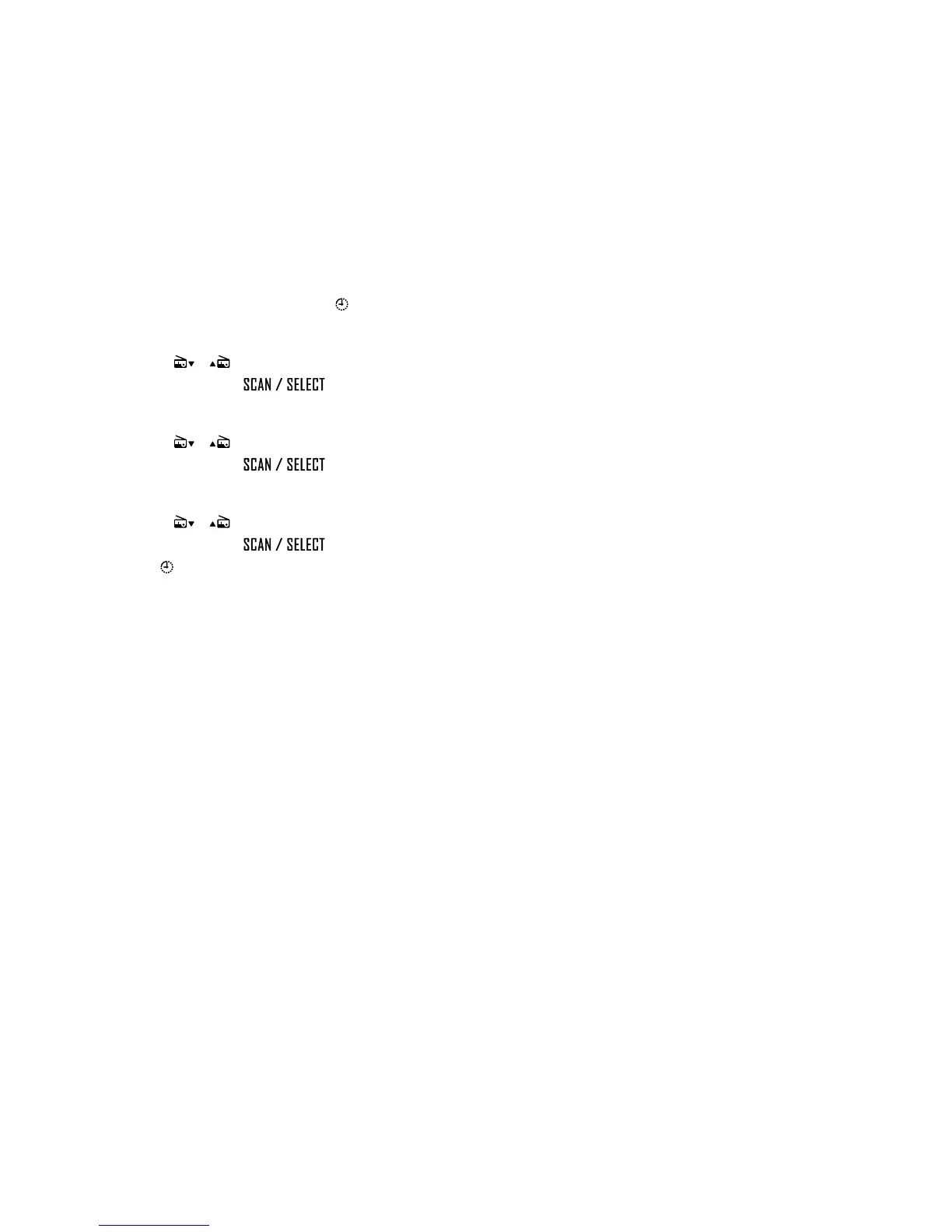
1 Press and hold TIMER until blinks.
» The hour digits blink.
2 Press / repeatedly to set the hour,
and then press
to conrm.
» The minute digits blink.
3 Press / repeatedly to set the minute,
and then press
to conrm.
» The second digits blink.
4 Press / repeatedly to set the second,
and then press
to conrm.
»
stops blink.
• To stop the buzzer, press TIMER or the
power and volume knob.


 To Next Page