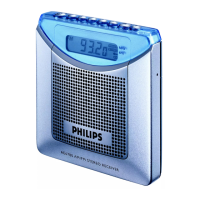
5EN
l SNOOZE/BRIGHTNESS
• Press to adjust the brightness of LCD
display.
• When an alarm rings, press to snooze
the alarm.
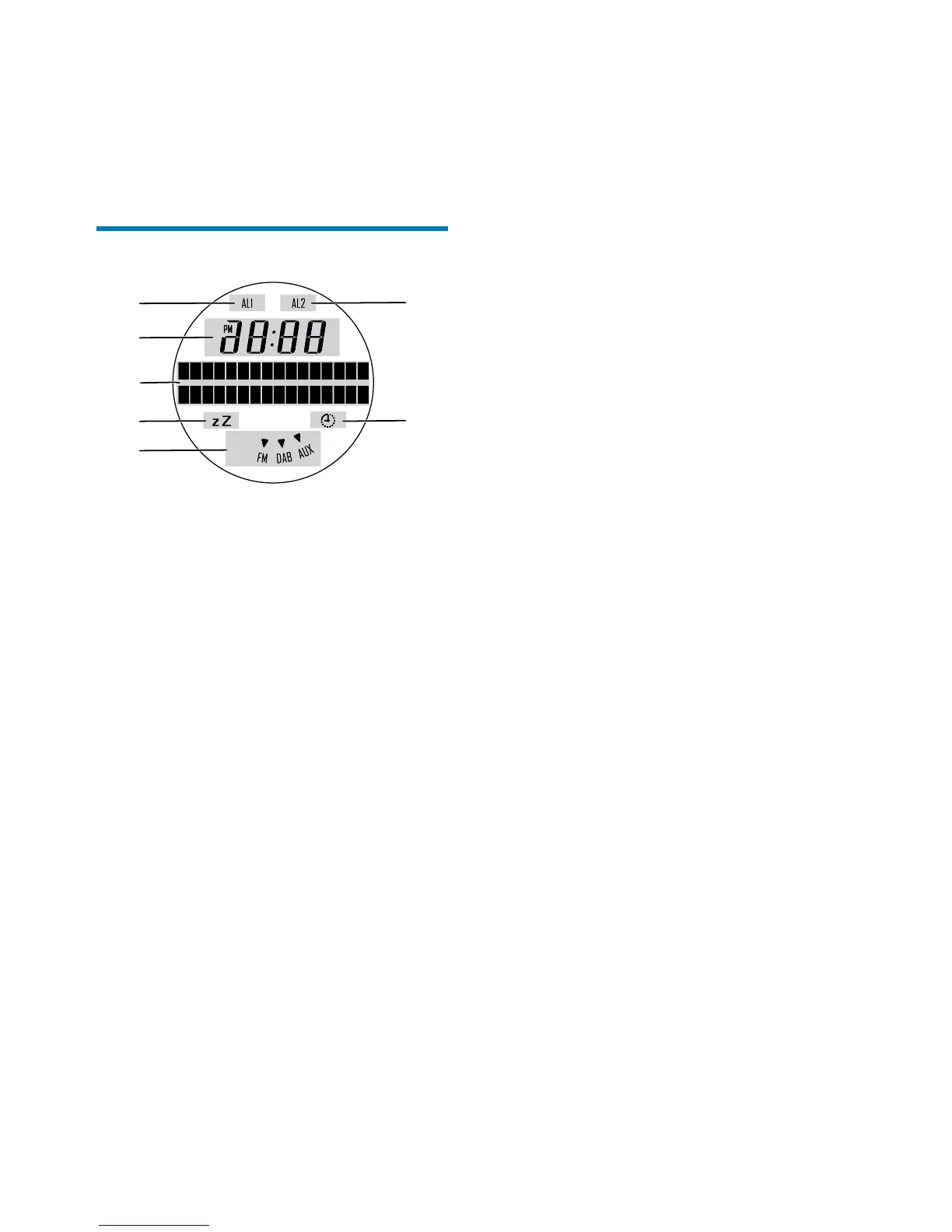
Know about the LCD display
a The rst alarm is activated.
b The second alarm is activated.
c The clock
d Text information
e The sleep timer is activated.
f The countdown timer is activated.
g The current source
a
c
d
e
g
f
b


 To Next Page