6 Philips · PicoPix Micro
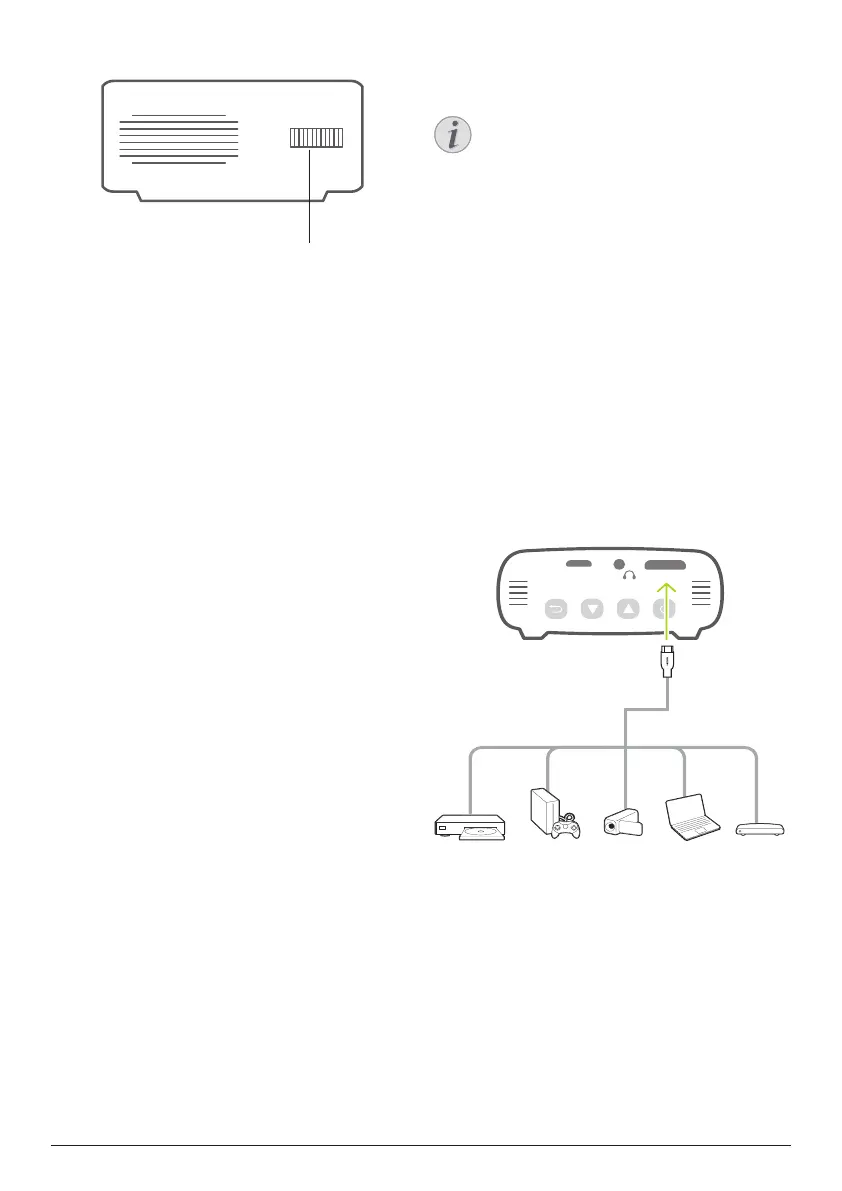
Side view
a
a
Focus adjustment knob
Adjust image sharpness.
3 Connect
Notice
You need to connect the projector to
an HDMI device, so that the projection
screen can show images.
Make sure all devices are disconnected
from the power outlet before establishing
or changing any connections.
HDMI connection for image
projection
Connect a playback device (e.g. a Blu-ray
player, gaming console, camcorder, digital
camera or PC) to the projector through HDMI
connection. With this connection, images are
shown on the projection screen, and audio is
played on the projector.
• Using an HDMI cable, connect the HDMI
connector (mini HDMI port) on the projector
to the HDMI output on the playback device.
Use an HDMI mini plug adapter for HDMI
connection if necessary.












 To Next Page