EasyManua.ls Logo

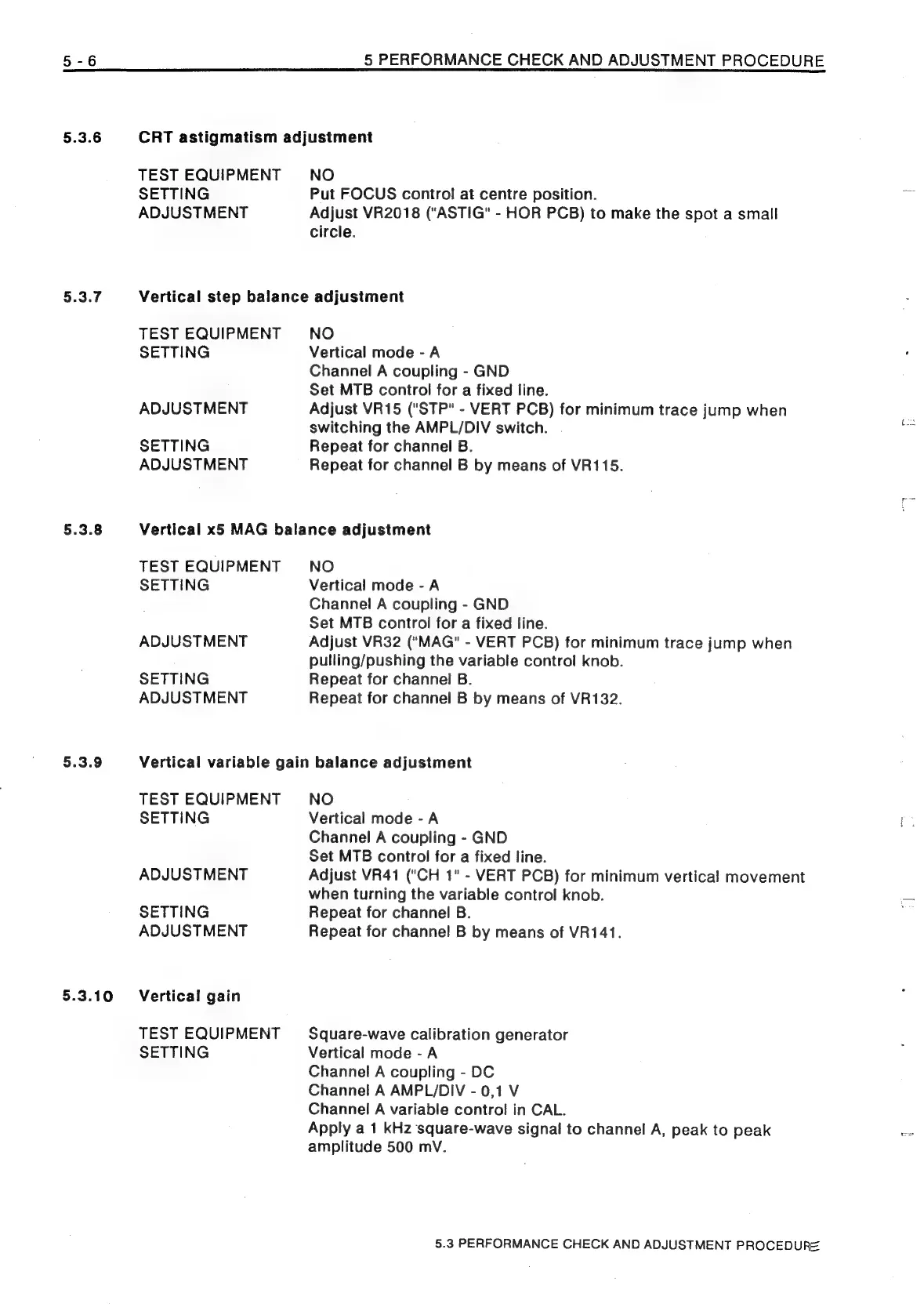
Philips PM3208 - 5.3.6 CRT Astigmatism Adjustment; 5.3.7 Vertical Step Balance Adjustment; 5.3.8 Vertical x5 MAG Balance Adjustment; 5.3.9 Vertical Variable Gain Balance Adjustment

Philips PM3208
81 pages
Print Icon
To Next Page IconTo Next Page
To Previous Page IconTo Previous Page
Loading...
§.3.6
§.3.7
5.3.8
5.3.9
5.3.10
5
PERFORMANCE
CHECK
AND
ADJUSTMENT
PROCEDURE
CRT
astigmatism
adjustment
TEST
EQUIPMENT
SETTING
ADJUSTMENT
NO
Put
FOCUS
control
at
centre
position.
Adjust
VR2018
("ASTIG"
-
HOR
PCB)
to
make
the
spot
a
small
circle.
Vertical
step
balance
adjustment
TEST
EQUIPMENT
SETTING
ADJUSTMENT
SETTING
ADJUSTMENT
NO
Vertical
mode
-A
Channel
A
coupling
-
GND
Set
MTB
control
for
a
fixed
line.
Adjust
VR15
("STP"
-
VERT
PCB)
for
minimum
trace
jump
when
switching
the
AMPL/DIV
switch.
Repeat
for
channel
B.
Repeat
for
channel
B
by
means
of
VR115.
Vertical
x5
MAG
balance
adjustment
TEST
EQUIPMENT
SETTING
ADJUSTMENT
SETTING
ADJUSTMENT
NO
Vertical
mode
-
A
Channel
A
coupling
-
GND
Set
MTB
control
for
a
fixed
line.
Adjust
VR32
("MAG"
-
VERT
PCB)
for
minimum
trace
jump
when
pulling/pushing
the
variable
control
knob.
Repeat
for
channel
B.
Repeat
for
channel
B
by
means
of
VR132.
Vertical
variable
gain
balance
adjustment
TEST
EQUIPMENT
SETTING
ADJUSTMENT
SETTING
ADJUSTMENT
Vertical
gain
TEST
EQUIPMENT
SETTING
NO
Vertical
mode
-
A
Channel
A
coupling
-
GND
Set
MTB
control
for
a
fixed
line.
Adjust
VR41
("CH
1"
-
VERT
PCB)
for
minimum
vertical
movement
when
turning
the
variable
control
knob.
Repeat
for
channel
B.
Repeat
for
channel
B
by
means
of
VR141.
Square-wave
calibration
generator
Vertical
mode
-A
Channel
A
coupling
-
DC
Channel
A
AMPL/DIV
-
0,1
V
Channel
A
variable
control
in
CAL.
Apply
a
1
kHz
square-wave
signal
to
channel
A,
peak
to
peak
amplitude
500
mV.
5.3
PERFORMANCE
CHECK
AND
ADJUSTMENT
PROCEDURE

Related product manuals