20
*Actual display varies with use.
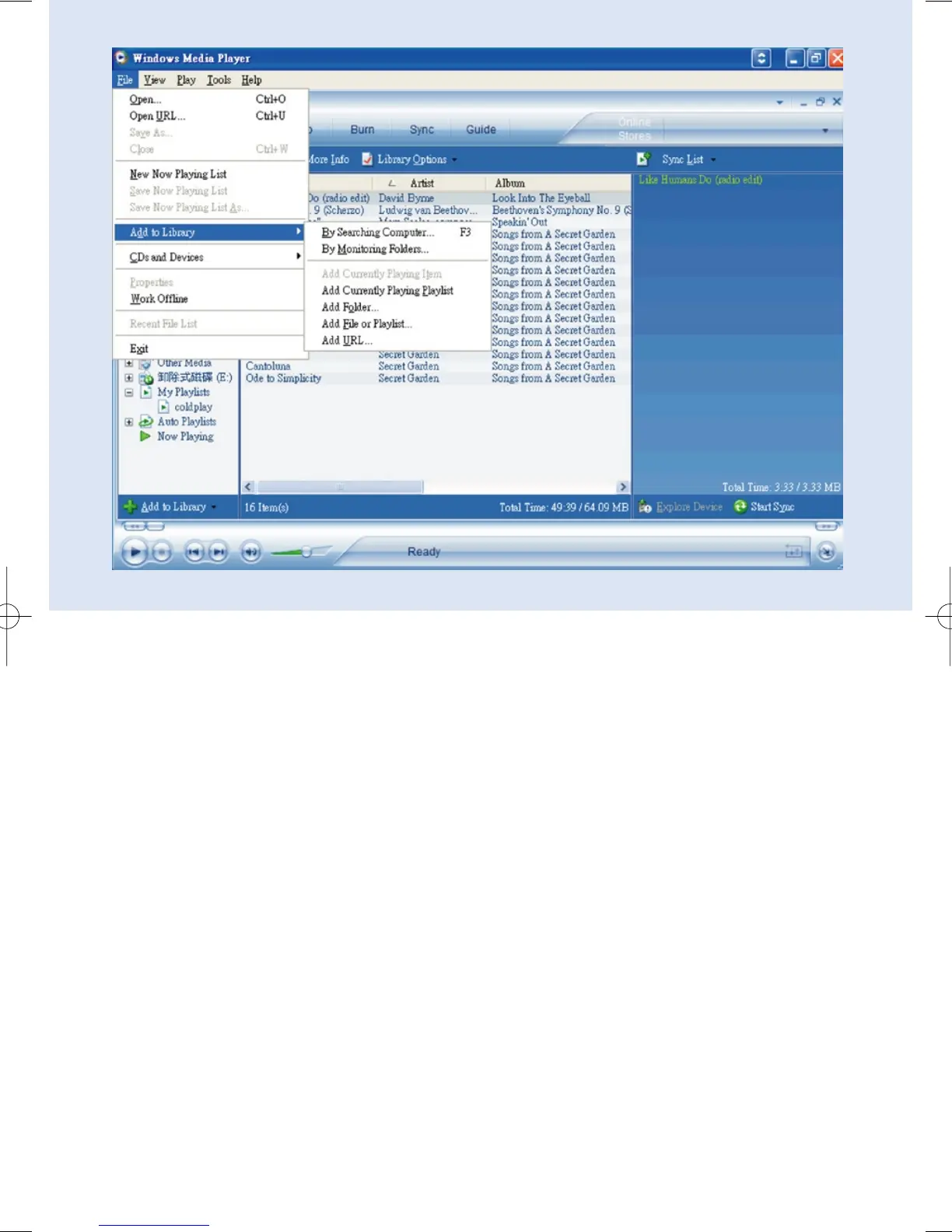
Search and add tracks to the Library
1 Go to File menu. Click Add to Library > By Searching Computer.
2 Click Browse in the dialog box to point to the folder you want to add to.
3 Complete the information in the dialog box, and then click Search.
4 Files will be added to the Library.










 To Next Page