21
Transfer tracks to your device
TIP
Simply connect your device to your computer, choose the synchronization
method you want, and you're ready to synchronize your library to your device.
Choose a synchronization method:
Automatic. With this option, the Player synchronizes content to the device when you connect
it to your computer or when you change synchronization settings.The Player synchronizes your
entire library if it can fit, or the Player synchronizes your favorite content first.
Manual. With this option, you pick specific files or playlists you want to synchronize each time
you want to make changes to the content on your device.
✔
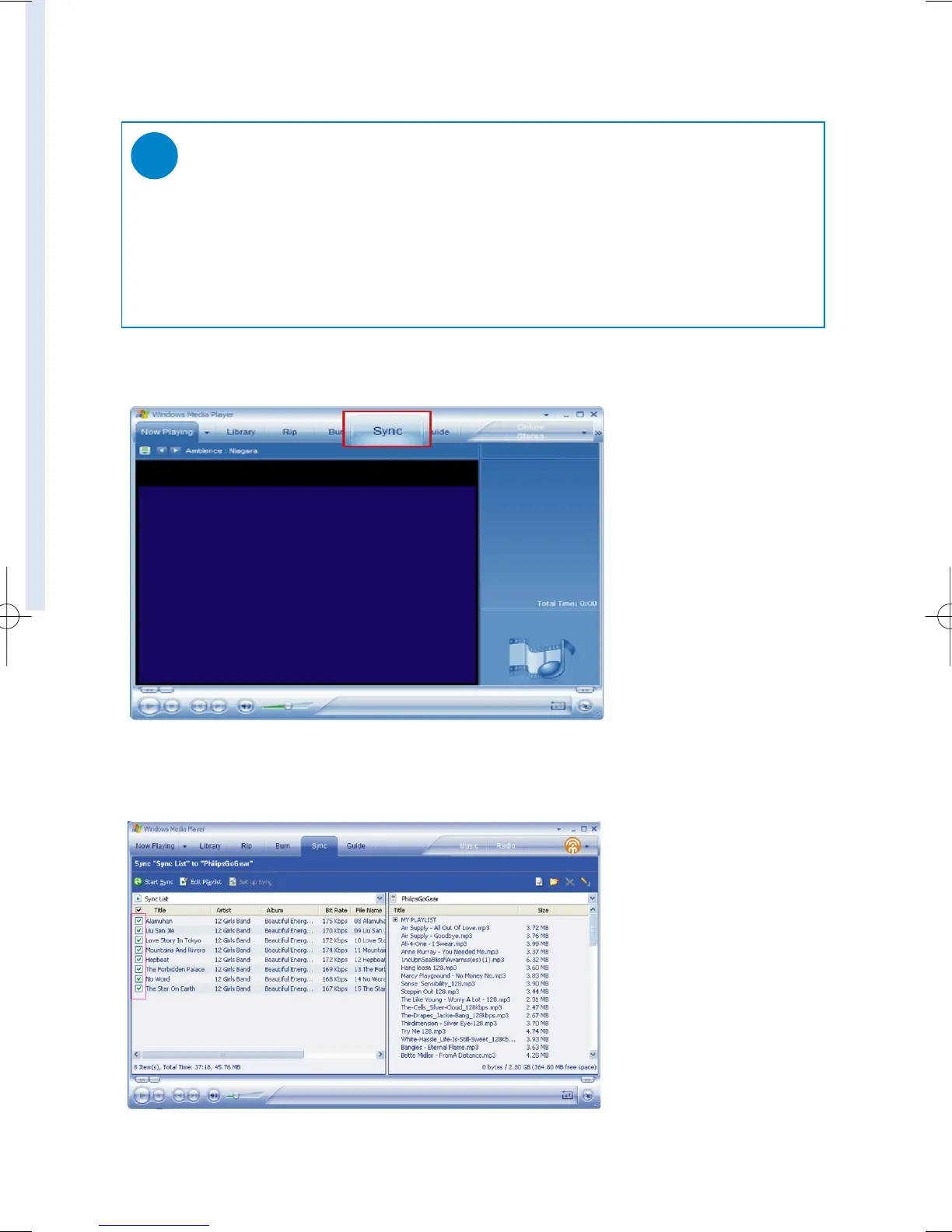
1 Click on Sync.
2 In the Items to Copy pane, show the playlist, category, or other items that you want to copy
that you want to copy. Clear the check boxes next to any files you do not want to copy.










 To Next Page