9
Radio mode***
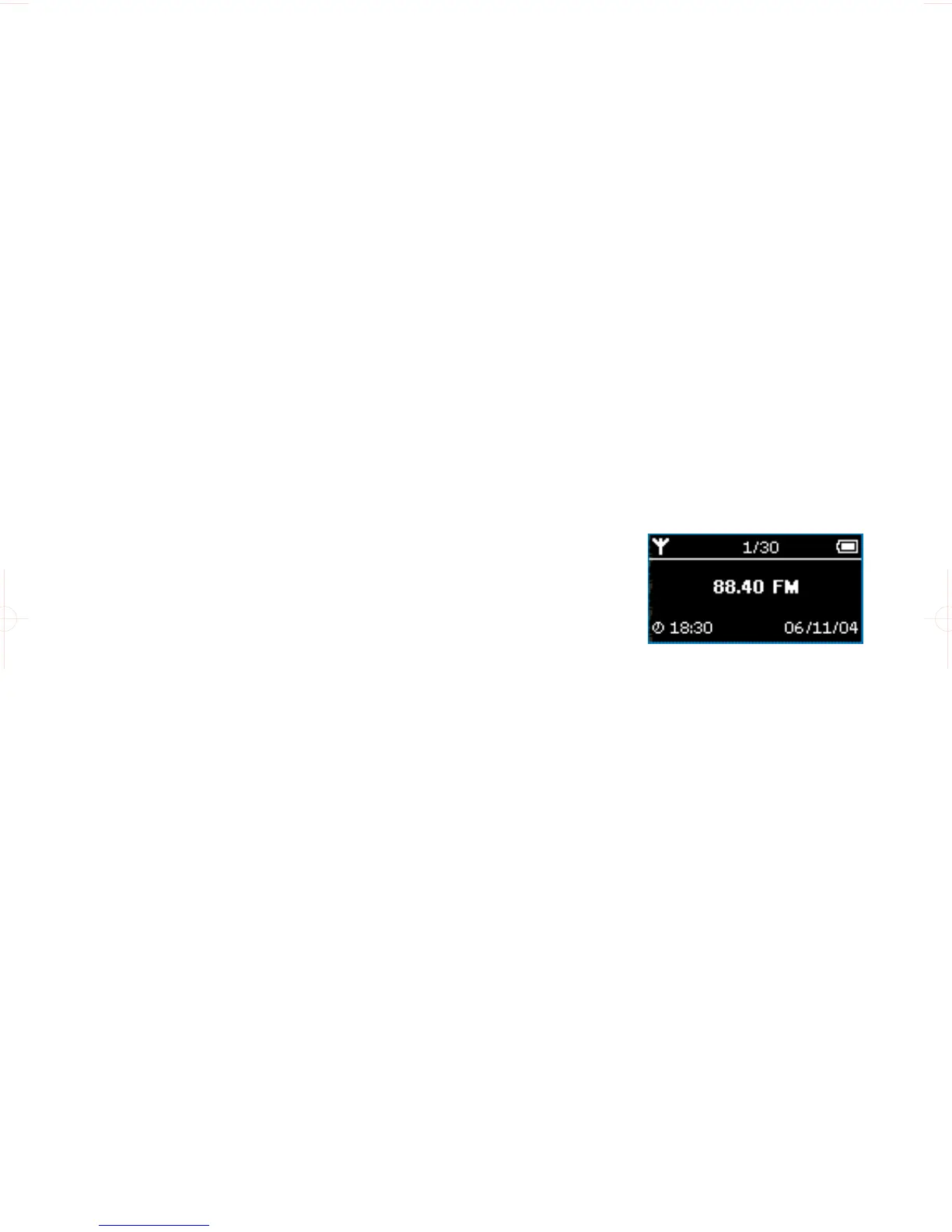
From the root menu, select RADIO to enter the radio mode.
Manual tune
1 From the root menu, select RADIO to enter the radio mode.
2 Press MENU. Select Manual Tune. Press 2; to confirm.
3 Press J( and )K to search the station or press and hold )K to search for the
next available station.
4 Press 2; to save your preset.
Auto tune
1 Press MENU. Select Autotune. Press 2; to confirm.
➔ Your device will automatically select up to 30 strongest available
stations.
Playing a preset station
1 From the root menu, select RADIO to enter the radio mode and tune
to your preferred station.
2 Press J( to scroll up or )K to scroll down for your preset.
3 The preset will be automatically played.
***FM radio is only available to some regional versions.










 To Next Page