8
EQUALIZERS
You can set your device to play music tracks with different EQ (equalizers).
Changing equalizers
1 Press MENU. Select EQUALIZER.
2 Use scroll controls to select Rock, Funk, Jazz, Classic, Hip Hop, Dance, Custom, or Off.
Custom EQ
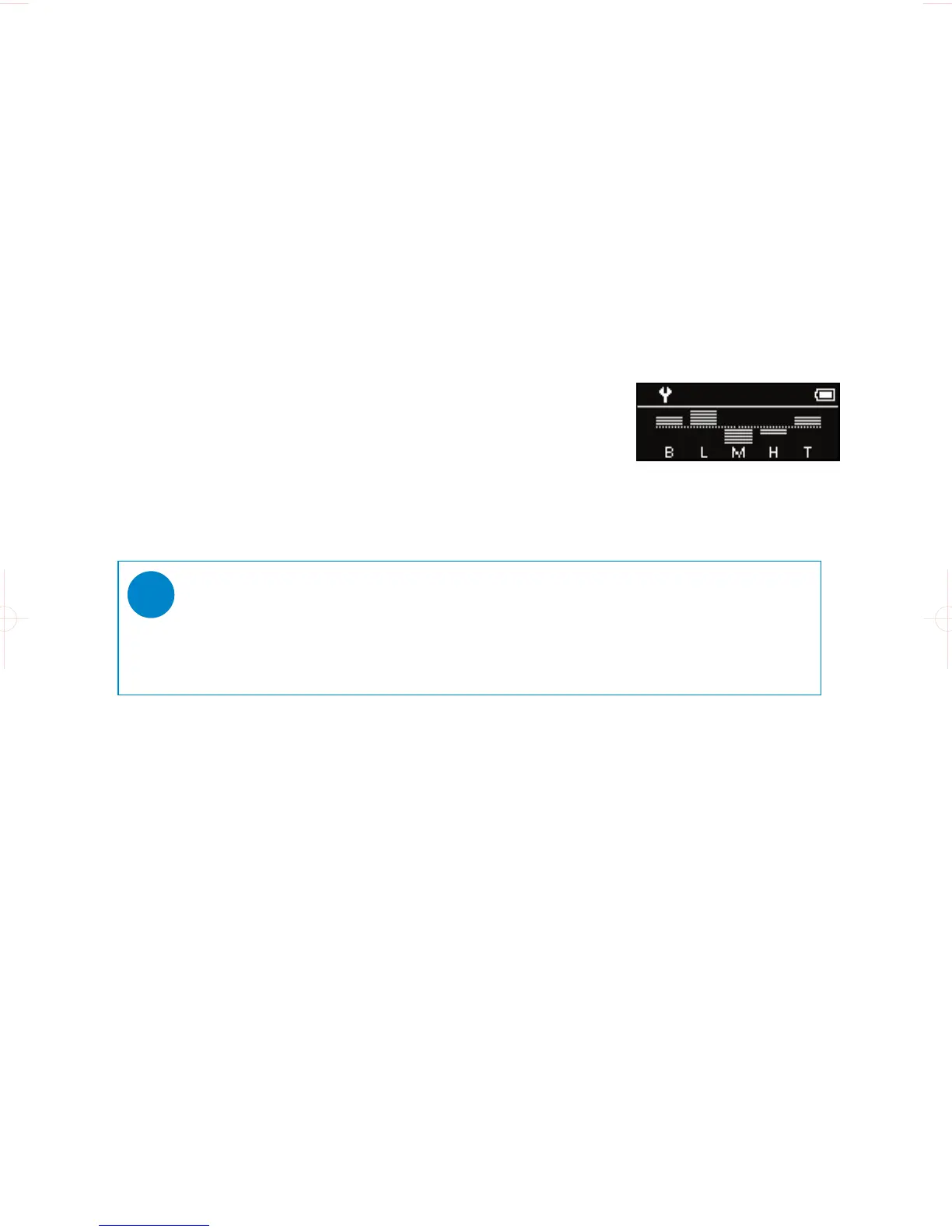
The Equalizer custom setting provides 5 adjustable bands: Bass, Low, Mid, High and Treble.
1 Press MENU. Select EQUALIZER > Custom.
2 Press J( or )K to select your band.
➔ Selected band flashes.
3 Press + once or more to increase the band setting.
Press - once or more to reduce the band setting.
4 The newly set custom eq can be immediately heard if you are playing music
TIP
- The Custom EQ screen times out when there is more than 5 seconds of inactivity.
✔










 To Next Page