5
Root menu
When your device powers up, you will see the Root menu. Otherwise, press and hold MENU to go
to the root menu.
Navigation
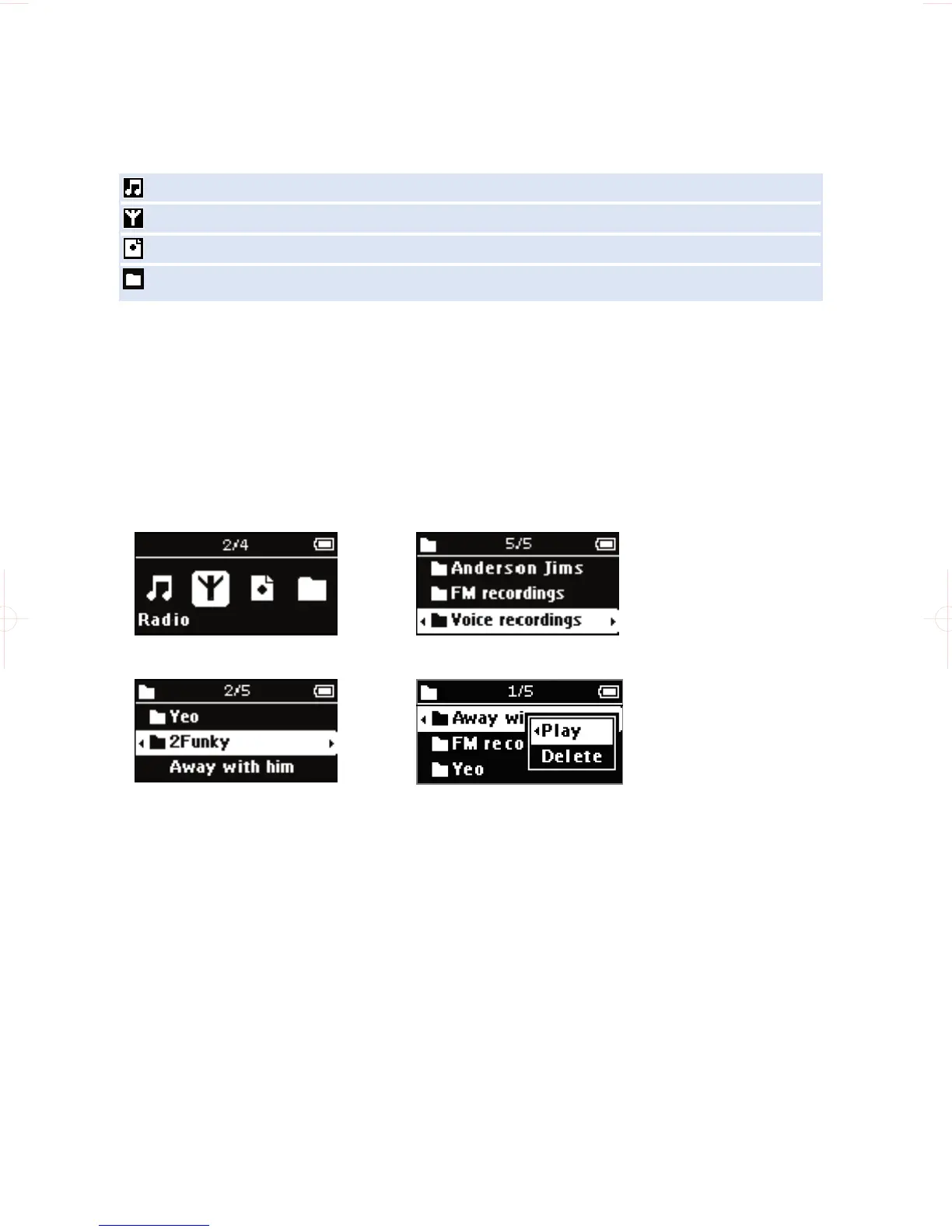
Your device has an intuitive menu navigation system to guide you through various settings
and operations. Use +, -, J( , )K to browse through menus. Press 2; to confirm your selection.
To exit any current mode or play activity, press MENU or the J( key.
Music enter to play your digital music tracks
Radio enter to listen to your radio presets
Recordings enter to play and manage recordings
Folder enter to browse your music tracks or recordings by folders










 To Next Page