7
Advanced features in playback
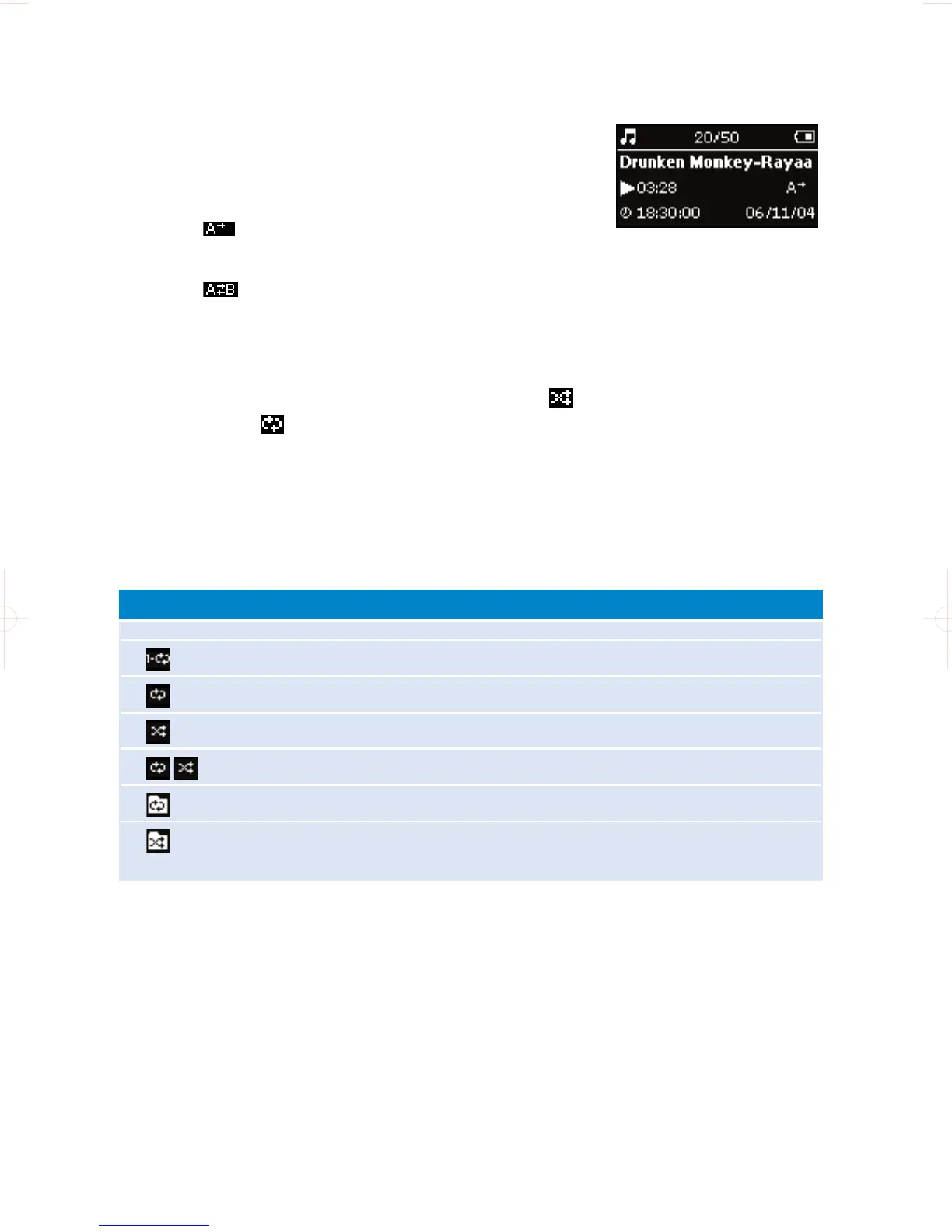
A-B REPEAT
To repeat or loop a sequence in a track:
1 Press A-B at your chosen starting point;
➔ appears on the screen.
2 Press A-B again at your chosen end point;
➔ appears on the screen, and the repeat sequence begins.
PLAY MODES
You can set your device to play music tracks randomly (Shuffle ) and / or
repeatedly (repeat ).
Changing play modes
1 Press MENU. Select Play modes.
2 Use scroll controls to select the following options.
Off Normal playback
Repeat 1 Play one track repeatedly
Repeat all Play all tracks repeatedly
Shuffle Play all tracks randomly
Shuffle repeat Play all tracks randomly and repeatedly
Repeat folder Play all tracks within folder repeatedly
Shuffle folder Play all tracks within folder randomly
Icon Meaning










 To Next Page