7 EN
2 On your Bluetooth device, enable
Bluetooth and search for Bluetooth
devices that can be paired (see the
user manual of the device).
3 Select [Philips SB500] displayed on
your device for pairing. If necessary,
input “0000” as the pairing
password.
» After successful connection, the
speaker beeps twice, and the
blue LED light stops ashing.
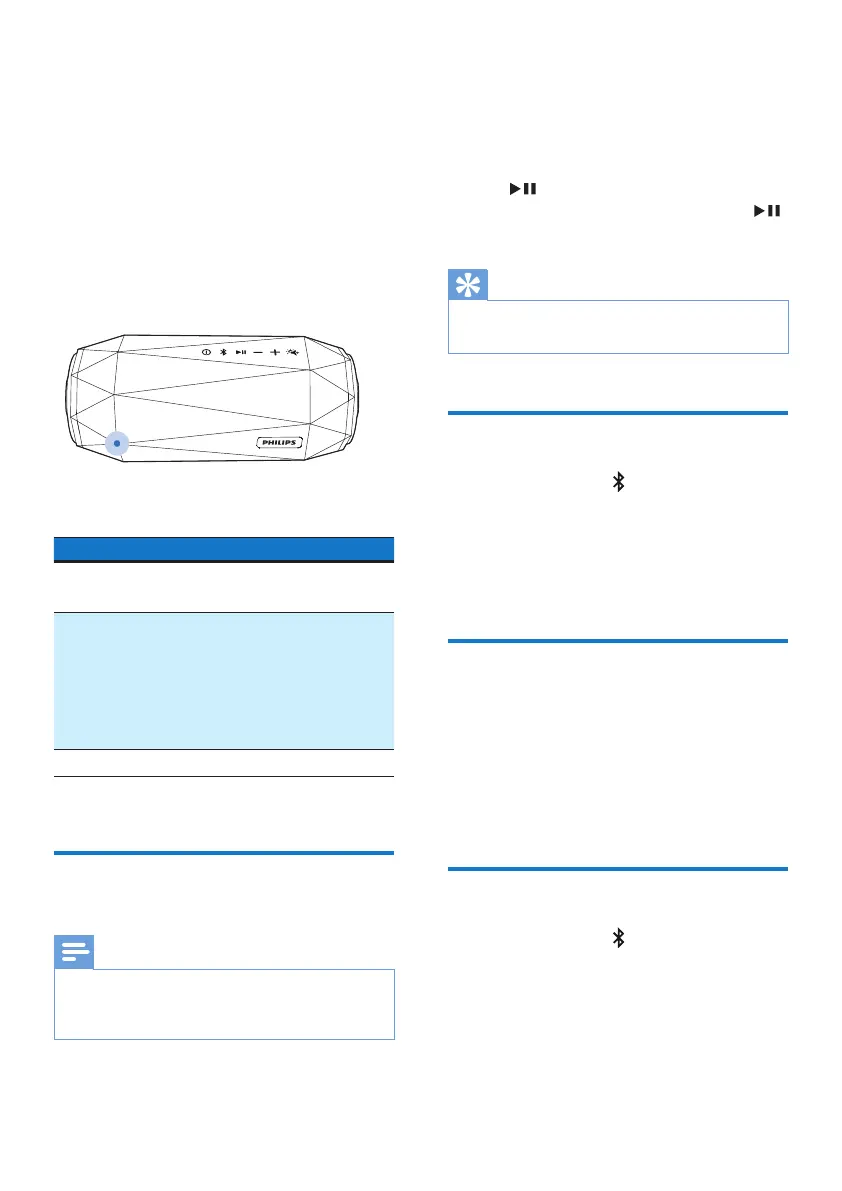
LED behavior Description
Flashing blue
quickly
Ready for pairing
Flashing blue
slowly
Reconnecting the
last connected
device;
Waiting for
connection from
the paired device
Solid blue Connected
Play from a connected
Bluetooth device
Note
•
Music play pauses when there is an
incoming call, and resumes when your
phone call ends.
After successful Bluetooth connection,
play audio on the connected device.
» Audio streams from your Bluetooth
device to the speaker.
• To pause or resume play, press
.
• To play the next track, press
twice.
Tip
•
You can also use your Bluetooth device to
control play.
Disconnect a device
• Press and hold for two seconds;
• Turn o the speaker;
• Disable Bluetooth on your device;
or
• Move the device beyond the
communication range.
Reconnect a device
• When you turn on the speaker,
it tries to reconnect the last
connected device automatically;
• If not successful, select [Philips
SB500] on your Bluetooth menu to
start reconnection.
Clear pairing information
• Press and hold for 10 seconds.



 To Next Page