6EN
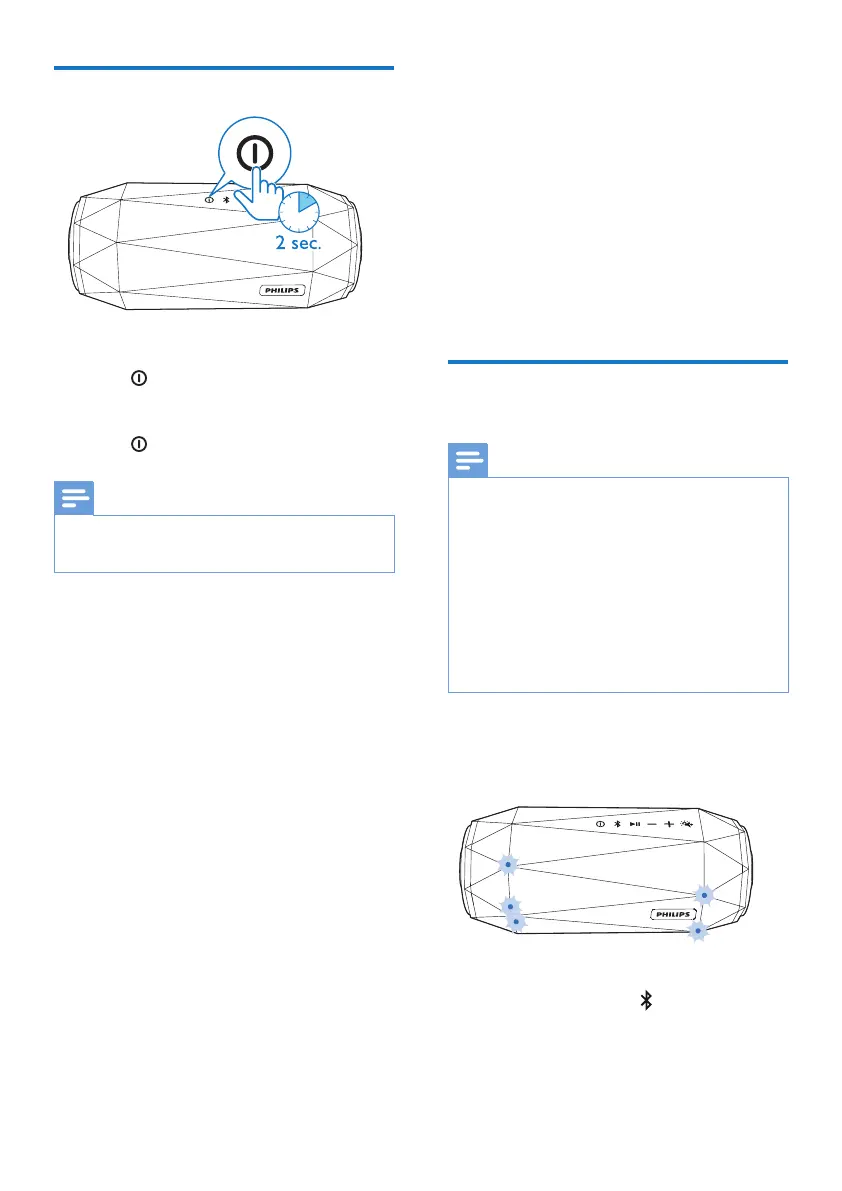
Turn on/o
• To turn the speaker on, press and
hold
for over two seconds until
the LEDs light up.
• To turn the speaker o, press and
hold
for two seconds again.
Note
•
The speaker turns o automatically when
being idle for 15 minutes.
4 Play from
Bluetooth
devices
With this speaker, you can listen to
audio from Bluetooth-enabled devices
and control the incoming call through
Bluetooth.
Connect a Bluetooth
device
Note
•
Make sure that Bluetooth function is
enabled on your device, and your device is
set as visible to all other Bluetooth devices.
• Any obstacle between this speaker
and a Bluetooth device can reduce the
operational range.
• Keep away from any other electronic
device that may cause interference.
• The operational range between this
speaker and a Bluetooth device is
approximately 10 meters.
1 Make sure that the speaker is in
Bluetooth pairing mode.
» The LEDs ash blue quickly.
» If the LEDs ash blue slowly,
press and hold
for two
seconds to enter pairing mode.



 To Next Page