EasyManua.ls Logo

Philips Screeneo HDP1690TV - User Manual

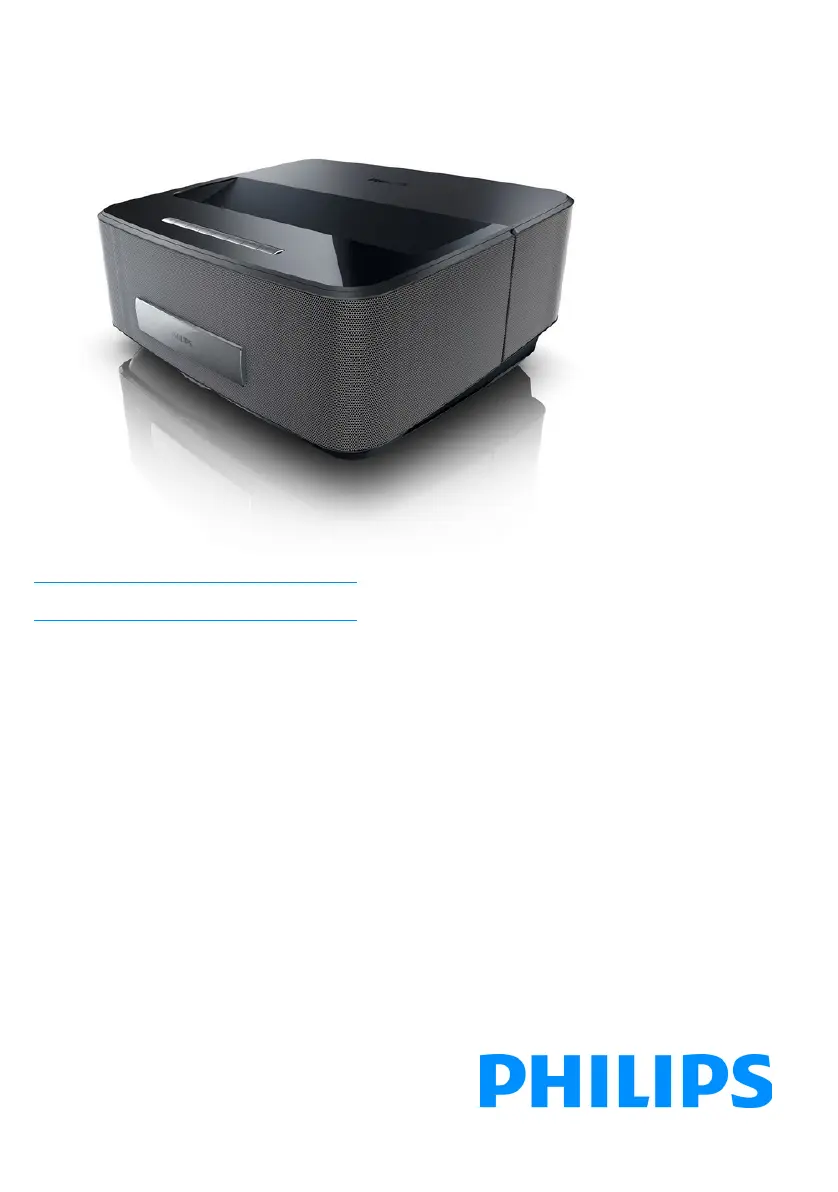
Philips Screeneo HDP1690TV
43 pages
Print Icon
To Next Page IconTo Next Page
Loading...
Register your product and get support at
www.philips.com/welcome
Screeneo
HDP1650TV
HDP1690TV
EN User Manual
Screeneo_User-Manual_HDP16x0_TV_EN_253637294-A.book Page 1 Jeudi, 12. février 2015 10:33 10

Table of Contents

Questions and Answers

  • L
    Lisa KimAug 18, 2025
    What to do if Philips Projector shows only initial screen when connected to computer?
    • B
      Brittany DonovanAug 18, 2025
      If your Philips Projector only shows the initial screen when connected to a computer, ensure that the VGA-output of the computer is switched on. Also, verify that the computer's resolution is set to 1280*800 for VGA connection or 1080P for HDMI connection.
  • C
    Chad HaleAug 20, 2025
    What to do if only the initial screen appears on my Philips Projector?
    • E
      erica64Aug 20, 2025
      If you only see the initial screen and not the image from your external device on your Philips Projector, verify that the cables are connected to the correct sockets. Also, ensure that the external device is switched on and its video output is enabled. Finally, check that the HDMI source selected on the projector's user interface corresponds to the HDMI connector where the external device is connected.
  • R
    Robert LopezAug 23, 2025
    How to fix no sound on Philips Screeneo HDP1690TV?
    • J
      Jason CraigAug 23, 2025
      If there is no sound on your Philips Projector, first check that the speaker is activated in the settings menu (Settings /Sound setting/Speaker). If the speaker is on, adjust the volume using the volume control on the remote.
  • E
    Eric SmithAug 26, 2025
    Why is there no sound from external device connected to Philips Projector?
    • P
      Patricia CastilloAug 26, 2025
      If you're not getting sound from an external device connected to your Philips Projector, check the cables to the external device. Ensure the volume is set correctly on the external device. For best results, use the original cables from the device manufacturer.
  • C
    christianjeffreyAug 28, 2025
    Why does my Philips Screeneo HDP1690TV keep turning off?
    • W
      William YoungAug 28, 2025
      Your Philips Projector might be turning off for a few reasons. If the device runs for a long time, it may overheat, causing it to shut down automatically. Let it cool down before continuing playback. Also, ensure the power cable is correctly connected. Finally, check the sleep mode status in the setting menu; if activated, the device will turn off after the programmed duration.
  • R
    Robert OconnorAug 31, 2025
    What to do if Philips Screeneo HDP1690TV Projector remote control is not working?
    • S
      Suzanne GomezAug 31, 2025
      If your Philips Projector isn't responding to the remote control, first check if the remote control batteries are new. If not, replace them. If the issue persists, the remote control may need to be paired with the USB receiver again. Connect the USB receiver to a rear USB port of the projector, then press the red and blue keys on the remote control simultaneously for 5 to 10 seconds.
  • C
    cherylsullivanSep 2, 2025
    How to enable sound from DVB-T program or external HDMI output device on Philips Screeneo HDP1690TV?
    • M
      matthew62Sep 2, 2025
      If you're not getting sound from a DVB-T program or an external HDMI output device on your Philips Projector, set the audio setting to Multichannel (Raw data) & Stereo (PCM).
  • C
    Christina GarciaSep 5, 2025
    How to improve HDMI image quality on Philips Screeneo HDP1690TV?
    • A
      Adrian SmithSep 5, 2025
      If you're experiencing bad image or color quality when connecting to your Philips Projector via HDMI, use a high-quality HDMI cable. Low-quality cables can cause signal distortions.
  • K
    Kenneth CollinsSep 7, 2025
    How to fix 3D video display problem on Philips Screeneo HDP1690TV Projector?
    • K
      Kim WilsonSep 7, 2025
      If you're experiencing video display problems with a 3D signal from a DVD player on your Philips Projector, ensure that the 3D mode is activated on the projector. If the DVD player is connected via HDMI, use any of the HDMI sockets.
  • A
    Alexander LeeSep 10, 2025
    Why Philips Projector brightness dims when playing videos from USB?
    • C
      Charles PearsonSep 10, 2025
      If your Philips Projector automatically dims when playing videos from a USB drive, it's likely because the environment temperature is too high. The device reduces brightness to protect the high-power LED. Try using the device in lower ambient temperatures.

Philips Screeneo HDP1690TV Specifications

General IconGeneral
BrandPhilips
ModelScreeneo HDP1690TV
CategoryProjector
LanguageEnglish

Related product manuals