EasyManua.ls Logo

Philips Screeneo S4 - User Manual

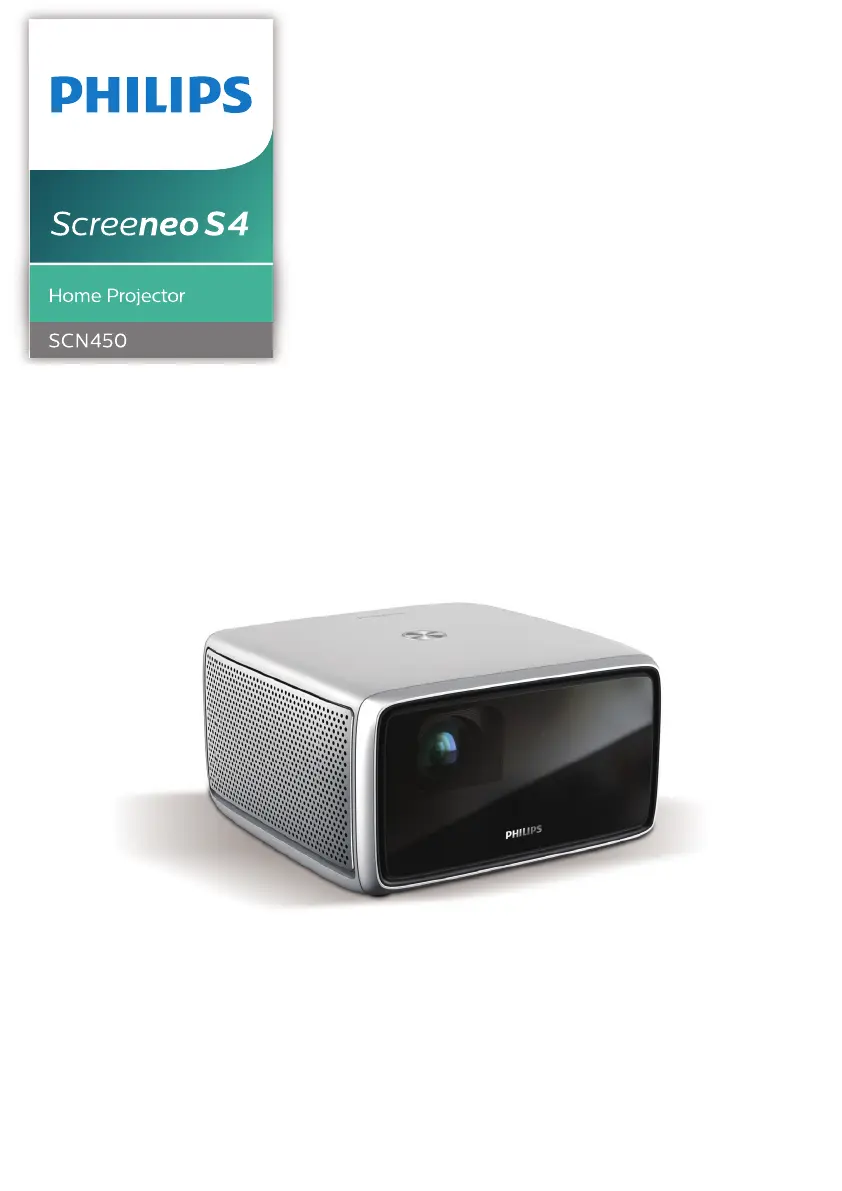
Philips Screeneo S4
28 pages
Print Icon
To Next Page IconTo Next Page
Loading...
Register your product and get support at
www.philips.com/support
EN User Manual
FR Manuel utilisateur
DE Bedienungsanleitung
ES Manual del usuario
IT Manuale d’uso
PT Manual do Utilizador
NL Gebruiksaanwijzing
CZvod k použití

Questions and Answers

Summary

General Safety Information

Initial Operation: Projector Placement

Power and Remote Setup

Powering On and Standby Mode

Initial Power On Procedure

Instructions on how to turn the projector on for the first time and put it into standby.

Image Adjustment and First Setup

First-Time Setup: Network and Pointer

Wi-Fi Setup and Pointer Activation

Steps for connecting to Wi-Fi and activating the on-screen pointer for navigation.

Bluetooth Audio Streaming

Streaming from Bluetooth Devices

How to wirelessly stream audio from a Bluetooth-enabled device to the projector.

Bluetooth Speaker Connection

Connecting to Bluetooth Speakers

Steps for pairing the projector with external Bluetooth speakers for audio output.

Connecting External Devices

HDMI and S;PDIF Connections

Instructions for connecting playback devices via HDMI and audio devices via S/PDIF.

Media Playback from Storage Devices

Wireless Screen Mirroring

Mirroring Mobile and Computer Devices

Guide for wirelessly mirroring content from iOS, Mac, and Android devices.

Wireless Projection with Windows PC

Settings Configuration

Advanced Settings

Software Updates

Troubleshooting

Summary

General Safety Information

Initial Operation: Projector Placement

Power and Remote Setup

Powering On and Standby Mode

Initial Power On Procedure

Instructions on how to turn the projector on for the first time and put it into standby.

Image Adjustment and First Setup

First-Time Setup: Network and Pointer

Wi-Fi Setup and Pointer Activation

Steps for connecting to Wi-Fi and activating the on-screen pointer for navigation.

Bluetooth Audio Streaming

Streaming from Bluetooth Devices

How to wirelessly stream audio from a Bluetooth-enabled device to the projector.

Bluetooth Speaker Connection

Connecting to Bluetooth Speakers

Steps for pairing the projector with external Bluetooth speakers for audio output.

Connecting External Devices

HDMI and S;PDIF Connections

Instructions for connecting playback devices via HDMI and audio devices via S/PDIF.

Media Playback from Storage Devices

Wireless Screen Mirroring

Mirroring Mobile and Computer Devices

Guide for wirelessly mirroring content from iOS, Mac, and Android devices.

Wireless Projection with Windows PC

Settings Configuration

Advanced Settings

Software Updates

Troubleshooting

Philips Screeneo S4 Specifications

General IconGeneral
Built-in displayNo
Native resolution1920 x 1080 pixels
Native aspect ratio16:9
Projection distance0.24 - 4.57 m
Supported aspect ratios4:3, 16:9
Contrast ratio (typical)100000:1
Screen size compatibility- \
Projector native resolution1080p (1920x1080)
Product colorBlack, Silver
Compatible operating systemsAndroid
Product typeShort throw projector
Market positioningHome cinema
Noise level- dB
Projection modesCeiling, Front, Rear
Number of OSD languages-
Light source typeLED
Service life of light source30000 h
FocusAuto
Throw ratio1.2:1
Focal length range- mm
Internal memory16 GB
RMS rated power5 W
Number of built-in speakers2
Wi-Fi standards802.11a, 802.11b, 802.11g, Wi-Fi 4 (802.11n), Wi-Fi 5 (802.11ac)
Bluetooth version4.0
Ethernet LAN (RJ-45) ports1
USB 2.0 ports quantityUSB 2.0 ports have a data transmission speed of 480 Mbps, and are backwards compatible with USB 1.1 ports. You can connect all kinds of peripheral devices to them.
Power sourceAC
AC input voltage100-240 V
Power consumption (standby)0.5 W
Power consumption (typical)150 W
Weight and Dimensions IconWeight and Dimensions
Width192 mm
Height110 mm
Weight1840 g
Dimensions (WxDxH)192 x 192 x 110 mm

Related product manuals