EasyManua.ls Logo

Philips Screeneo U3 - User Manual

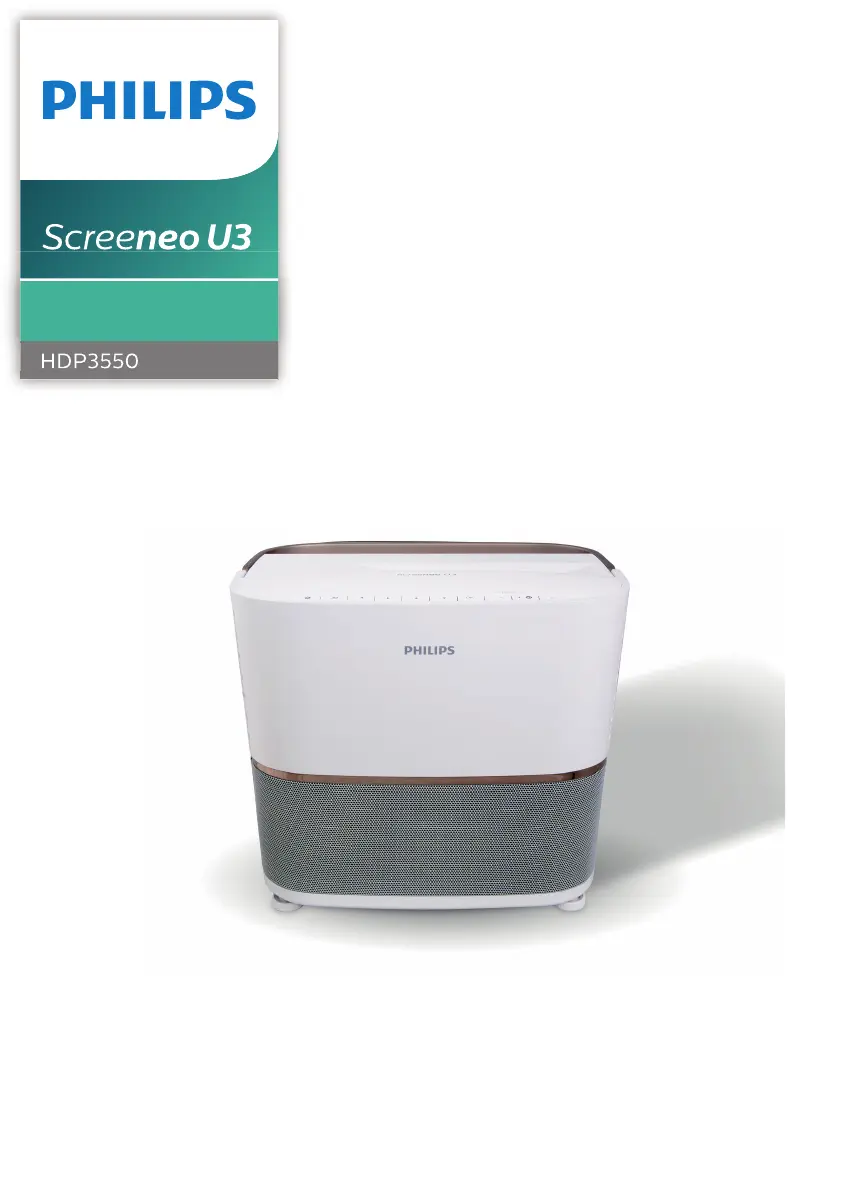
Philips Screeneo U3
31 pages
Print Icon
To Next Page IconTo Next Page
Loading...
User Manual
Register your product and get support at
www.philips.com/support
Home Projector

Questions and Answers

Summary

Introduction

About this User Manual

Explains the user manual's purpose and relation to the quick start guide.

Symbols Used in the Manual

Explains the meaning of notice, danger, and caution symbols used throughout the manual.

Whats Included in the Box

Lists the items included in the product package, such as the projector, remote control, and cables.

Customer Service and Support

Provides contact information for support, including website, email, and phone number.

General Safety Information

Safe Product Setup Procedures

Provides instructions and warnings for safely placing and setting up the projector, including ventilation and cable management.

Repair and Maintenance Guidelines

Advises against self-repair and recommends using an authorized service center for all product repairs.

Battery Safety and Environmental Precautions

Warns about battery safety, moisture, dust, and other environmental hazards.

Projector Overview

Top View Components and Controls

Identifies and describes the components and controls visible on the top of the projector.

Power Supply Connection

Details how to connect the projector to a power outlet safely, emphasizing the use of a grounded cable.

Projector Connections

Side Panel Connectors

Identifies and describes the connectors located on the side panel of the projector.

Rear Panel Connectors

Identifies and describes the connectors located on the rear panel of the projector.

Remote Control Operation

Remote Control Button Functions

Explains the functions of each button on the remote control for operating the projector.

Initial Operation: Placement

Projector Positioning Guide

Guides on how to position the projector for optimal projection, including distance and surface requirements.

Alternative Mounting Options

Describes alternative projector mounting positions like front ceiling, rear table, and rear ceiling.

Initial Setup Procedure

Connecting Power and Preparing Remote

Instructs on connecting power and inserting batteries into the remote control.

Powering On and Standby Mode

Guides on how to turn on the projector, initiate setup, and put it into standby mode.

First Time Setup Process

Language, App Installation, and Pointer Activation

Details initial setup steps: language, app install, EULA, and pointer pairing.

Image and Network Configuration

Image Adjustment and Format Settings

Guides on adjusting image focus, shape correction, and selecting the display format.

Wi-Fi Network Setup and Time Zone

Provides instructions for connecting to Wi-Fi and setting the projector's time zone.

Home Screen Functionality

Accessing On-Screen Help

Explains accessing user manual and pre-loaded applications for online services.

App Management and Customization

Covers managing apps, permissions, and changing home screen wallpaper.

Bluetooth Audio Streaming

Streaming from Bluetooth Device

Details how to wirelessly stream music from a Bluetooth device to the projector, including pairing.

Streaming to Bluetooth Speaker

Explains how to wirelessly stream audio from the projector to an external Bluetooth speaker.

Connecting Playback Devices

HDMI Device Connection

Provides instructions on connecting playback devices like Blu-ray players or gaming consoles via HDMI.

Bluetooth Speaker Management

Explains how to unpair Bluetooth speakers and connect to a second device.

Connecting Computer and AV Devices

VGA Computer Connection

Details how to connect a computer using a VGA cable for video output, including audio connection.

AV Device Connection

Explains how to connect playback devices using RCA (AV) cables for composite video and analogue audio.

Connecting Audio Output Devices

S;PDIF Digital Audio Connection

Guides on connecting digital audio devices using an S/PDIF optical cable for audio streaming.

External Speakers and Headphones Connection

Explains how to connect external audio devices or headphones to the projector for audio playback.

Storage and Screen Control

Trigger Connection for Projection Screens

Explains how to connect the projector to a projection screen for automatic unfolding/folding.

USB Storage Device Connection

Details how to connect a USB storage device to the projector for accessing data files and media playback.

File Management and Media Playback

File Browser Operations and Editing

Explains how to navigate, select, copy, cut, and delete files in the file browser.

Media File Playback

Guides on playing pictures, audio, and video files from local storage or connected USB devices.

Wireless Projection Methods

Mirroring Android, iOS, and Mac Devices

Provides steps to wirelessly mirror screens from Android, iOS, and Mac devices to the projector.

System Settings

Android System Configuration

Covers settings for the Android OS, including apps, security, and keyboard input methods.

Projector System Options

Details projector settings like image options, sound options, and general system configurations.

Projector System Configuration

Source Selection and Image Settings

Guides on selecting input sources and adjusting image settings like brightness, contrast, and sharpness.

3 D Display Settings

Details how to switch between 2D and 3D modes and adjust left/right image swap.

Sound and System Settings

Sound Configuration Options

Covers volume, bass, sound modes, and audio output selection.

System Management Settings

Details settings like sleep mode, screen saver, language, and firmware updates.

Service and Maintenance

Cleaning Instructions and Lamp Replacement

Provides instructions for cleaning the projector and safely replacing the UHP lamp.

Resetting System Settings

Explains how to reset image settings and projector/Android system settings to factory defaults.

Lamp Replacement Procedure

Safety Precautions for Lamp Replacement

Highlights critical safety measures before, during, and after replacing the projector lamp.

Installing the New Projector Lamp

Details the step-by-step process for carefully inserting and securing the new projector lamp.

Software Updates and Troubleshooting

Software Update Methods

Explains how to update the projector software via internet or USB for improved features and support.

Basic Troubleshooting Steps

Provides basic troubleshooting steps like power cycling to resolve common projector problems.

Troubleshooting Common Problems

Image and Sound Connectivity Issues

Offers solutions for problems related to no sound or no image from connected HDMI or external devices.

USB and Remote Control Malfunctions

Provides solutions for issues like the projector not reading USB sticks or not responding to remote control commands.

Advanced Troubleshooting Scenarios

Screen Mirroring and Wireless Issues

Offers solutions for screen mirroring issues, especially after device firmware updates or compatibility problems.

Video;Audio Sync and Performance

Addresses problems with distorted video, sound, or synchronization issues, often related to Wi-Fi bandwidth.

Technical Specifications

Display and Technology Details

Lists technical specifications like display technology, lamp type, resolution, and throw ratio.

Supported Media and Audio Formats

Details the supported video, audio, and photo formats for the internal media player.

Power, Connectivity, and Dimensions

Outlines power consumption, supply, connectivity, and packaging dimensions.

Regulatory Compliance

CE Statement and RF Information

Declares compliance with EU directives and details frequency band output power and RF exposure.

FCC Statement and User Guidance

Provides FCC compliance information, labeling requirements, and user guidance on interference and modifications.

Other Notices and Disclaimers

Environmental Responsibility and Disposal

Outlines the company's commitment to environmental preservation and proper disposal of products and packaging.

Trademarks and Liability Limitations

Lists trademarks and disclaims liability for damages resulting from misuse, unauthorized modifications, or non-original parts.

Summary

Introduction

About this User Manual

Explains the user manual's purpose and relation to the quick start guide.

Symbols Used in the Manual

Explains the meaning of notice, danger, and caution symbols used throughout the manual.

Whats Included in the Box

Lists the items included in the product package, such as the projector, remote control, and cables.

Customer Service and Support

Provides contact information for support, including website, email, and phone number.

General Safety Information

Safe Product Setup Procedures

Provides instructions and warnings for safely placing and setting up the projector, including ventilation and cable management.

Repair and Maintenance Guidelines

Advises against self-repair and recommends using an authorized service center for all product repairs.

Battery Safety and Environmental Precautions

Warns about battery safety, moisture, dust, and other environmental hazards.

Projector Overview

Top View Components and Controls

Identifies and describes the components and controls visible on the top of the projector.

Power Supply Connection

Details how to connect the projector to a power outlet safely, emphasizing the use of a grounded cable.

Projector Connections

Side Panel Connectors

Identifies and describes the connectors located on the side panel of the projector.

Rear Panel Connectors

Identifies and describes the connectors located on the rear panel of the projector.

Remote Control Operation

Remote Control Button Functions

Explains the functions of each button on the remote control for operating the projector.

Initial Operation: Placement

Projector Positioning Guide

Guides on how to position the projector for optimal projection, including distance and surface requirements.

Alternative Mounting Options

Describes alternative projector mounting positions like front ceiling, rear table, and rear ceiling.

Initial Setup Procedure

Connecting Power and Preparing Remote

Instructs on connecting power and inserting batteries into the remote control.

Powering On and Standby Mode

Guides on how to turn on the projector, initiate setup, and put it into standby mode.

First Time Setup Process

Language, App Installation, and Pointer Activation

Details initial setup steps: language, app install, EULA, and pointer pairing.

Image and Network Configuration

Image Adjustment and Format Settings

Guides on adjusting image focus, shape correction, and selecting the display format.

Wi-Fi Network Setup and Time Zone

Provides instructions for connecting to Wi-Fi and setting the projector's time zone.

Home Screen Functionality

Accessing On-Screen Help

Explains accessing user manual and pre-loaded applications for online services.

App Management and Customization

Covers managing apps, permissions, and changing home screen wallpaper.

Bluetooth Audio Streaming

Streaming from Bluetooth Device

Details how to wirelessly stream music from a Bluetooth device to the projector, including pairing.

Streaming to Bluetooth Speaker

Explains how to wirelessly stream audio from the projector to an external Bluetooth speaker.

Connecting Playback Devices

HDMI Device Connection

Provides instructions on connecting playback devices like Blu-ray players or gaming consoles via HDMI.

Bluetooth Speaker Management

Explains how to unpair Bluetooth speakers and connect to a second device.

Connecting Computer and AV Devices

VGA Computer Connection

Details how to connect a computer using a VGA cable for video output, including audio connection.

AV Device Connection

Explains how to connect playback devices using RCA (AV) cables for composite video and analogue audio.

Connecting Audio Output Devices

S;PDIF Digital Audio Connection

Guides on connecting digital audio devices using an S/PDIF optical cable for audio streaming.

External Speakers and Headphones Connection

Explains how to connect external audio devices or headphones to the projector for audio playback.

Storage and Screen Control

Trigger Connection for Projection Screens

Explains how to connect the projector to a projection screen for automatic unfolding/folding.

USB Storage Device Connection

Details how to connect a USB storage device to the projector for accessing data files and media playback.

File Management and Media Playback

File Browser Operations and Editing

Explains how to navigate, select, copy, cut, and delete files in the file browser.

Media File Playback

Guides on playing pictures, audio, and video files from local storage or connected USB devices.

Wireless Projection Methods

Mirroring Android, iOS, and Mac Devices

Provides steps to wirelessly mirror screens from Android, iOS, and Mac devices to the projector.

System Settings

Android System Configuration

Covers settings for the Android OS, including apps, security, and keyboard input methods.

Projector System Options

Details projector settings like image options, sound options, and general system configurations.

Projector System Configuration

Source Selection and Image Settings

Guides on selecting input sources and adjusting image settings like brightness, contrast, and sharpness.

3 D Display Settings

Details how to switch between 2D and 3D modes and adjust left/right image swap.

Sound and System Settings

Sound Configuration Options

Covers volume, bass, sound modes, and audio output selection.

System Management Settings

Details settings like sleep mode, screen saver, language, and firmware updates.

Service and Maintenance

Cleaning Instructions and Lamp Replacement

Provides instructions for cleaning the projector and safely replacing the UHP lamp.

Resetting System Settings

Explains how to reset image settings and projector/Android system settings to factory defaults.

Lamp Replacement Procedure

Safety Precautions for Lamp Replacement

Highlights critical safety measures before, during, and after replacing the projector lamp.

Installing the New Projector Lamp

Details the step-by-step process for carefully inserting and securing the new projector lamp.

Software Updates and Troubleshooting

Software Update Methods

Explains how to update the projector software via internet or USB for improved features and support.

Basic Troubleshooting Steps

Provides basic troubleshooting steps like power cycling to resolve common projector problems.

Troubleshooting Common Problems

Image and Sound Connectivity Issues

Offers solutions for problems related to no sound or no image from connected HDMI or external devices.

USB and Remote Control Malfunctions

Provides solutions for issues like the projector not reading USB sticks or not responding to remote control commands.

Advanced Troubleshooting Scenarios

Screen Mirroring and Wireless Issues

Offers solutions for screen mirroring issues, especially after device firmware updates or compatibility problems.

Video;Audio Sync and Performance

Addresses problems with distorted video, sound, or synchronization issues, often related to Wi-Fi bandwidth.

Technical Specifications

Display and Technology Details

Lists technical specifications like display technology, lamp type, resolution, and throw ratio.

Supported Media and Audio Formats

Details the supported video, audio, and photo formats for the internal media player.

Power, Connectivity, and Dimensions

Outlines power consumption, supply, connectivity, and packaging dimensions.

Regulatory Compliance

CE Statement and RF Information

Declares compliance with EU directives and details frequency band output power and RF exposure.

FCC Statement and User Guidance

Provides FCC compliance information, labeling requirements, and user guidance on interference and modifications.

Other Notices and Disclaimers

Environmental Responsibility and Disposal

Outlines the company's commitment to environmental preservation and proper disposal of products and packaging.

Trademarks and Liability Limitations

Lists trademarks and disclaims liability for damages resulting from misuse, unauthorized modifications, or non-original parts.

Philips Screeneo U3 Specifications

General IconGeneral
Resolution1920 x 1080 (Full HD)
Throw Ratio1.2:1
Lamp LifeUp to 30, 000 hours
ConnectivityHDMI, USB, Wi-Fi, Bluetooth
TechnologyDLP
3D SupportYes
Operating SystemAndroid
HDR SupportYes
Image Size40-120 inches
Speakers2x 10W

Related product manuals