Browse storage devices 17
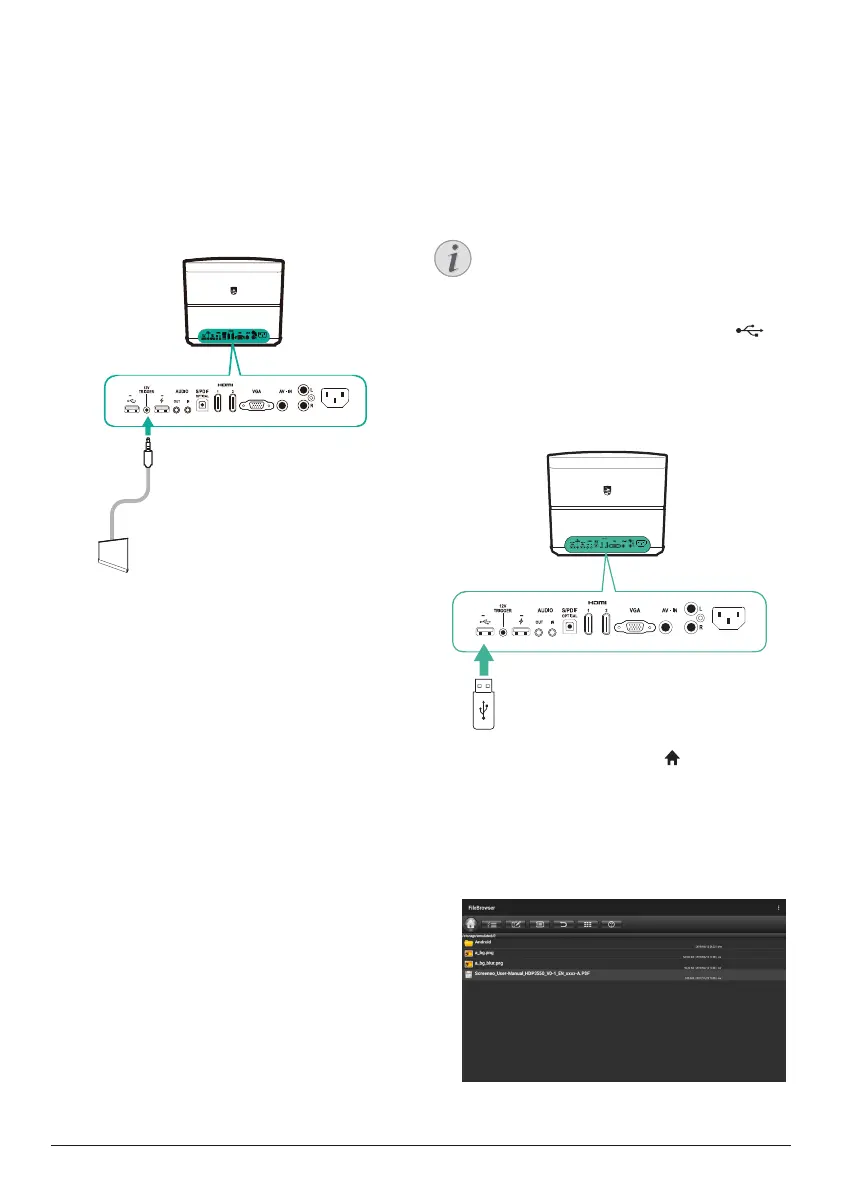
Connect a screen through
TRIGGER
Connect the projector to the projection screen
through TRIGGER connection. With this
connection, the projection screen can unfold
and fold automatically.
1 Using a trigger cable (not included), connect
the TRIGGER jack (12 V) on the projector to
the socket of the projection screen.
5V 0.5A
5V-1A
5V 1A
2 The projection screen automatically unfolds
or folds when the projector is turned on or off.
6 Browse storage
devices
Through the projector, you can manage and
play data files stored on the local storage and
connected storage devices (e.g. a USB flash
drive, HDD, camcorder or digital camera).
Notice
Only the USB port marked 0.5 A on
the projector can access the data files
contained on a USB storage device for
medai play.
1 Connect a USB storage device to the
port marked 0.5 A on the projector.
• The USB port marked 1 A on the
projector cannot access the data files
contained on a USB storage device for
media play.
2 On the home screen (press ), select and
access File Browser.
3 Select your connected device or local
storage on the device list.
4 The file browser is displayed. Use the
navigation buttons and OK on the remote
control to select and open files.















 To Next Page