EasyManua.ls Logo

Philips Screeneo HDP2510 - User Manual

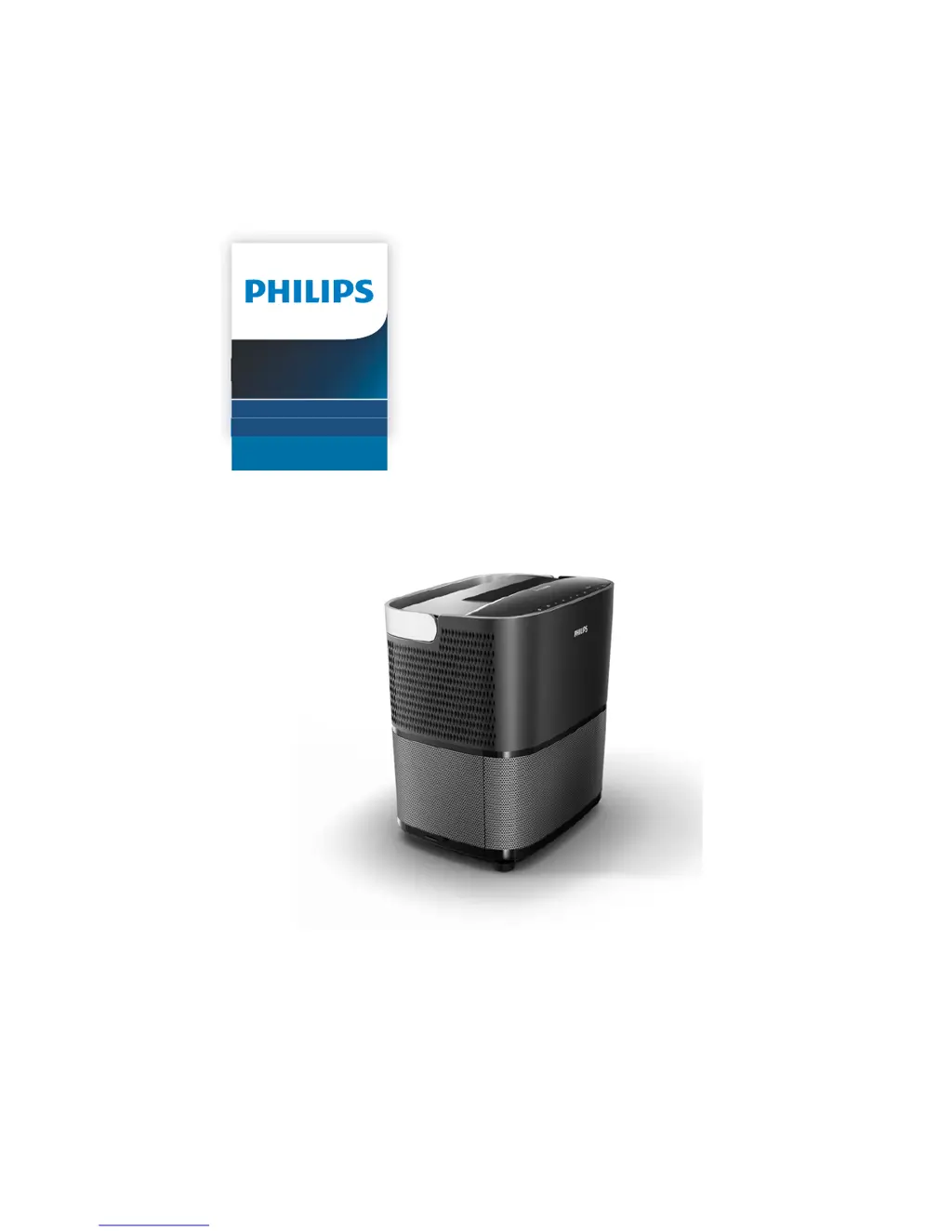
Philips Screeneo HDP2510
36 pages
Print Icon
To Next Page IconTo Next Page
Loading...
User Manual
Register your product and get support at
www.philips.com/welcome
Full HD projector
HDP2510
Screeneo

Questions and Answers

Summary

General Safety Information

Device Setup Precautions

Provides instructions and warnings for device placement and operation.

Authorized Repair Information

States that repairs should only be done by authorized centers.

Power Supply and 3 D Glasses

Power Supply Guidelines

Instructions for connecting the projector to a power source.

Rear View Connections

Port Identification

Details various input/output ports like TRIG OUT, USB, AUDIO, HDMI, VGA, AV-IN.

Remote Control Operation

Button Functions Explained

Explains the purpose and operation of each button on the remote control.

Initial Operation Steps

Setting Up the Projector

Instructions on positioning the projector and screen size considerations.

Connecting to Power

Steps to connect the projector to the power outlet.

Activating 3 D Glasses

Initial Installation Process

Projector Placement and Power On

Instructions for positioning the projector and powering it on for the first time.

Connecting Playback Devices

HDMI Connections

How to connect devices using HDMI cables.

VGA Computer Connection

Instructions for connecting a computer via VGA.

Audio Connections

Updating Projector Firmware

Downloading Firmware

Steps to download firmware from the Philips website.

Installing Firmware via USB

Steps to update the firmware using a USB drive.

Bluetooth Speaker Functionality

Activating Bluetooth Speaker Mode

Steps to enable the Bluetooth speaker functionality.

Bluetooth Pairing Process

How to pair external devices with the projector via Bluetooth.

Activating Media Player

Projector Settings

Image Settings

Covers visual adjustments including format, brightness, contrast, colour, and wall correction.

Resetting Projector Settings

Service and Maintenance

Lamp Replacement and Timer Reset

Guide for replacing the projector lamp and resetting its timer.

Troubleshooting Guide

Power Cycling Procedure

Steps to resolve issues by restarting the projector.

Common Problem Resolutions

Solutions for issues like no sound, video problems, USB, and remote control.

Device Operational Issues

Summary

General Safety Information

Device Setup Precautions

Provides instructions and warnings for device placement and operation.

Authorized Repair Information

States that repairs should only be done by authorized centers.

Power Supply and 3 D Glasses

Power Supply Guidelines

Instructions for connecting the projector to a power source.

Rear View Connections

Port Identification

Details various input/output ports like TRIG OUT, USB, AUDIO, HDMI, VGA, AV-IN.

Remote Control Operation

Button Functions Explained

Explains the purpose and operation of each button on the remote control.

Initial Operation Steps

Setting Up the Projector

Instructions on positioning the projector and screen size considerations.

Connecting to Power

Steps to connect the projector to the power outlet.

Activating 3 D Glasses

Initial Installation Process

Projector Placement and Power On

Instructions for positioning the projector and powering it on for the first time.

Connecting Playback Devices

HDMI Connections

How to connect devices using HDMI cables.

VGA Computer Connection

Instructions for connecting a computer via VGA.

Audio Connections

Updating Projector Firmware

Downloading Firmware

Steps to download firmware from the Philips website.

Installing Firmware via USB

Steps to update the firmware using a USB drive.

Bluetooth Speaker Functionality

Activating Bluetooth Speaker Mode

Steps to enable the Bluetooth speaker functionality.

Bluetooth Pairing Process

How to pair external devices with the projector via Bluetooth.

Activating Media Player

Projector Settings

Image Settings

Covers visual adjustments including format, brightness, contrast, colour, and wall correction.

Resetting Projector Settings

Service and Maintenance

Lamp Replacement and Timer Reset

Guide for replacing the projector lamp and resetting its timer.

Troubleshooting Guide

Power Cycling Procedure

Steps to resolve issues by restarting the projector.

Common Problem Resolutions

Solutions for issues like no sound, video problems, USB, and remote control.

Device Operational Issues

Philips Screeneo HDP2510 Specifications

General IconGeneral
Resolution1920 x 1080 pixels
Audio systemDolby Digital 2.1
RS-232 ports0
Number of colors1.073 billion colors
Native aspect ratio16:9
Projection distance100 - 420 m
Projection technologyDLP
Supported aspect ratios4:3, 16:9
Contrast ratio (typical)150000:1
Screen size compatibility50 - 120 \
Projector native resolution1080p (1920x1080)
Lamp typeUHP
Lamp power250 W
Light source typeLamp
Service life of light source10000 h
Color wheel segmentRGBRGB
Supported formats/resolutionsPAL, SECAM, NTSC
Noise level32 dB
Projection modesFront, Rear, Front ceiling, Rear ceiling
Noise level (economic mode)25 dB
Supported 3D formatsFrame Sequential, Frame packing, Side by side, Top and bottom
Analog signal format systemNTSC, PAL, SECAM
Supported graphics resolutions640 x 480 (VGA), 720 x 576, 1280 x 720 (HD 720), 1920 x 1080 (HD 1080)
Power sourceAC
AC input voltage90 - 264 V
AC input frequency47/63 Hz
Power consumption (max)300 W
Power consumption (standby)0.5 W
Power consumption (typical)190 W
RMS rated power26 W
Number of built-in speakers2
Ethernet LANNo
HDMI ports quantity3
USB 2.0 ports quantityUSB 2.0 ports have a data transmission speed of 480 Mbps, and are backwards compatible with USB 1.1 ports. You can connect all kinds of peripheral devices to them.
Storage temperature (T-T)-10 - 60 °C
Operating temperature (T-T)5 - 35 °C
Storage relative humidity (H-H)5 - 93 %
Operating relative humidity (H-H)15 - 85 %
Battery typeAAA
Throw ratio0.21:1
Focal length range- mm
Product typePortable projector
Product colorBlack
Market positioningHome cinema
Weight and Dimensions IconWeight and Dimensions
Depth248.8 mm
Width315.5 mm
Height291.9 mm
Weight8300 g
Package depth340 mm
Package width408 mm
Package height385 mm
Package weight10500 g

Related product manuals