Screen Resolution
The projector supports the following
resolutions: VGA/SVGA/WXGA, HD and
FULL HD. For best results, please check
the best resolution.
Connect to the playback device 17
4 From the Option menu, select VGA.
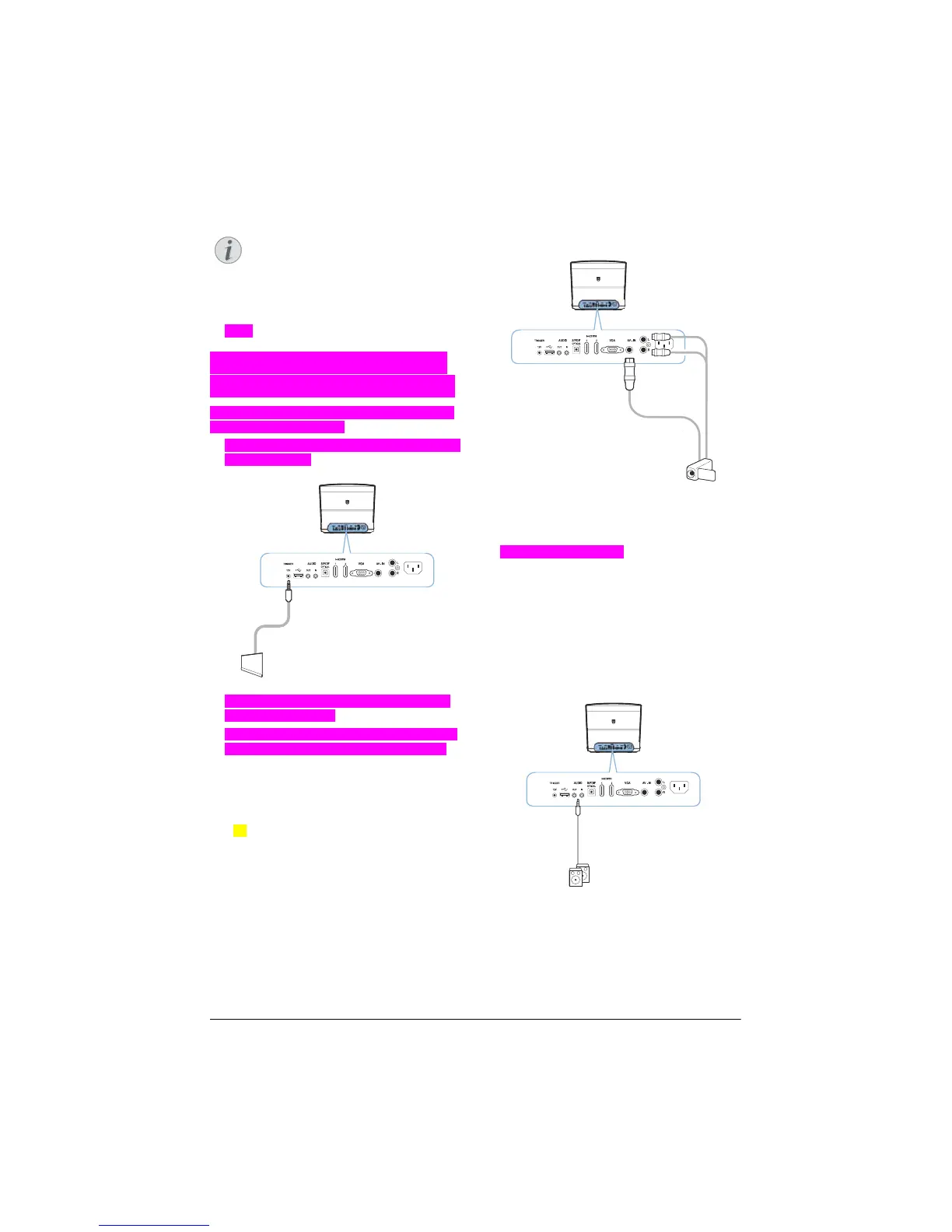
Connecting a screen using
the automatic Trigger input
Use a Trigger cable (Klinkenkabel) to connect
the projector to a screen.
1 Connect the Trigger cable to the projector's
TRIGGER socket.
2 Connect the other end of the cable to the
socket of the screen.
3 Th
e screen automatically moves down and
up when the projector is turned on or off.
Connecting using an audio/
video (CVBS) adapter cable
Use an audio/video adapter cable (A/V cable)
to connect a camcorder or digital camera. The
jacks for these devices are yellow (video), red
(audio right) and white (audio left).
1 Connect the A/V adapter to the projector's
- socket.
2 Connect the video device's audio/video
sockets to the A/V cable using a conventional
composite video (RCA) cable.
3 From th
e Option menu, select AV-IN.
Connecting to external
devices via digital cable
Use a digital cable to connect the projector to
external audio devices.
1 C
onnect the digital cable to the projector's
AUDIO socket.
AUDIO OUT: Con
nection for external
speakers.
AUDIO IN: Con
nection for external audio
devices
– only with VGA input.
2 Connect the other end of the cable to the
socket of you external audio device.
Notice















 To Next Page