20 Philips · HDP2510
5 Bluetooth speaker
The projector can be used as Bluetooth
speaker. In this mode, you can play music from
smart phones, tablets or other devices.
In this mode it is not possible to do any-
thing else than playing music.
The projector can only connect to, and
pl
ay audio from one device at a time.
Activating Bluetooth
speaker
1 Press the OPTION button and use / to
select System.
2 Confirm with .
3 Use
/ to select Bluetooth speaker.
4 Confirm with .
OK
OK
Source
Image
3D
Sound
System
Information
HDMI1
HDMI2
HDMI3
VGA
AV-In
Bluetooth speaker
Source settings
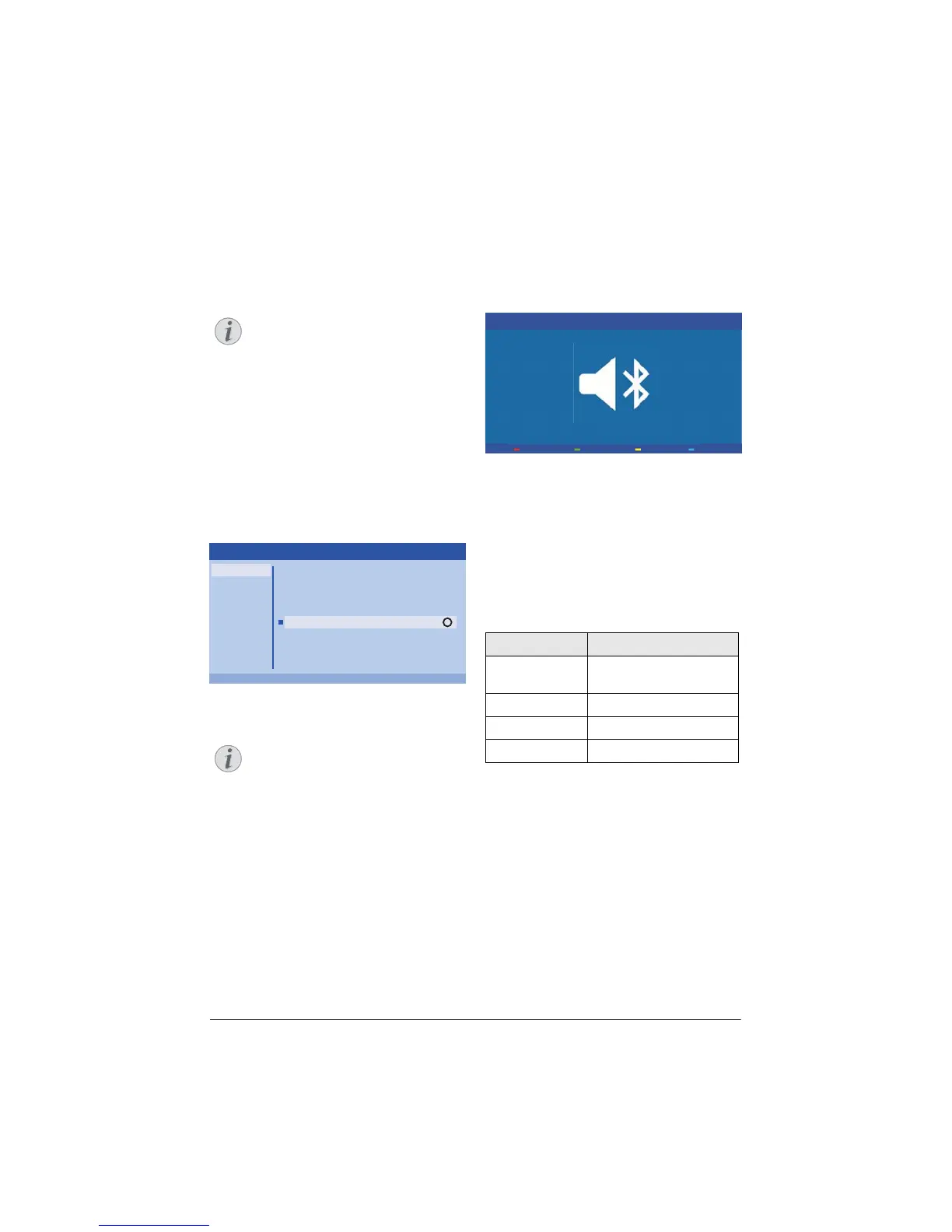
5 Press the RED key to Power on the speaker.
Shortcut menu
1 Press the SOURCE button and use
/ to se
lect Bluetooth speaker.
2 Co
nfirm with .
3 Pr
ess the key to Power on the
speaker.
The projector is now visible for the near exter-
nal Bluetooth devices.
Pair mode
1 After activating the Bluetooth connection the
pair mode can be started.
Power O
Waiting for pairing (60/60)
1 Press GREEN key to start the pair mode. The
timer counts down from 60 seconds.
2 Sel
ect on your external device the Screeneo
projector.
Wurde die Verbindung unterbrochen,
drücken Sie auf die rote Taste, um die
Verbindung wieder herzustellen.
Navigation by colour keys
Keys Action
Red key Starts and stops the con-
nection.
Green key Makes a pause.
Yellow ke
y Plays the previous music.
Blue key Plays the next music
Notice
Notice
Notice















 To Next Page