Media playback (optional) 21
6 Media playback (optional)
Read the informations on the best set-
tings for optimal use of your device
(see Settings, page 25).
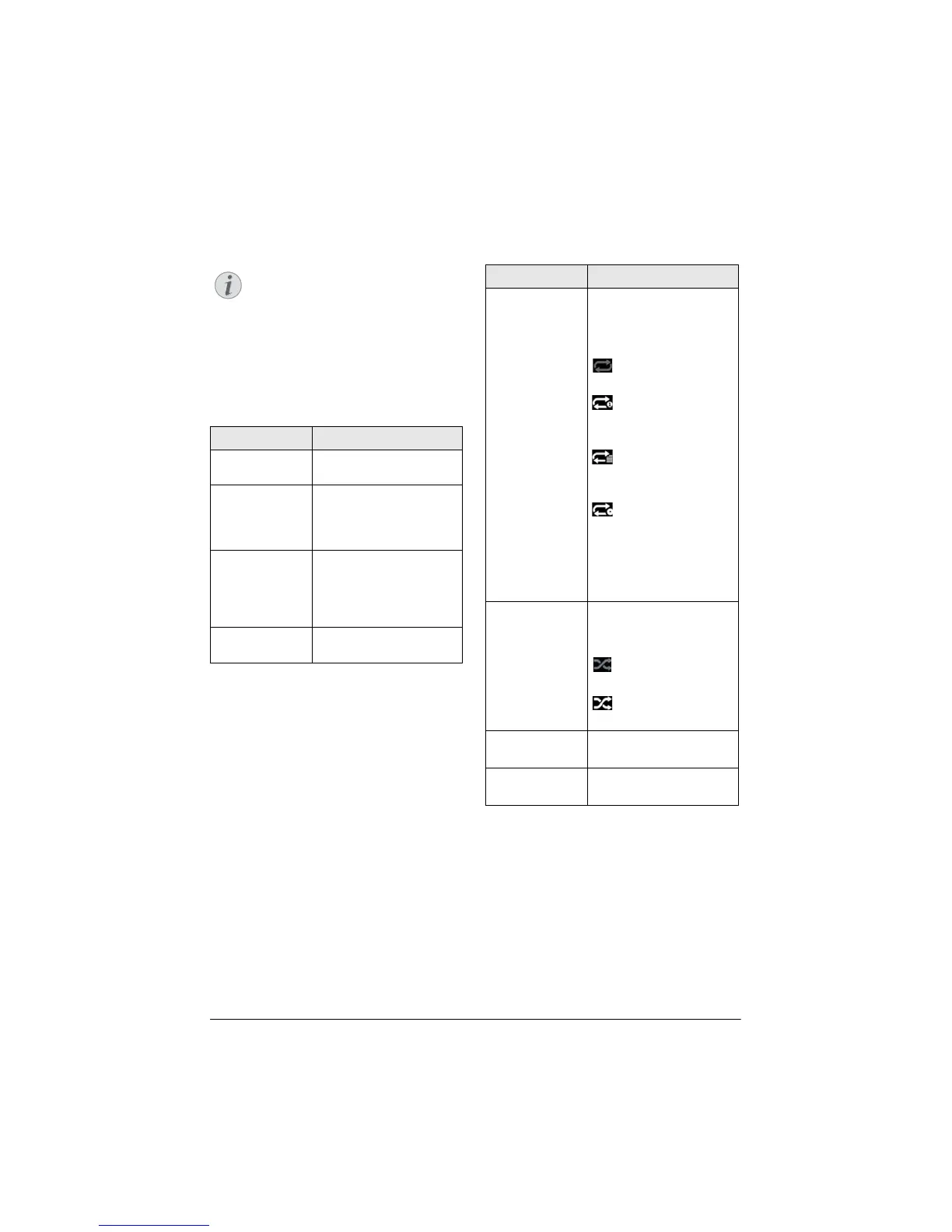
Navigation for media
playback
Navigation can be done by navigation keys
(,, À,Á), OK, ¿, u and colour keys on
the remote control.
Keys
Action
or Selects folders or files in
the displayed list.
Á or Goes one level down in
the directory.
Starts the selected media
file.
À or ¿ Goes one level up in the
directory.
Additionally you can also
use the BACK button on
the screen.
u Exits to media player main
screen.
Navigation by colour keys
Keys Action
Red key Music and movie player:
A
llows to set the repeat
mode: off, song, direc-
tory, all
: Play mode deacti-
vated (greyed).
: Plays only the
selected music or movie
in loo
p.
: Plays all musics or
movies in the selected
dire
ctory in loop.
: Plays all musics or
movies in the media in
loo
p.
Photo viewer:



 To Next Page