18 Philips · HDP2510
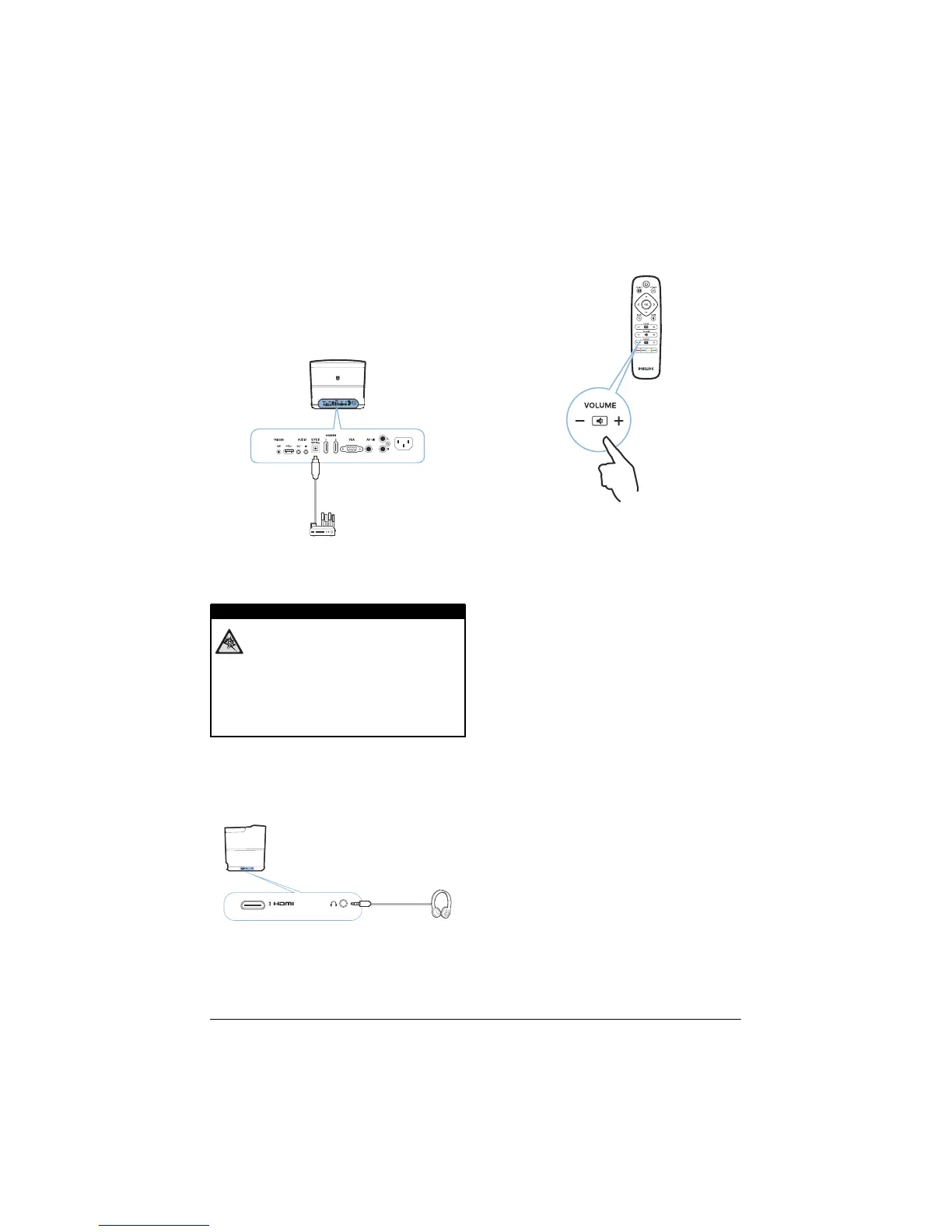
Connecting to a home
cinema amplifier
Use a S/PDIF optical cable to connect the DIGI-
TAL AUDIO output on the projector to the input
of you
r home cinema amplifier.
For example, to show digital channels in DTS or
DOLBY DI
GITAL quality sound.
Connecting to headphones
Danger of hearing damage!
Do not use the device over a longer
time at high volume – especially when
using headphones. This could lead to
the risks of hearing damage. Before
connecting the headphones, turn down
the volume on the device.
1 Conn
ect the headphones to the headphone
slot on the side of the device. The device
speakers deactivate automatically when the
headphones are connected.
2 After connecting the headphones, increase
the volume to a comfortable level using the
VOLUME buttons (+/-).
DANGER!















 To Next Page