Media playback (optional) 23
5 Press OK on the remote control to show the
status bar again. The movie pauses.
Fast forward/backward (2x, 4x, 8x
with each click) using :/;. Press
or Á to return to normal speed.
Press or Á t
o continue play-
back.
Navigation by colour keys
Keys Action
Red key Allows to set the repeat
mo
de: off, song, direc-
tory, all
: Play mode deacti-
vated (greyed).
: Plays only the
selected music or movie
i
n loop.
: Plays all musics or
movies in the selected
d
irectory in loop.
: Plays all musics or
movies in the media in
loop
.
During playback you can adjust the volume
us
ing the VOLUME buttons (+/-). Press
or
repeatedly to shut off the volume com-
pletely.
Photo playback (optional)
Supported file formats
Supported file formats are JPEG, BMP, PNG and
GIF.
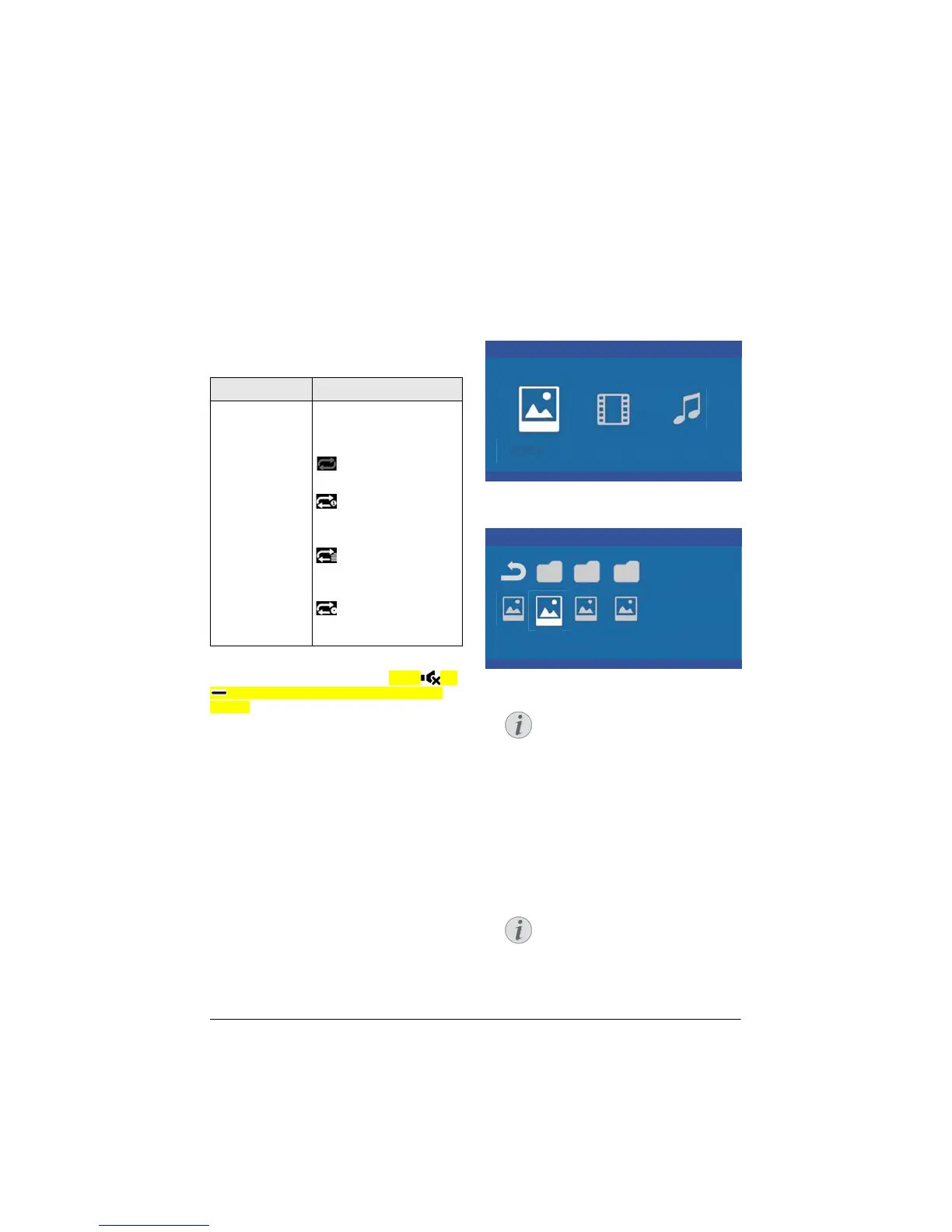
1 To display the photos content, select Photo
using the keys À/Á.
Media Player
Photo Movie Music
1 Use / to select the photo file that you
wish to play.
Picture
USB/Picture2 1/1
Picture PicturePicture
Only those photos that are compati-
ble with the projector will be dis-
played.
2 Th
e list of photos are displayed on the screen
as an overview. On the left side of the screen
the image is shown as a pre-image.
3 Us
e À/Á or / to select the image that
you want to start the slide show with. The
image is shown as a preview in the left win-
dow.
4 Pr
ess OK to start the slide show.
The slide show can be paused with
OK.
Press À/Á t
o choose an option:
with each click on OK turn the picture
90°
Notice
Notice
Notice















 To Next Page