EasyManua.ls Logo

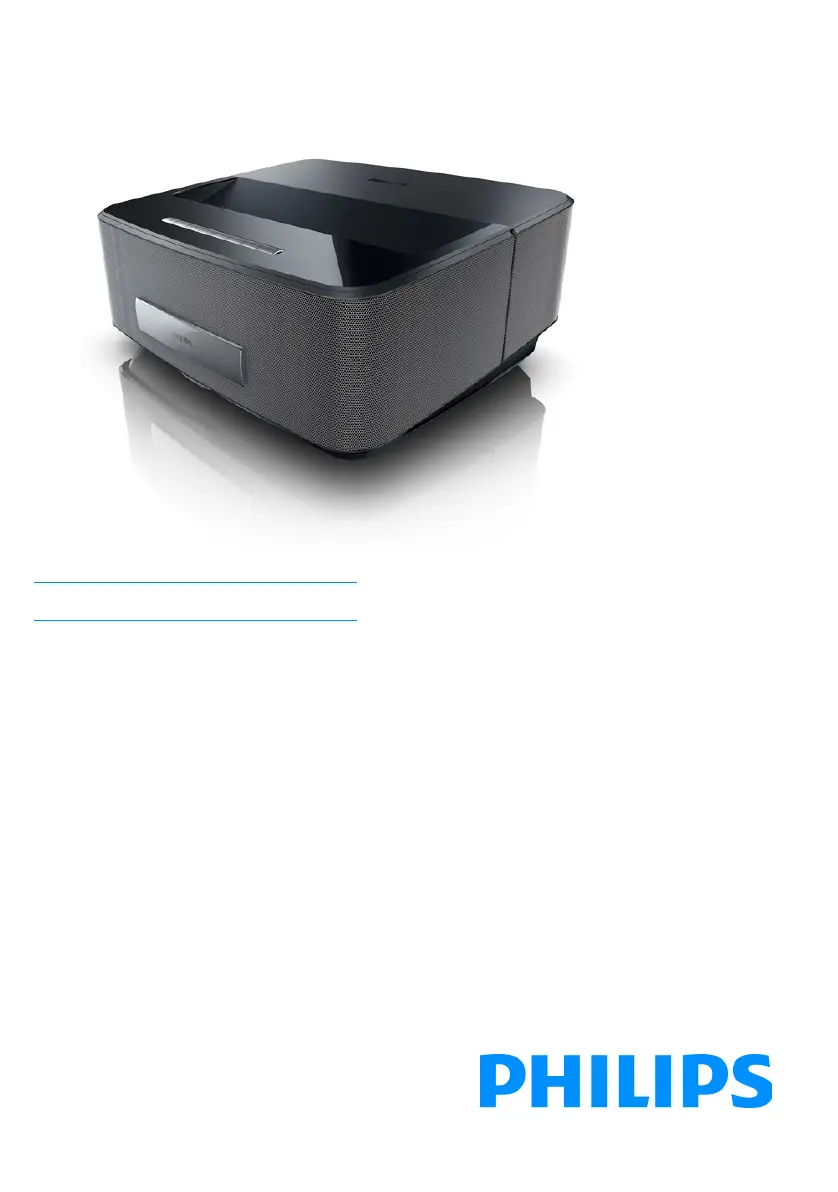
Philips Screeneo HDP1650 - User Manual

Philips Screeneo HDP1650
44 pages
Print Icon
To Next Page IconTo Next Page
Loading...
Register your product and get support at
www.philips.com/welcome
Screeneo
HDP1650
HDP1650TV
HDP1690
HDP1690TV
US User Manual
Screeneo_User-Manual_HDP16x0_V1-1_EN-US_253634032-A.book Page 1 Jeudi, 18. décembre 2014 8:56 08

Table of Contents

Questions and Answers

  • J
    Joseph BrooksAug 20, 2025
    What to do if only the initial screen appears and not the image from the external device on my Philips Projector?
    • S
      Sara NguyenAug 20, 2025
      If only the initial screen appears and not the image from the external device on your Philips Projector, verify that the cables are connected to the correct sockets, the external device is switched on, the video output of the external device is activated, and the HDMI source selected on the user interface corresponds to the HDMI connector where the external device is connected.
  • J
    jakeblackAug 22, 2025
    How to fix no sound on Philips Projector?
    • J
      jonathonjacobsAug 22, 2025
      If your Philips Projector isn't producing sound, first ensure that the speaker is activated in the settings menu (Settings / Sound setting / Speaker). If the speaker is on, adjust the volume using the / key on the remote control.
  • D
    Darren SteeleAug 25, 2025
    What to do if only the initial screen appears and not the image from the connected computer on my Philips Screeneo HDP1650 Projector?
    • J
      Jessica HudsonAug 25, 2025
      If your Philips Projector displays only the initial screen and not the image from the connected computer, first ensure that the VGA output of the computer is switched on. Also, verify that the resolution of the computer is set to 1280*800 for VGA connection or 1080P for HDMI connection.
  • J
    jeffrey93Aug 26, 2025
    Why is my Philips Screeneo HDP1650 remote not working?
    • A
      annamayAug 27, 2025
      If the Philips Projector does not react to remote control commands when using the RF remote control, check if the remote control batteries are new. If new batteries don't solve the issue, the remote control may need to be paired with the USB receiver again. To renew the pairing, connect the USB receiver to a rear USB port of the Screeneo, then press the red and blue keys on the remote control together for 5 to 10 seconds at the same time.
  • D
    Diane KingAug 28, 2025
    How to resolve bad image quality with HDMI on Philips Screeneo HDP1650?
    • K
      Kyle WallaceAug 28, 2025
      If you're experiencing bad image or color quality when connecting your Philips Projector with HDMI, try using the supplied HDMI cable, as third-party cables may cause signal distortions.
  • J
    John Hall DDSAug 29, 2025
    How to turn on Philips Screeneo HDP1650 Projector?
    • S
      shannon17Aug 29, 2025
      If your Philips Projector cannot be switched on, disconnect and then reconnect the power supply cable and try again.
  • T
    Todd HamptonAug 31, 2025
    Why does my Philips Screeneo HDP1650 Projector keep turning off?
    • M
      Monica ClarkSep 1, 2025
      If your Philips Projector turns itself off, it may be overheating. When the device is running for a long period of time, the surface becomes hot and a warning symbol appears on the projection. The device automatically turns off when it gets too hot. After the device has cooled down, you can continue playback. Also, check that the power cable is connected correctly and examine the sleep mode status in the setting menu, because when the sleep mode is activated, the device turn off after the programmed duration.
  • K
    kevin28Sep 2, 2025
    How to fix no sound from DVB-T or HDMI on Philips Screeneo HDP1650?
    • K
      Kent HoodSep 2, 2025
      To resolve no sound from a DVB-T program or external HDMI output device on your Philips Projector, set the audio setting to Multichannel (Raw data) & Stereo (PCM).
  • C
    cruzrichardSep 4, 2025
    What to do if there is no sound when connecting computer via HDMI to Philips Screeneo HDP1650 Projector?
    • A
      angelica37Sep 4, 2025
      If you're not getting sound when connecting your computer to the Philips Projector via HDMI cable, check that the sound is activated on the computer.
  • Y
    yandrewsSep 6, 2025
    What to do if Philips Screeneo HDP1650 cannot be switched off?
    • M
      Mark Harper Jr.Sep 6, 2025
      If your Philips Projector cannot be switched off, disconnect the power supply cable.

Philips Screeneo HDP1650 Specifications

General IconGeneral
Projection TechnologyDLP
Light SourceLED
Aspect Ratio16:9
Brightness1600 lumens
ConnectivityWi-Fi, Bluetooth
Lamp Life30000 hours
Keystone CorrectionVertical ±40°
Input PortsHDMI, USB

Related product manuals